
AI tools for farmers in India that give crop advice and mandi prices
Published , Updated , 17 min read
A farmer does not need one more app. A farmer needs three answers at the right time: what is my crop worth today, what is wrong with this plant, and will it rain before I spray or harvest. The tools below answer those three questions, and they do it in India, on an ordinary phone, without a VPN and without a paid plan to start. Everything paid is marked as paid, and every free limit below is stated the way the official pages state it.
The short answer for India is this: use Agri Dost free for live mandi prices by voice, in Hindi and other Indian languages, with prices for more than 500 commodities taken from official government data. Use Plantix free to photograph a sick crop and get a diagnosis and treatment suggestions in seconds. Use BharatAgri for a personalised crop calendar and weather-based warnings, starting on its free Krushi Seva tier and checking the price of its annual tier inside the app before paying anything. Keep the government apps as backup: Kisan Suvidha free for weather, mandi prices, input dealers and expert advisories, eNAM free to register for selling beyond your local mandi, and the IMD Mausam app free for official weather forecasts and warnings. Use a general chatbot only to explain something you already know, never as the only reason to spray, buy, or sell.
The short answer, in one table
| Job | Start here | Free position |
|---|---|---|
| Today’s mandi price, by voice | Agri Dost | Free, per its own site |
| Sick crop photo diagnosis | Plantix | Free diagnosis and treatment suggestions, per its own site |
| Crop calendar and weather warnings | BharatAgri | Free Krushi Seva tier; annual tier is paid, price inside the app |
| Weather, prices, dealers, advisories | Kisan Suvidha | Free government app |
| Selling in more mandis | eNAM | No registration fee for farmers |
| Official weather and warnings | IMD Mausam app | Free official app |
Prices and limits change. Before you pay for anything, or promise a buyer a date based on an app, re-check the official pricing or help page of that tool. A free tier that exists today can change tomorrow, and a mandi price shown in an app is a guide for bargaining, not a promise that a buyer will pay that price.
Agri Dost: mandi prices by voice
Agri Dost is the most farmer-friendly starting point in this list, because it removes typing. Its site describes it as an AI market price assistant for Indian farmers: you ask about market prices, weather, and crop advice by speaking, in Hindi, Telugu, Kannada, Tamil, and other Indian languages, and it answers by voice. That matters, because a tool that needs long English typing is a tool many farmers will open once and never open again.
What it actually gives you is practical. Live mandi prices for more than 500 commodities, sourced from official government data, with minimum, modal, and maximum prices shown together. A price poster you can share on WhatsApp with your farming community. A way to find the nearest mandis and compare prices across them, so you can decide whether to sell locally or travel. Price trends over time, so you can judge whether to sell today or wait. And expert farming advice on questions like spraying schedules and pest management, answered by AI.
The honest limits are these. First, a modal price is the price at which most trading happened, not the price you will personally get; your crop’s quality, quantity, and transport cost still decide the deal. Second, voice answers are only as good as the question: name the crop, the mandi, and the variety clearly, and check the number on the price poster before you quote it to a buyer. Third, Agri Dost’s site presents itself as 100 percent free to use, which is the position to verify in the app itself before you depend on it for a whole season, because free apps change their terms. Used that way, it is the best first app in this article: price first, advice second, and always in your own language.
Plantix: photograph a sick crop
Plantix answers the second question: what is wrong with this plant. You take a photo of the sick crop, and the app gives a free diagnosis and treatment suggestions in a few seconds. Its site calls itself the number one free app for crop diagnosis and treatments, and the Food and Agriculture Organization’s AgriTech Observatory lists Plantix Crop Doctor as a mobile app providing free diagnoses for crop problems and treatment suggestions, applied in India among other countries. That independent listing is worth noting, because many diagnosis apps claim India support without any India record.
How to use it well is simple, and it is also where most mistakes happen. Photograph the affected part closely, in daylight, with the damage clearly visible, and take two or three photos from different angles rather than one distant shot of the whole field. Read the treatment suggestion fully before buying anything, including the safety and dosage notes, and do not mix chemicals because two suggestions mention them. Most importantly, treat a photo diagnosis as a first check, not a final order. If the suggested treatment is expensive, or the disease is spreading fast, confirm with your local agriculture officer, a Krishi Vigyan Kendra, or the Kisan call centre reachable through Kisan Suvidha, before you spray a whole field.
Plantix also has a community of agriculture experts and cultivation knowledge inside the app, which is useful for the follow-up question: what do other farmers do about this problem in this season. The core diagnosis is presented as free on its site. Its site also describes business offerings for companies that want to plug into its diagnosis data, which is a separate business product, not something a farmer needs to buy to diagnose a crop. If the app ever asks you to pay for a basic diagnosis, check the official page again and compare with the free position stated here before paying.

BharatAgri: a crop calendar with weather warnings
BharatAgri is the planning tool in this list. You add your farm, add the crop, and give the sowing date and cultivation area. From that, the app gives a personalised crop calendar, weather-based advisory, and notifications about preventive steps at each crop stage, based on the weather at your farm. Its advisory page says it covers more than 350 crops, serves more than 10 lakh farmers, and offers chat and call support with an Agri Doctor, plus a satellite image of your farm on its feature list.
The feature that makes it different from a general advice app is the weather link. Instead of generic advice for a crop, it claims to give actionable insights based on changing weather at your farm, which is exactly when a farmer needs a warning: before a pest window, before a spray, before a harvest. That is also the feature to test honestly in your first season. Add one crop, follow its notifications for a month, and compare them with what you see in your own field. If the warnings match your field, keep using it. If they do not, do not let an app overrule your own eyes.
On price, be careful. BharatAgri’s advisory page lists a Free Krushi Seva tier with weather-based crop advisory, advanced weather forecast, unlimited chat and call support, and a personalised crop calendar, and separately an Annual Krushi Seva tier. The page snippet does not publish the annual price in a way that can be quoted here, so this article does not invent one. Start on the free tier, use the calendar and the warnings, and check the annual price inside the app itself before paying. A tool that is free to start is only a good deal if its paid tier is also worth its price for your farm size.
Kisan Suvidha: the free government backup
Kisan Suvidha is the government app that covers the basics in one place, and every farmer should have it even if they prefer another app for daily use. Its official site and government descriptions list the same five jobs: weather for today and the next five days, input dealers, market prices, plant protection, and expert advisories, plus extreme weather alerts for events like hailstorms or unseasonal rain, and a connection to the Kisan call centre where technical graduates answer queries.
The weather detail is genuinely useful for harvest decisions. The app shows temperature, humidity, wind, and rainfall for the current day and the five-day forecast, and the extreme weather alerts are the feature that can save a crop left in the field to dry after harvesting. The market price feature shows the latest price of crops traded in the mandi of your district, and also the maximum price in the district, the state, and the country on a particular day, which is a bargaining tool when a local trader offers a low price. The plant protection and advisory sections cover the same ground as the private apps, but from a government source.
One disagreement between sources is worth stating plainly. The Kisan Suvidha portal lists several languages, including English, Hindi, Assamese, Malayalam, Gujarati, Tamil, and Marathi. A government write-up of the app, however, describes registration as limited to Hindi and English at the time it was written. Languages in government apps change over time, so check the language list inside the app after you install it rather than trusting either statement alone. The app itself is free, and its value does not depend on a subscription: it is the backup that stays free when a private app changes its terms.
eNAM: sell beyond your local mandi
eNAM, the National Agriculture Market, is not an advice app. It is a pan-India electronic trading portal promoted by the Government of India to connect existing mandis into one integrated national market for agricultural commodities. For a farmer, its value is simple: more buyers, better price discovery, and real-time information on prices and arrivals in nearby mandis, instead of depending only on the one mandi you can reach by road.
Registration is the part to get right. According to eNAM’s own farmer page, there is no fee for registration on eNAM. You can register through the eNAM portal, through the mobile application, or at mandi gate entry. You will need mandatory details like name, sex, address, date of birth, mobile number, and bank details, plus documents like a passbook or cheque leaf and a government identity proof. That is a normal requirement for receiving payments, not a cost, but keep your bank details and documents ready before you start, and never share OTPs with anyone who offers to register you for a fee.
Be honest about what eNAM does not do. It does not remove transport, grading, or the need to take your produce to a mandi. It gives you price discovery and access to more markets, and its farmer page lists quicker payments and a healthy financial profile as benefits. Use it together with Agri Dost or Kisan Suvidha: check the price in an app first, then check eNAM for arrivals and buyers, and only then decide where to sell. A price on a screen is not a sale until a buyer has weighed, graded, and paid for your produce.
IMD Mausam: official weather before you spray or harvest
Weather decides more farming outcomes than any advice app, so the weather source should be official. Mausam is the mobile app of the India Meteorological Department, part of the Ministry of Earth Sciences, Government of India. Its Play Store page describes it as the official weather application, giving access to observed weather, forecasts, radar images, and proactive warnings of impending weather events, from the same products available on the IMD Mausam website.
Use it for the decisions that cannot wait: whether to spray today, whether to irrigate, whether to leave a harvested crop in the field, and whether to move produce before a storm. Radar images and warnings are more useful than a single temperature number, because they show where rain is actually moving. The app is free, it is a government app, and it does not need a subscription to show a forecast.
The limit is also plain. A district or block forecast is not a forecast for your exact field, and a forecast can change during the day. Check the forecast in the morning and again before the decision that costs money, like spraying or harvesting, and combine it with what you see in your own sky and field. If Mausam warns of unseasonal rain and your crop is drying in the field, that warning alone is worth the install.
General chatbots: useful, but verify
A general AI chatbot can explain a farming term, draft a message to a buyer, or translate a mandi notice. It is not a farming tool, and this article does not present it as one. If you use one, ask it to explain, not to decide. Ask what a disease name means, how a mandi term works, or how to phrase a question to an expert. Do not ask it to choose your spray, your dose, or your selling day, and do not follow a dose or chemical name from a chatbot without checking it against Plantix, BharatAgri, Kisan Suvidha, or a local expert.
The reason is simple and applies to every tool in this article. A chatbot answers in confident language even when it is guessing, and it does not know your soil, your variety, or your last spray. A farming app at least asks for your crop, your sowing date, and your location. For anything that costs money or affects health, the order is: app first, expert second, chatbot only for explanation. For Hindi voice help and translation of farming advice, see the voice and translation tools linked at the end of this article.
Using AI tools in India: language, payment, and verification
Language is the first test. Agri Dost works by voice in Hindi and other Indian languages, Kisan Suvidha’s language list should be checked inside the app, and Plantix and BharatAgri work through photos, calendars, and chat, which reduces typing even when English words appear. If an app needs long English typing to be useful, it is not built for most Indian farmers, however good its technology is.
Payment is the second test. The free tools in this article are free for their core job: Agri Dost presents itself as free, Plantix diagnosis is free, Kisan Suvidha, eNAM registration, and IMD Mausam are free government services, and BharatAgri has a free tier with a paid annual tier whose price must be checked in the app. Never pay a middleman to register you on a free government service, never share an OTP for a registration, and never buy inputs from inside an advice app without comparing the price with your local dealer.
Verification is the third test, and it is the habit that makes all the others safe. Check a mandi price in two places before you bargain. Check a disease diagnosis with a second photo or a local expert before you spray a whole field. Check a weather warning twice before a costly decision. Keep your farm’s location and bank details only in apps you trust, and read the privacy note of any app that asks for your location, because a free app still collects data. The tools linked at the end of this article cover phone safety and privacy in more detail.
What to avoid
Avoid any app that promises a guaranteed mandi price, a guaranteed yield, or a cure for a crop disease from one photo. No app can promise those things, and a promise like that is a sales pitch, not advice. Avoid spraying on the basis of a single chatbot answer, a single photo, or a forwarded WhatsApp message, especially when the chemical is expensive or the dose is unclear. Avoid paying for registration on a government service, and avoid sharing OTPs, bank details, or Aadhaar details with anyone who contacts you about a farming app. Avoid tools that need a VPN to work in India, because a tool that is blocked here is a tool whose support will also be absent here. And avoid depending on one app alone for a whole season: keep one price app, one diagnosis app, and one government backup, so that a single app’s outage or price change does not leave you without answers.
Frequently asked questions
Can I get mandi prices without typing? Yes. Agri Dost is built for voice questions in Hindi and other Indian languages, and it gives live mandi prices from official government data for more than 500 commodities, with minimum, modal, and maximum prices shown together.
Is a photo diagnosis enough to decide spraying? No. A Plantix photo diagnosis is a strong first check, and it is free, but confirm an expensive treatment or a fast-spreading disease with a local agriculture officer, a Krishi Vigyan Kendra, or the Kisan call centre before spraying a whole field.
Do these apps work in Hindi? Agri Dost works by voice in Hindi and other Indian languages. Kisan Suvidha’s language list varies between its portal and older app write-ups, so check inside the app after installing. Plantix and BharatAgri reduce typing through photos, calendars, and chat, even where some English words appear.
Do I need to pay for BharatAgri? No, not to start. BharatAgri lists a Free Krushi Seva tier with weather-based advisory, forecast, chat and call support, and a personalised crop calendar. Its annual tier is paid, and its price is not quoted here because the advisory page does not publish it clearly; check it inside the app before paying.
Can I sell on eNAM from my village? You can register free through the eNAM portal, its mobile app, or at mandi gate entry, with your identity proof and bank details. Registration is free, but selling still needs the mandi process of weighing, grading, and payment, so check prices and arrivals first.
Is weather from an app enough for harvest decisions? It is necessary but not enough on its own. The IMD Mausam app gives official forecasts, radar, and warnings, which is the right source, but check it twice on the day of a costly decision and combine it with what you see in your own field.
The final verdict, and a checklist before you pay
Start with Agri Dost for mandi prices and Plantix for sick-crop photos; both are free. Keep Kisan Suvidha for weather and market backup. Add BharatAgri for a crop calendar once you have one crop to track, and use eNAM when you want buyers beyond your local mandi. That combination covers price, disease, planning, weather, and selling, without a paid plan to start.
Before you pay for anything, run this checklist. Is the core job free somewhere else in this article. Is the paid price shown inside the official app itself, not by a middleman. Have you tested the free tier for at least a month on your own crop. Have you confirmed a costly decision, like spraying or selling, in a second source. If any answer is no, wait. The right tool for a farmer is not the newest app, it is the app that still gives the right price, the right diagnosis, and the right warning on the day you actually need it.
For Hindi voice help, see free AI voice tools in India. For translating farming advice between Hindi and English, see AI translation tools for Hindi and English in India. For keeping your phone and farm data safe while using these apps, see AI privacy and safety free tools in India.
Image credits:
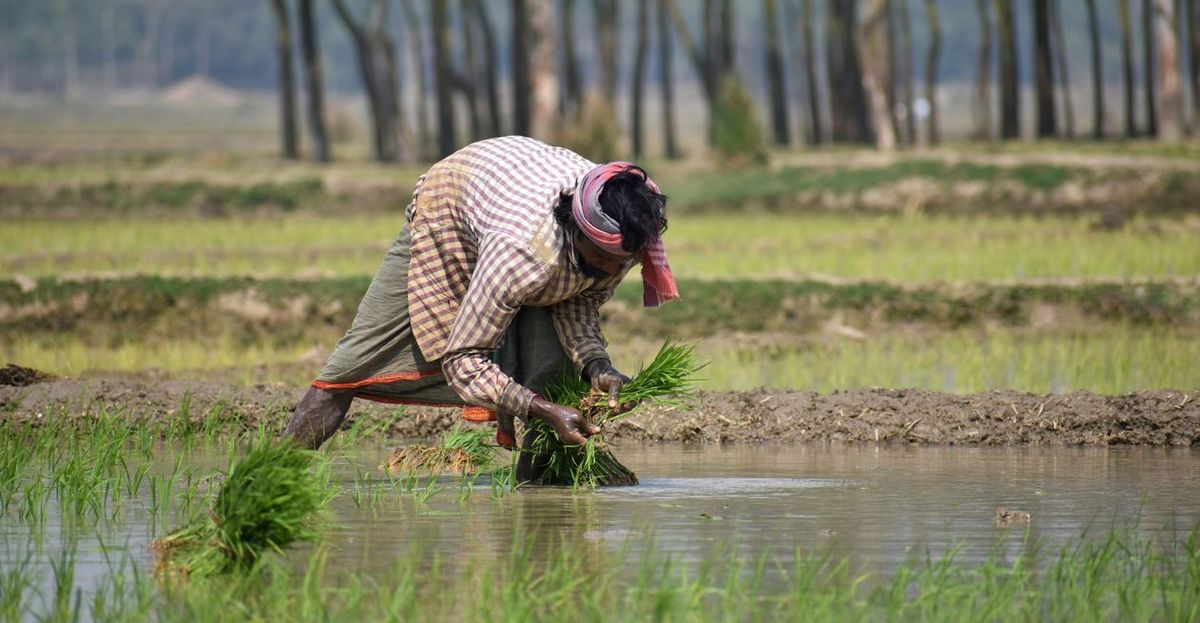
- A farmer planting rice seedlings in a flooded paddy field in West Bengal, India — Pexels by Sajal’s Gallery, Pexels License.
- Hands holding a smartphone photographing potted plants — Pexels by Teona Swift, Pexels License.
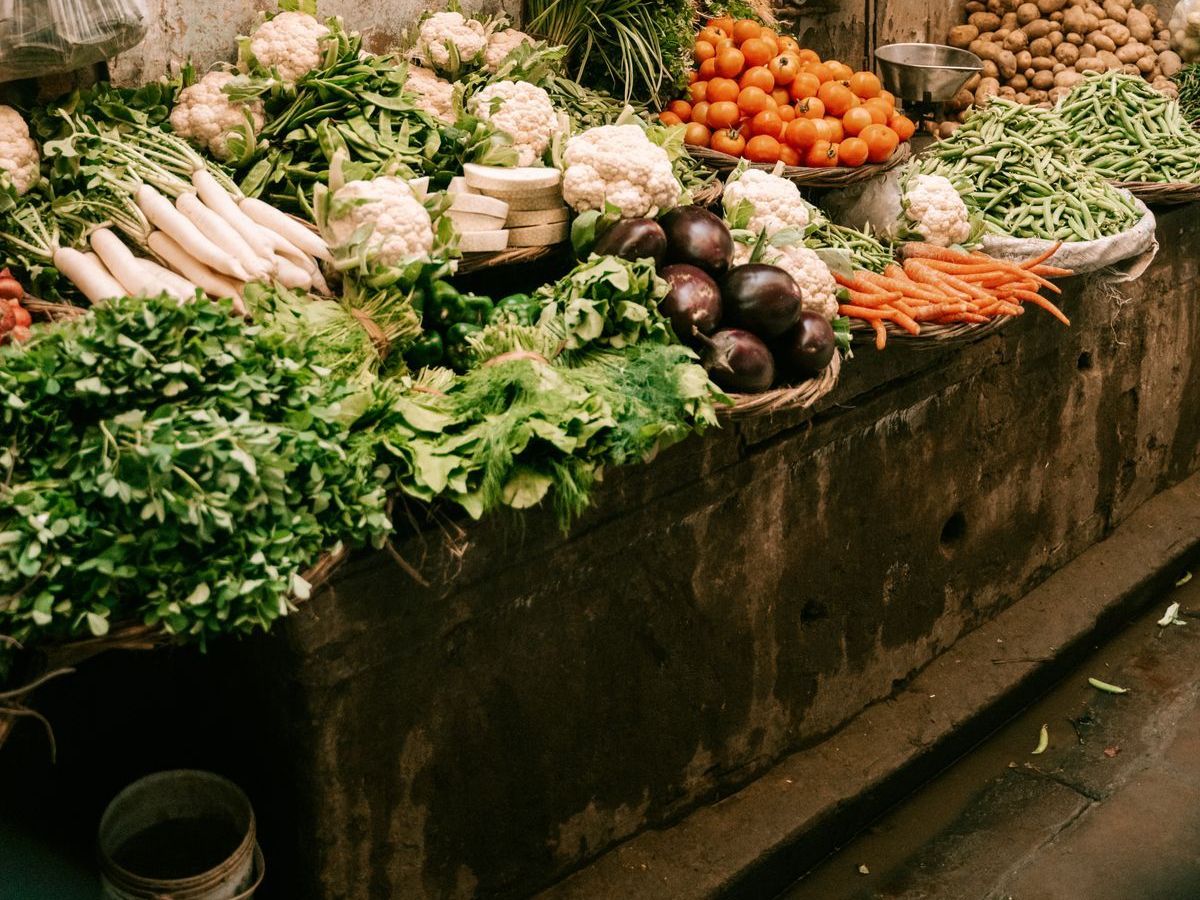
- Fresh vegetables displayed at a street market stall in India — Pexels by Stijn Dijkstra, Pexels License.