
AI tools for fashion designers in India: sketches, patterns and portfolios
Published , Updated , 19 min read
Fashion design in India in 2026 has a very specific trap: almost every AI tool can make a beautiful picture of a dress, but very few can make a dress. A glowing render of a lehenga or a streetwear jacket is not a pattern, not a tech pack, and not something a tailor or factory can cut. So the honest short answer is this: use free AI render tools to explore ideas and present them, use a proper 3D pattern tool when fit and construction matter, and use a simple portfolio tool to turn both into work that gets you clients, admissions, or orders. No single tool does all three jobs well, and any tool that claims to is overselling.
The starting stack that actually works for most Indian designers is small. Sketch an idea on paper or on a tablet, turn it into a clean render with Vizcom, which has a free starter plan, and build the mood board, collection presentation, and portfolio in Canva, which has a free plan. If you need fabric and colour variations fast, add Adobe Firefly, which has a free plan. When a design moves toward real production, move it into CLO 3D, where a 2D pattern is sewn and draped on a virtual model, because that is the step where an image generator stops being useful. For selling online, an on-model photo tool such as Botika turns a flat product photo into catalogue imagery without a full photoshoot. Everything else in this article is a specialist for one of those stages, and you should buy it only when that stage is your bottleneck.
Short answer: which tool for which job
| Job | First pick | Free starting point | Watch out for |
|---|---|---|---|
| Sketch to render | Vizcom | Free starter plan, no card needed | Paid plan is $49 per user per month |
| Concept, flats, and campaign visuals | Raspberry AI | Free plan, 20 credits a month | Credits run out fast on big collections |
| Fabric, colour, and print variations | Adobe Firefly | Free plan with free generations | Sources disagree on the exact free credit count |
| Mood boards, presentations, portfolio | Canva | Free plan | Premium elements can lock an export |
| Real patterns and 3D fitting | CLO 3D | Free trial, then paid; students get 50% off | Needs learning time, not just a prompt |
| AI-assisted 3D workflow | Style3D | Paid plans; check checkout before committing | Enterprise-leaning; overkill for a solo designer |
| On-model catalogue photos | Botika | Paid plans; check the pricing page | Per-photo credit model; count SKUs first |
| Free pattern drafting | Seamly2D | Free and open source | No AI; it drafts by measurements and formulas |
| Fabric photo to stitched look | Preloom | Built around South Asian garments | Makes previews, not patterns or tech packs |
How a collection actually moves through these tools
A collection usually passes through five stages, and matching the tool to the stage is the whole skill. First comes research and the mood board: references, colours, fabrics, and silhouettes pinned together so the collection has one direction instead of twenty unrelated ideas. Second comes sketching and rendering: rough drawings become clean visuals you can show a client, a teacher, or a buyer. Third comes pattern and fitting: the design becomes measurements, pieces, and a garment that fits a body. Fourth comes presentation: the lookbook, the portfolio, or the catalogue page that sells the work. Fifth comes production and selling: tech packs, sampling, and product photos for an online store. AI is strongest at stages one, two, and four, and weakest at stage three, which is exactly where beginners get misled. A render can hide a bad armhole, an impossible seam, or a fabric that would never drape that way. Treat every AI image as a proposal, and treat the pattern as the proof.
If you are a student, your portfolio is the product. Admissions tutors and employers look for process: the mood board, the sketches, the failed version, the fabric swatch, and the finished garment, in that order. If you run a boutique or a small label in India, your bottleneck is usually different: too many physical samples, slow photoshoots, and catalogue photos that cost more than the margin on a slow-moving SKU. If you are a freelancer, your bottleneck is presentation speed: how fast you can turn a client brief into ten believable directions. Pick tools for your bottleneck, not for the loudest advertisement.
Vizcom: sketch to render
Vizcom turns a rough sketch into a finished-looking render, and that is why it is the best first tool for most fashion designers. You draw the silhouette, add a few notes about fabric or colour, and it returns a cleaner, more presentable version you can iterate on. Its pricing page lists a free starter plan at $0 per user per month, a Professional plan at $49 per user per month, and a free education plan for qualified students and educators. The free plan is genuinely usable for exploring the tool, since Vizcom itself says no credit card is required for the starter plan, but usage runs on credits that reset monthly, so a heavy collection week can exhaust the free balance. The honest limit is this: Vizcom makes your sketch look real, but it does not check whether the garment can be sewn. Use it to win the meeting, then prove the garment elsewhere. It works in India in a normal browser without a VPN, and payment, if you upgrade, is through its standard checkout, so re-check the pricing page before paying, because credit limits and plan prices change.
Raspberry AI: concepts, flats, and campaign visuals in one place
Raspberry AI is built for fashion teams that need product visuals, technical drawings, on-model imagery, and campaign video from one workflow. Its free plan costs $0 a month, needs no credit card, gives access to all modules, and includes 20 credits a month, while its Individual plan is $49 per user per month with 120 credits a month and high-resolution exports. For an Indian designer, the practical use is breadth: one tool that can take a concept from a flat technical drawing to a styled on-model image without switching apps five times. The catch is the credit maths. Twenty credits a month is enough to test the tool and finish a small capsule presentation, but a full collection of twenty looks, each needing variations, will burn through it quickly. Count your looks before you start, and keep your best prompts and settings saved so you are not paying credits to rediscover a look you already liked. As with every paid plan in this article, re-check the official pricing page before promising a client a deadline that depends on a paid tier.
Adobe Firefly: fabric, colour, and print variations
Adobe Firefly is Adobe’s image generation tool, and its strength for fashion is variation: one silhouette in ten colourways, one print scaled three ways, one fabric texture swapped for another. Adobe’s own India page says Firefly has a free plan that provides free daily generations, and that paid plans add more generative credits, which reset each billing cycle. Here the sources honestly disagree, and you should know that before planning around a number: a third-party guide focused on India describes the free plan as 25 generative credits a month, while Adobe’s own page describes free daily generations without pinning that monthly number in the text checked for this article. Do not build a client promise on either number; sign in, check your own account’s credit balance, and then plan. Firefly’s real advantage is commercial safety: Adobe says its model is trained on licensed content, which matters when a print or a look ends up on a product you sell. It also works in India on a normal connection without a VPN, according to India-focused reporting, and pairs naturally with free Adobe Express for layouts. The limit is the same as every image generator: it invents details. A print it generates may look like a traditional motif without being one, so check cultural and craft references yourself before putting a motif into production, especially for bridal, handloom, or occasion wear where accuracy is part of the value.
Canva: mood boards, presentations, and portfolios
Canva is the least glamorous tool on this list and the one most Indian designers will actually open every week. Its free plan covers mood boards, collection decks, social posts, and portfolio layouts, and its India pricing page lists Free, Pro, Business, and Enterprise tiers. For fashion, use it for what it is good at: a clean grid of references, a colour and fabric page, a collection story told in ten slides, and a portfolio PDF you can send on WhatsApp or email. Pair it with your renders from Vizcom or Firefly rather than expecting Canva’s own AI to design garments. The trap to avoid is the one this site’s design articles keep repeating: premium elements can slip into a free design and add a watermark or a paywall at export, so check every element before you export, because a portfolio that looks free in the editor is not free if a locked item hides inside it. Canva also connects naturally to selling: if you already sell through an online store, the same boards that pitch a collection can become catalogue and social content, which links to the broader question of AI tools for online sellers in India and AI tools for social media in India.
CLO 3D: where a picture becomes a garment
CLO 3D is the tool to use when you need real, production-ready patterns, which none of the image generators in this article produce. You draft 2D pattern pieces, sew them digitally, and watch them drape on a virtual model, which lets you check fit, proportion, and fabric behaviour before cutting a single metre of cloth. Multiple independent guides agree on this division of labour: sketch tools for ideas, CLO 3D for patterns. For Indian students, the pricing matters: CLO’s own support pages say eligible students worldwide get 50% off an Individual plan, at $25 a month on monthly billing or $225 a year, for four years from the start of the paid subscription, with verification through a school email or documents. Start with the free trial, learn the pattern tools properly, and only then pay, because CLO 3D rewards pattern knowledge and punishes prompt-only thinking. A designer who understands dart manipulation, grain lines, and ease will get far more from it than someone who only knows how to describe a dress. It is also the tool whose output a factory can actually use: digital samples for fit validation and production-ready specs, not just a picture to admire. If your work stops at Instagram posts, you do not need it yet; if your work goes to a tailor, a sampling unit, or an exporter, it is the most honest investment on this list.
Style3D: the connected AI and 3D workflow
Style3D is best understood as a connected workflow rather than a single trick: sketch, 3D sampling, and virtual shoots linked together, with AI tools that automate parts of pattern, trim, and marketing render work. Independent comparisons place it alongside CLO 3D for sketch-to-3D sampling, with CLO 3D stronger on pattern-accurate work and Style3D stronger on the connected pipeline from design to shoot. The honest caveat is pricing and scale: comparisons describe paid plans and advise checking checkout, and the tool leans toward teams and brands rather than a solo student. If you are a small label producing regular drops and your pain is the time between sketch and sellable imagery, Style3D is worth a demo; if you are still learning pattern construction, CLO 3D or even free Seamly2D will teach you more per rupee. Do not buy an enterprise-leaning workflow to solve a portfolio problem.
Botika: on-model photos without a photoshoot
Botika solves the most expensive recurring problem for Indian online sellers: catalogue photography. You upload a flat product photo, and it generates on-model imagery with AI models and backgrounds, in a consistent style across a catalogue. Its pricing page lists a Pro plan at $46 a month billed annually, with retouch rounds, no watermark, and 2K resolution, and an Advanced plan above it, with annual billing and credits bought upfront. The maths to do before subscribing is simple: count your SKUs, count how many photos each SKU needs, and compare that total with a local photographer’s day rate, because a credit model rewards catalogues with many similar products and punishes a label that shoots five one-off bridal pieces a month. Also check the model and skin-tone range on your own products before committing, since a catalogue that looks consistent but wrong for your customer is worse than a smaller, honest shoot. For the wider selling picture, including listings and store content, see the companion guide to AI tools for online sellers in India.
Seamly2D: free pattern drafting, honestly without AI
Seamly2D is the exception that proves the rule, and it belongs here precisely because it is honest about what it is. It is a free, open-source parametric pattern drafting tool for Windows, macOS, and Linux, and comparisons describe it as having no AI but powerful formula-driven sizing. You draft a basic block from measurements, change a measurement, and the pattern updates through its formulas, which is exactly how a student learns grading and fit logic without paying a subscription. It will not generate a design from a prompt, and it will not render a glamorous campaign image, but the block it produces is yours, editable, and grounded in real numbers. For a student in India with a normal laptop and no budget, the learning path is clear: draft blocks in Seamly2D, understand the geometry, and later carry that understanding into CLO 3D, where the same logic meets 3D fitting. Free does not mean low value here; it means the value is your skill, not a credit balance.
Preloom: fabric photos to stitched-garment previews
Preloom deserves a special mention for Indian designers because it starts from a photo of unstitched fabric and is built around South Asian garments, batch grids, and buyer share links. If you sell fabric, run a boutique that stitches made-to-order pieces, or pitch buyers who want to see a fabric as a finished garment, that starting point matches your real workflow better than a generic prompt box. The limit is stated plainly by its own comparison coverage: it does not make patterns, tech packs, or 3D garments. Use it to sell the fabric and win the order, then hand the order to a pattern tool and a tailor. For a fabric-first business, that division is a strength, not a flaw, as long as you do not promise a buyer a production file Preloom was never built to produce.
Using these tools in India: money, machines, and buyers
Most tools on this list are browser-based and open in India on a normal connection without a VPN, which is the practical test that matters. The friction Indian designers actually face is different: international card payments that fail or get flagged, dollar pricing that moves with the exchange rate, and plans that look cheap monthly but bill annually upfront. Botika’s headline monthly figure, for example, is an annual-billing figure, and CLO 3D’s student price depends on verification during checkout, so read the billing line, not just the big number. If a tool offers a free trial, use it on a real project with a real deadline, not on a toy prompt, because a trial spent on experiments tells you nothing about whether the tool survives your actual workflow. On hardware, image generators run fine on a normal laptop because the heavy work happens on the vendor’s servers, while CLO 3D benefits from a decent machine for smooth 3D drape, so test the trial on the laptop you actually own before paying.
Buyers in India also judge differently from buyers elsewhere, and your tools should respect that. A bridal or occasion-wear buyer wants to see embroidery density, fall, and lining, not just a silhouette, so a render that flattens those details will mislead them. A handloom buyer wants the weave and the selvedge story, which no generator invents faithfully. Use AI images for direction and speed, but photograph or scan your real fabric, keep your real swatch library, and let the AI propose while the material decides. For collections aimed at Indian festivals, weddings, and regional occasions, build your mood boards from real references and real craft, and treat generated motifs as drafts to verify, not as finished heritage.
What to avoid
First, do not send a client or a factory an AI render and call it a tech pack. A tech pack needs measurements, construction notes, trims, stitch details, and grading, and no image generator in this article produces that. Second, do not promise a deadline that depends on a free credit balance. Free tiers reset, shrink, or change, and a collection that needs forty generations in a week will not fit inside a twenty-credit month. Third, do not let generated prints quietly copy or distort traditional motifs, artist work, or brand logos; if a print looks familiar, check it before production, because the cost of reprinting a run dwarfs the cost of one careful check. Fourth, do not buy the biggest plan first. Start free, finish one small real project end to end, and only upgrade when you can name the exact job the paid tier unlocks. Fifth, do not skip the physical sample. A 3D drape catches many mistakes, but it does not replace a physical fit test on a real body in the real fabric, and any sampling guide that claims otherwise is selling software, not garments.
A short honest-limits note on money: every price and free limit in this article was checked against the official pricing or support page at the time of writing, but prices, credit counts, and free tiers change, sometimes without announcement. Re-check the official pricing and help page before paying, before quoting a client, and before promising a deadline that depends on a paid plan. If a price here disagrees with the official page when you read this, the official page wins.
Frequently asked questions
Which AI tool is best for fashion designers in India? There is no single best tool, because the job splits four ways. Vizcom is the best free start for turning sketches into renders, Canva is the best free start for portfolios and presentations, CLO 3D is the best tool for real patterns and fitting, and Botika is the best specialist for on-model catalogue photos. Pick by your bottleneck, not by a ranking.
Can AI tools replace a fashion designer? No. They replace the slow middle steps: cleaning a sketch, trying ten colourways, or mocking up a lookbook page. They do not replace taste, pattern knowledge, fabric judgement, or fitting on a real body. The designers who benefit most are the ones who already understand construction, because they can spot what the AI got wrong.
Do AI fashion tools generate real sewing patterns? Image generators do not. They generate pictures of garments, not cuttable pieces. Real patterns come from pattern tools such as CLO 3D, Style3D, or free drafting in Seamly2D, where measurements and geometry, not prompts, decide the shape. If a tool promises a pattern from a sentence alone, ask to see the exported file before believing it.
Which AI fashion tools are free for students in India? Vizcom has a free starter plan and a free education plan for qualified students and educators, Raspberry AI has a free plan with 20 credits a month, Adobe Firefly has a free plan, Canva has a free plan, and Seamly2D is free and open source. CLO 3D adds a 50% student discount on its Individual plan after verification. Check each official page, because free limits change.
Can I use these tools without a VPN in India? Yes, the tools in this article are browser-based services that open in India on a normal connection, and India-focused reporting confirms this for Firefly specifically. If any tool’s signup or payment page behaves differently for you, check its official help page rather than assuming a VPN will fix a billing or verification problem.
Is it safe to use AI-generated prints and designs for products I sell? Mostly, with one careful check. Adobe Firefly’s licensed-training approach is designed for commercial use, but every generator can produce something that resembles an existing motif, artwork, or logo. Before printing a run, check unfamiliar prints against your references, keep records of your prompts and sources, and do not sell a generated image as a traditional craft product if it is not one.
Do I need a powerful computer for AI fashion design? Not for image generation, mood boards, or portfolios, because that work runs in the browser on the vendor’s servers and works on a normal laptop. CLO 3D is the exception: smooth 3D drape and fitting benefit from a stronger machine, so run its free trial on your own laptop before paying for a subscription.
What should a fashion design portfolio include? An introduction, concept mood boards, hand-drawn and digital sketches, photographs of finished garments or styled looks, a colour palette and fabric reference section, and your contact details. For job applications, add technical flat drawings; for college admission, add process documentation showing how your ideas evolved, because the journey matters as much as the final look.
Final verdict
Start free with Vizcom for renders and Canva for portfolios; pay for CLO 3D only when a real pattern, not just a picture, is the job.
Image credits:
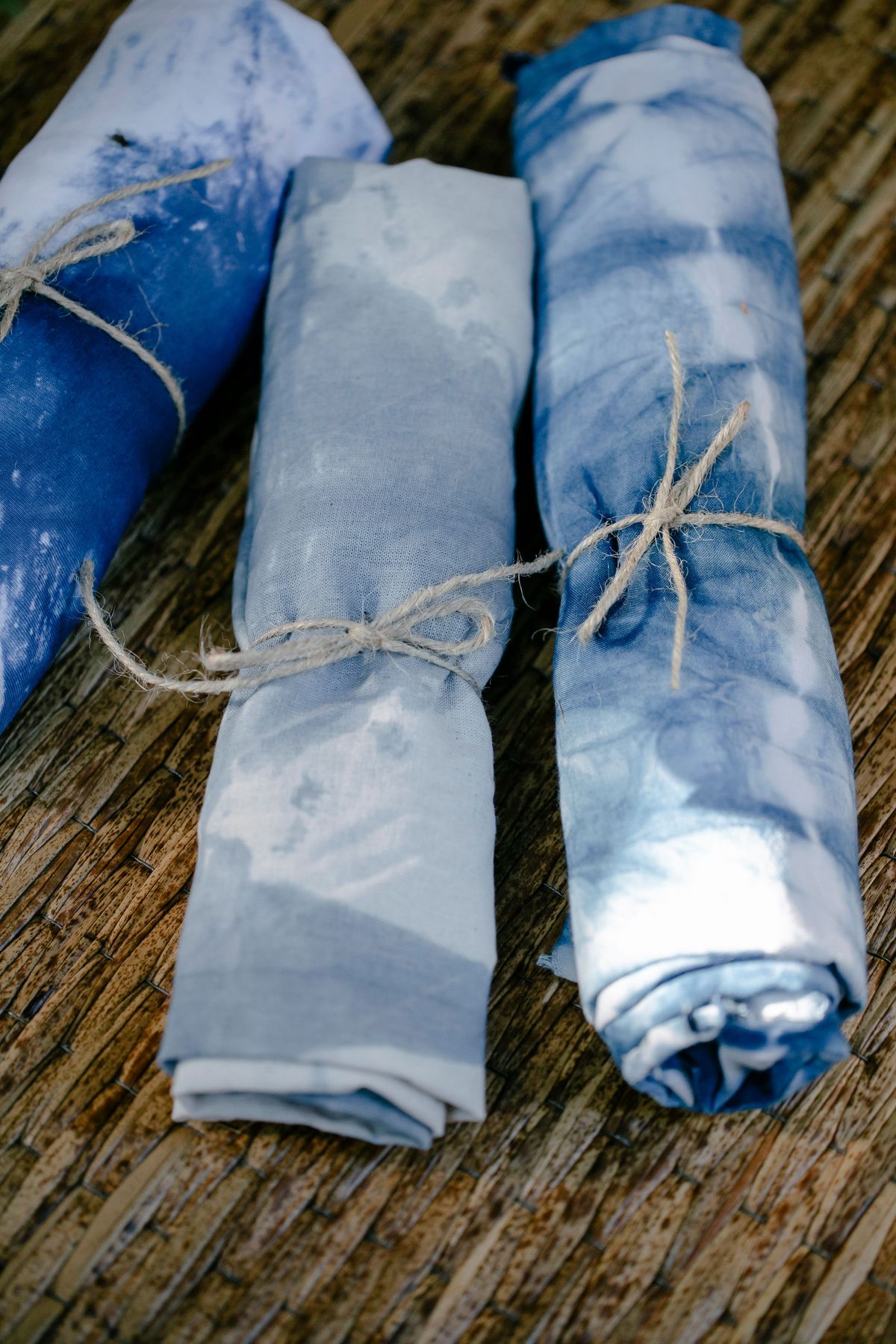
- Rolls of dyed fabric tied with twine on a woven surface — Teona Swift on Pexels (Pexels License, free to use)
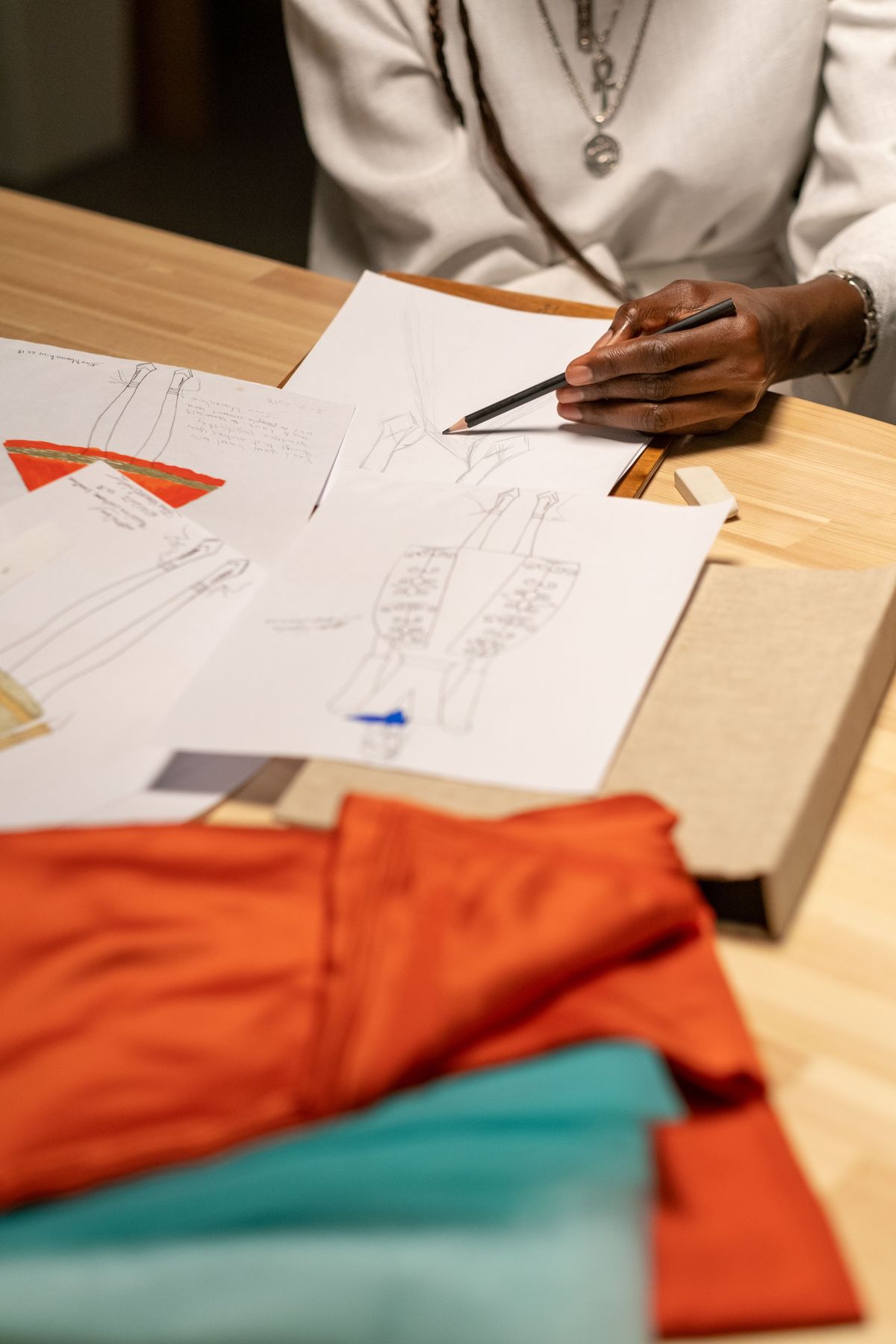
- Fashion designer sketching garment designs with fabric samples on a desk — Ron Lach on Pexels (Pexels License, free to use)
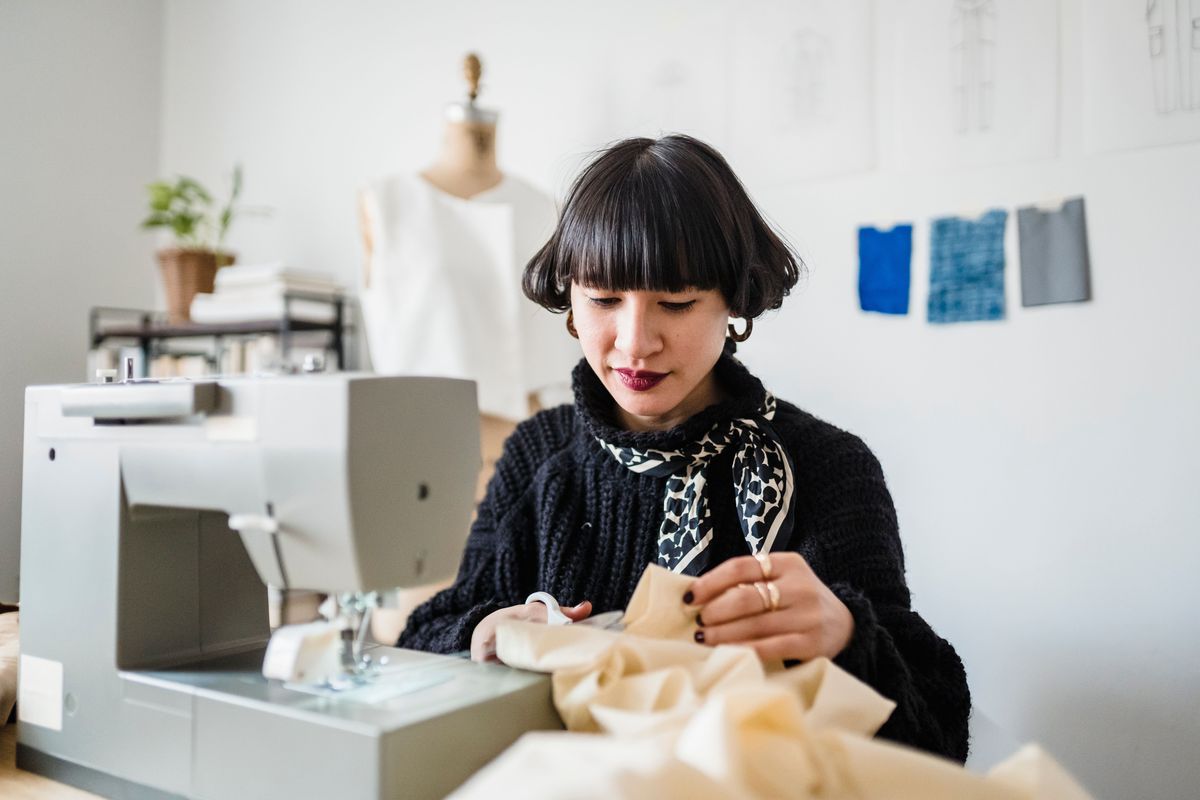
- Dressmaker cutting fabric at a sewing machine in a bright atelier — Michael Burrows on Pexels (Pexels License, free to use)