Free AI presentation makers in India that actually let you download slides
Published , Updated , 16 min read
AI can turn a topic into ten slides in two minutes. That does not mean those slides are ready for class, for a client, or for an exam viva. The difference between a good AI deck and a bad one is not the tool. It is whether you can download it as a PowerPoint file, edit every slide yourself, and explain every point without reading the screen.
The short answer for India is this: use Slidesgo for monthly PowerPoint decks you can actually download, and Canva for design, templates, and classroom work. Use Gamma for one good deck, because its 400 credits are one-time and do not refill. Everything else is useful for a specific job, not for weekly presentations. Do not pay in month one, and do not trust a tool that lets you build slides but will not let you download them for free.
This article is written for India on purpose: school and college presentations, teacher and student use, Hindi and English slides, a normal laptop and phone, and no assumption that you have a paid plan, a US student email, or a Microsoft 365 subscription. It also carries a warning that matters more for presentations than for images: a trial that asks for a card is not a free plan. Beautiful.ai and Plus AI offer trials, not free plans, and they charge your card when the trial ends unless you cancel. That distinction has cost many students money, and it has nothing to do with slide quality.
The short answer, in one table
| Tool | Best for | Free limit to watch |
|---|---|---|
| Slidesgo | Monthly PPTX decks | 3 AI presentations and 3 downloads a month, attribution slide required on free |
| Canva | Design, templates, classroom decks | 20 AI uses a month shared across all AI tools, PPTX and PDF download on free |
| Gamma | One polished deck, cards layout | 400 credits once, do not refill, up to 10 slides per prompt, badge on PDF and PPTX |
| SlidesAI | Decks inside Google Slides | 12 presentations a year in the checks, badge or credits slide |
| MagicSchool | Teachers | Free for teachers, 20 uses a week, PowerPoint downloads in the checks |
| Canva for Education | Primary and secondary teachers and students | 100 percent free for eligible teachers and students in the checks |
| Prezi / Visme / Genially | Interactive decks | No free download at all in the checks, despite free building |
| Plus AI / Beautiful.ai | Inside PowerPoint, Slides, or web | No free plan, 7-day and 14-day trials that need a card |
If you read nothing else, remember three rules:
- Building is not owning. A tool that lets you build slides for free but keeps the PowerPoint download for paid plans is not a free presentation tool for school or work.
- A monthly cap that resets is better than a one-time allowance for regular work. Slidesgo and Canva reset monthly, while Gamma’s credits do not.
- A badge or attribution slide is not a watermark on every slide, but it still matters. Gamma adds a small Made with Gamma mark on exports, and Slidesgo free requires you to keep the slide where credits appear. For a class presentation, that is usually fine. For a client deck, check whether the client accepts it.
How this list was checked
The limits below were cross-checked in November 2026 through Exa research against vendor pricing pages and against October 2026 roundups that re-read those pages. Presentation limits change, and export rules change even faster than credit numbers, so this article states both: how many decks you can make, and whether you can download them as PPTX, PDF, or only as a link.
One example shows why export matters more than credits. Genspark gives free credits to build and preview slides, but a free account cannot download anything. A student who builds a full deck in Genspark and then discovers at midnight before class that download needs a paid plan has wasted the whole evening. The same trap applies, in different forms, to Prezi, Visme, Genially, and Decktopus, which have no free download at all in the checks, and to Presentations.AI, which keeps PowerPoint files for paid plans. Always test download with a one-slide test deck before you build a full presentation in a new tool.
Slidesgo: the best monthly PPTX option
Slidesgo is the most practical monthly option for students who need PowerPoint files, because its free rule is clear: you can create up to 3 free presentations every month to test the service, and you can download them in PPTX format. The October 2026 checks also list 3 downloads a month on free. That means Slidesgo free is enough for about three class presentations a month, which covers most students, but not for a student who makes a deck every week.
There are two conditions to know. First, you need an account and you must be logged in to generate and download presentations. No tool in the October 2026 check of 17 tools said you can make a presentation without an account, and Slidesgo is explicit about this. Second, if you are a free user, you must attribute Slidesgo by keeping the slide where credits appear. That is not a watermark across every slide, but it is a slide you cannot delete on free. For school, that is normally acceptable. For a paid client deck, ask the client first, or use a tool whose free export has no attribution requirement for that use.
Slidesgo works best when you give it a clear outline, not just a topic:
- Write five to seven headings yourself, in the order you will speak, and let Slidesgo turn each heading into a slide.
- Edit every slide: shorten bullet points to short phrases, add one example from your textbook, and delete any slide that repeats another slide.
A deck with ten short, clear slides beats a deck with thirty dense slides every time, because your audience listens to you, not to the screen.
Canva: design, templates, and classroom use
Canva free is not primarily an AI presentation maker, but it is the tool most Indian students and teachers actually finish decks in, because it gives full drag-and-drop editing, templates, and PPTX and PDF download on free. Its AI allowance is shared: 20 AI uses a month cover all of Canva’s AI tools, and a big presentation uses more of them. Those uses reset on the first of each month. Free users get a watermark on Pro items, and AI drafts can include Pro items, so check each template and element before you use it. In India, Canva Pro is listed at 4,000 rupees a year in one check, with a cheaper Pro Lite plan also mentioned for India and Indonesia, but you do not need Pro for a normal class deck.
Canva for Education is a separate and important offer: it is listed as 100 percent free for primary and secondary teachers and their students in the checks. If you are a school teacher or student, check Canva for Education before you pay for Canva Pro, because it may give you the classroom features you need for free. The offer is for eligible primary and secondary teachers and students, not for every college student, so check eligibility for your school before you plan around it.
Canva works best for decks where design matters: a school assembly, a club presentation, a portfolio, or a pitch where visuals carry the message. Use Canva’s templates as a starting point, not as a finished deck. Replace stock images with your own examples, shorten text on every slide, and keep one idea per slide. A beautiful template with dense text is still a bad presentation, while a simple template with clear points and one strong image per slide is a good presentation.

Gamma: excellent for one deck, not for weekly decks
Gamma is the tool to try when you want a polished, modern-looking deck quickly, and you only need one deck. Its free plan includes 400 starter credits that do not refill. Each prompt makes up to 10 slides, and Gamma charges credits for each slide and image, without saying exactly how many presentations 400 credits make. Once the credits run out, you can still edit and present what you already built, but generating fresh AI content again needs a paid Plus seat, listed at 400 rupees a month billed annually when checked from India in one test.
Gamma exports to PDF, PPTX, PNG, and Google Slides on free, which is better than many tools, but it adds a small Made with Gamma badge on PDF and PPTX exports. Printing from your own browser adds no badge, according to the October 2026 check, but that is a workaround, not a clean export. Gamma’s layout is also different from normal slides: it uses a scrollable card layout, not fixed 16:9 slides, which looks modern on the web but can feel different when exported to PowerPoint.
Use Gamma for a single important deck: a final project, a competition pitch, or a portfolio piece where design matters and you have time to edit. Do not use Gamma as your weekly deck tool, because 400 credits will run out inside the first month if you build decks every week, and free users cannot buy more credits. Referrals add 200 credits each in the checks, but building a deck habit around referrals is not a plan. For weekly work, Slidesgo monthly or Canva monthly is more sustainable, even if the design is less striking.
SlidesAI, MagicSchool, and teachers: inside Slides, and for classrooms
SlidesAI works inside Google Slides, which is useful if your school already uses Google Workspace. In the checks, SlidesAI makes 12 presentations a year on free, with a badge or credits slide. That is one deck a month on average, which is enough for occasional class work but not for weekly presentations. SlidesAI also keeps PDF input for paid plans in some checks, while Gamma, Prezi, Napkin, and Kimi offer PDF input on free. If your starting point is a PDF chapter, check PDF input before you choose a tool, because converting a PDF by hand wastes the time AI was supposed to save.
MagicSchool is free for teachers in the checks, with 20 uses a week and PowerPoint downloads. That weekly allowance is generous for a teacher who makes one or two decks a week, and it is designed for classroom use, not for general business decks. If you are a teacher, check MagicSchool before you pay for any presentation tool, and check whether your school already has a licence for it. Students with a .edu email get one year of Beautiful.ai Pro free in one check, but that offer is for .edu emails and does not apply to every Indian student. Do not plan around a .edu offer unless you actually have an eligible email.
Inside PowerPoint and Google Slides, AI is paid, not free, in the checks. Copilot needs Microsoft 365 to make a whole presentation, from 9.99 dollars a month, and Gemini in Slides needs Google AI Pro, at 19.99 dollars a month. Free PowerPoint for the web only suggests layouts. The free Gemini app can draft slides in Canvas and send them to Google Slides, which is a useful workaround, but it is not the same as Gemini inside Slides. If your school gives you Microsoft 365 or Google Workspace for Education, check what AI features are already included before you pay for a separate tool.
Using AI decks in India: language, design, and speaking
Language in presentations works like language in study notes: learn the exact terms your board or teacher uses, and do not let AI replace them with generic terms. You can ask AI tools to draft slides in Hindi, Hinglish, or English, but check Hindi spelling and technical terms carefully, because AI Hindi can mix formal and informal terms in the same deck. For English decks, keep bullet points short and use the technical terms from your textbook, because an examiner or teacher marks the term, not just the idea.
Design rules for AI decks are simple and boring, which is why they work:
- One idea per slide.
- Short phrases, not paragraphs.
- One strong image or diagram per slide, not five small images.
- Large, readable text, because a deck is seen from the back of a classroom or on a phone, not just on your laptop.
- Consistent colours and fonts, because a deck that changes style every slide looks unfinished.
- Leave empty space on every slide, because crowded slides make audiences stop listening and start reading, and then they do neither well.
Speaking matters more than slides. Practise your deck out loud at least once before class, with a timer, and without reading the slides. If you need to read a slide to remember what to say, that slide has too much text. Move that text to your speaker notes, or to a handout, and keep the slide to the point you will actually say. AI decks often include speaker notes, but those notes are a draft, not a script. Rewrite them in your own words, in the order you will speak, and practise from your notes, not from the screen.
What to avoid
- Do not trust a tool that calls itself free but asks for a card on signup. Beautiful.ai has a 14-day trial and Plus AI has a 7-day trial, and both charge your card when the trial ends unless you cancel. Those are trials, not free plans.
- Do not build a full deck in a tool before you test its free download with a one-slide deck. Genspark, Prezi, Visme, and Genially all let you build for free and keep download for paid, and discovering that the night before class wastes the whole evening.
- Do not use a deck with dense paragraphs, because audiences cannot read and listen at the same time.
- Do not submit an AI deck as your own work without checking your course rules, and do not present slides you cannot explain.
If a teacher asks you about a point on a slide and you cannot explain it without reading the slide, you have not learned that point yet.
A final trap is making too many decks. Students often generate a new deck for every small topic and then never revise any of them. Make fewer decks, edit them well, and reuse the good ones. A deck you present, get feedback on, and improve is worth more than five decks you generate and never practise.

Frequently asked questions
Can I use these tools in India without a VPN? Yes, for the major tools in this article. Gamma, Slidesgo, Canva, SlidesAI, and MagicSchool all work in India through a normal browser with a standard account. If a smaller tool does not load, check whether it is down or region-limited before assuming you need a VPN, and do not enter payment details on a site you cannot verify.
Which free tool is best for a school presentation? Slidesgo for monthly PPTX decks, plus Canva for design and editing. That combination gives you a downloadable PowerPoint file, a template you can edit, and a monthly reset, without a card. Gamma is better for a single polished deck, but it does not reset monthly.
Can I download a PowerPoint file for free? Yes, from Slidesgo, Canva, and Gamma on free, with different caps and badges. Slidesgo gives 3 presentations and 3 downloads a month with an attribution slide. Canva gives PPTX download on free within its 20 AI uses a month. Gamma gives PPTX download on free within its 400 one-time credits, with a badge. Genspark, Prezi, Visme, and Genially do not give a free PowerPoint download in the checks.
Should a teacher pay for a presentation tool? Check free teacher offers first. MagicSchool is free for teachers with 20 uses a week, and Canva for Education is free for eligible primary and secondary teachers and students. Pay only when a specific paid feature, like unlimited AI decks or no attribution, actually blocks your teaching repeatedly.
What should I do when Slidesgo’s monthly cap runs out? Use Canva’s monthly AI uses for the rest of the month, or wait for Slidesgo to reset next month. Do not pay in a panic because one tool hit a monthly cap. Monthly caps reset, and your old decks are still editable and presentable.
Should a student pay for Gamma Plus? Not to start, and not for weekly decks. Gamma free is enough for one good deck. Pay for Gamma Plus only when you need fresh AI decks every week and you have proven, over a month of free use, that Gamma’s design is worth 400 rupees a month billed annually for your work.
The final verdict, and a checklist before you pay
Start free, and start with download. Use Slidesgo for monthly PowerPoint decks you can download and edit. Use Canva for design, templates, and classroom work, and check Canva for Education if you are a school teacher or student. Use Gamma for one polished deck, knowing its credits do not refill and its exports carry a badge. Use SlidesAI for occasional decks inside Google Slides, knowing it gives about one deck a month on free. Check MagicSchool if you are a teacher, and avoid trials that need a card unless you set a cancellation reminder on the same day you sign up.
Before you pay for any presentation tool, answer these questions in writing:
- Which exact limit stopped you, and on which date?
- Did it stop monthly decks, PPTX download, badge removal, or design quality, because each has a different fix?
- Did you check free teacher or education offers first?
- Did you check the official pricing page today?
- Does the paid plan fix that exact limit, or does it only give you more of something you did not need?
If you cannot answer those questions, you are not ready to pay yet, and another month on free caps will give you a clearer answer than any review article can.
Free AI presentation makers in India in 2026 are genuinely useful, but only when you treat them as draft makers with download rules, not as magic deck machines. Use free tools to make a first draft, edit every slide yourself, practise speaking without reading the screen, and keep the PowerPoint file you can actually use. Pay later, for one tool, for one proven reason. That is how a student saves money, a teacher saves time, and a presentation actually helps the audience learn.
Image credits:
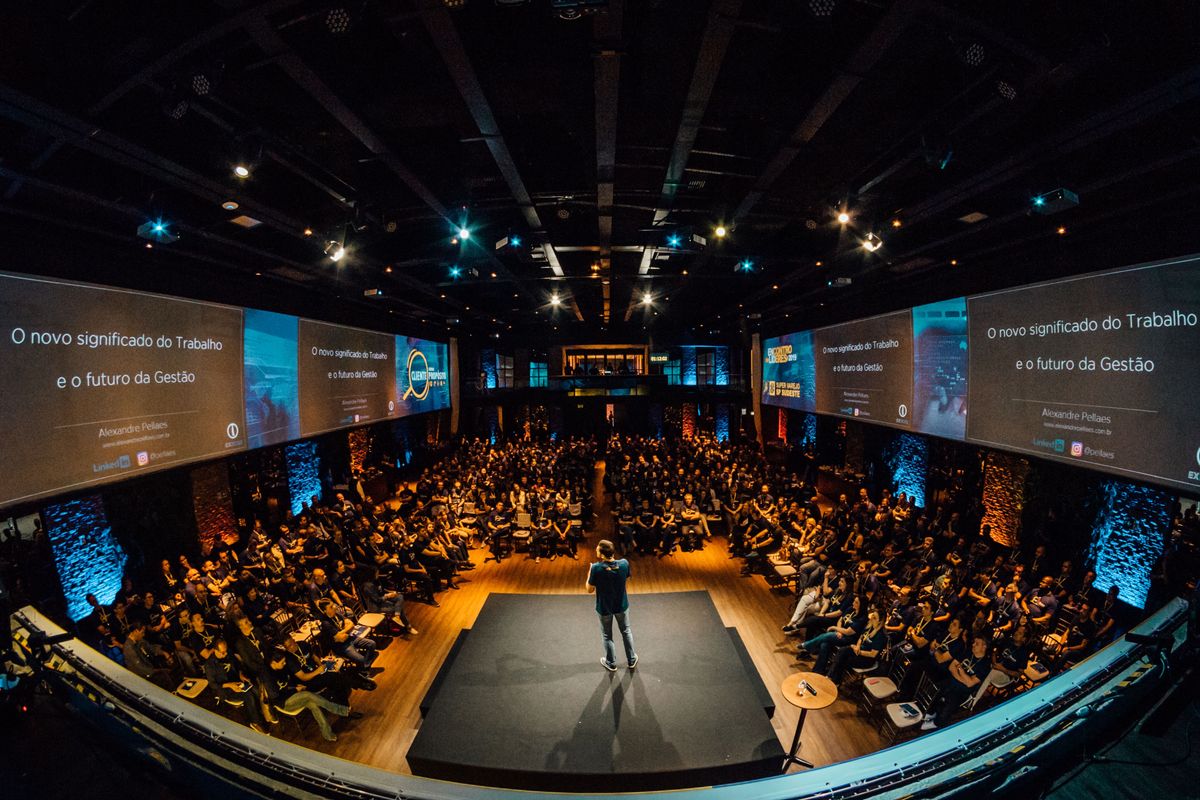
- Speaker presenting slides to a large audience on stage — photo by Alexandre Pellaes, via Unsplash (source), Unsplash License.
- Colleagues discussing a presentation slide on a large screen in a meeting room — photo by cottonbro studio, via Pexels (source), Pexels License.
- Presenter speaking to colleagues in a meeting room, with charts on a screen — photo via Pexels (Pexels photo ID 9301255; photographer not identified in the source records) (source), Pexels License.