
AI tools for artisans and handicraft sellers in India: photos, listings and online sales
Published , Updated , 23 min read
The short answer
If you make pottery, textiles, woodwork, jewellery, baskets, embroidery or any other handmade craft in India and want to sell it online, you do not need a studio, a designer or an expensive subscription to begin. Start free, with a phone you already own: clean your product photos with Canva or remove.bg, draft your listing in ChatGPT or Gemini in Hindi, English or Hinglish, put the products in a free WhatsApp Business catalogue, and sell first on WhatsApp and Meesho before you pay for anything. That single sentence is the whole strategy. Everything else in this article explains how to do each step well, what each tool genuinely costs, and which traps to avoid.
The reason this order matters is that handmade selling has a different economics from reselling factory goods. Your margin already pays for material, hours of skilled work and shipping. A paid photo tool or a marketplace commission eats that margin first. So the rule for artisans is strict: earn your first repeat sales on free tools, and only then spend money on the one bottleneck that is actually slowing you down — usually better photos, or too much time spent answering the same customer questions. A tool that saves you an hour a week is worth paying for. A tool that only makes a nice poster is not.
All the tools in this article work in India on an ordinary phone and internet connection, without a VPN. That was checked before writing, because several “best AI tools” lists still recommend tools that are blocked, card-only or priced only in dollars with no Indian payment option. Where a price or a free limit is given below, it is the figure found during research for this article, and prices and limits change often. Re-check the official pricing or help page of each tool before you pay for anything or promise a buyer a deadline that depends on a tool. Where sources disagreed — and they did disagree on Canva Pro pricing in India — this article says so openly instead of picking the tidier number.
The short answer, in one table
| Tool | What it does for an artisan | Free starting point, verified | Best for |
|---|---|---|---|
| ChatGPT (free tier) | Drafts listings, titles, customer replies in Hindi, English or Hinglish | Free for basic use, no credit card needed for the free tier | Writing descriptions and replies fast |
| Google Gemini (free tier) | Drafts listings, works well with Google Docs and Gmail, strong in Indian languages | Free for basic use | Sellers already using Google apps |
| Canva (free plan) | Product cards, catalogue images, festival posts, price cards | Free plan with thousands of templates and basic editing | Everyday graphics and catalogue images |
| Photoroom | Removes backgrounds, creates studio-style product shots from phone photos | Free tier exists, but its free plan is for personal, non-commercial use | Clean marketplace hero photos, on a paid plan for selling |
| remove.bg | Removes a photo background in one click | Free previews and limited free use; full-resolution downloads are paid | Quick background removal before listing |
| WhatsApp Business catalogue | Shows your products inside WhatsApp chats, with price and photos | Free; up to 500 products and up to 10 images per product | Selling direct to your own customers |
| Meesho Supplier app | Sells to a large Indian marketplace audience | No registration fee; 0% commission, only a per-order shipping fee | First marketplace for price-sensitive buyers |
| Amazon Karigar | Curated Amazon.in storefront for genuinely handmade products | No extra cost to join the programme; standard Amazon fees still apply | Artisans ready for a wider, trust-led audience |
ChatGPT: the listing writer for your craft
ChatGPT’s free tier is the most useful starting point for an artisan who struggles with words more than with making. You describe the product in your own words — even in rough Hindi or Hinglish, even by voice using your phone keyboard’s microphone — and ask for a short listing. A good prompt names the material, the size, the colours, what makes it handmade, and who it is for. For example: “Write a product description in Hindi and English for a handloom cotton cushion cover from Kutch, 16 by 16 inches, mirror work, available in five colours, price 499 rupees. Keep it to five short sentences for WhatsApp.” The result will not be perfect, and you must edit it, but it removes the blank page, which is where most artisans stop.
Use ChatGPT for four jobs, and only four, at the start. First, product titles and descriptions for each marketplace, because Meesho, Amazon and WhatsApp each reward different lengths and keywords. Second, customer replies: polite answers to “price?”, “delivery kitne din mein?” and “cash on delivery hai?” that you can save and reuse. Third, festival and story posts: a short paragraph about your craft, your village or town, and the technique behind a piece, which is exactly what makes handmade goods different from machine-made lookalikes. Fourth, translations: one listing written in Hindi, turned into simple English, or the other way round, so the same product can travel to both audiences without hiring a translator.
The honest limits matter. ChatGPT can invent details if you leave gaps, so never paste a description without checking every fact: size, material, weight, colour options, delivery time and price. If it writes “pure silk” and your product is silk-blend, that one word can cause a return and a bad review. Also, free-tier limits and model names change; older guides that name a specific free model may already be out of date. Treat ChatGPT as a fast first-draft writer, not as a source of truth about your own product. You are the source of truth. The AI only polishes your words.
Google Gemini: the best fit if you already live in Google apps
Gemini’s free tier does the same core writing job as ChatGPT, and for many Indian sellers it is the more convenient choice for a simple reason: it sits next to Google Docs, Gmail and YouTube, which many small sellers already use. If your price lists live in a Google Doc, or you answer buyers over Gmail, Gemini can draft inside that workflow instead of forcing you to copy text between apps. Research for this article also notes that Gemini works well in Indian languages including Hindi, Bengali and Tamil, which matters for an artisan whose buyers may read in more than one language.
Use Gemini the same way you would use ChatGPT: one product, one prompt, facts first, then an edit by you. A useful second job for Gemini is comparison and planning: “Compare selling this brass diya set on Meesho versus Amazon Karigar for a first-time seller in Moradabad” gives you a structured list of trade-offs to think through, even though you must still verify the fees and rules on the official seller pages before acting. A third job is learning: ask it to explain, in simple Hindi, what a marketplace means by “catalogue”, “referral fee” or “return to origin”, so marketplace jargon stops being a barrier to listing at all.
Do not use either chatbot to invent certificates, awards or origin claims. If your product does not carry a GI tag, a handloom mark or any other authentication, do not let an AI description imply that it does. Amazon’s Karigar programme itself says it will validate whether products are genuinely handmade, and that having an authentication certificate helps faster processing — but it does not say a certificate is the only way in. Honest wording such as “handmade in small batches in Jaipur” is stronger than a false badge, because a false badge is the fastest way to lose a marketplace account and customer trust at the same time.
Canva: your catalogue, price cards and festival posts
Canva’s free plan is the design tool most artisans should learn first, because it covers the everyday graphics a craft business actually needs: a clean product card with price, a WhatsApp catalogue image, a festival offer post, and a simple brand card with your shop name and phone number. The free plan includes thousands of templates and basic photo editing, and you can export in PNG or JPG without paying anything. For a seller posting one or two graphics a week, that is genuinely enough.
The paid tier is where sources disagree, so read this carefully. One Indian seller guide lists Canva Pro at 499 rupees a month, or 3,999 rupees billed yearly, which works out to about 333 rupees a month. Canva’s own India pricing page has at other times shown Pro at 4,000 rupees a year for one person. A third source rounds it to about 500 rupees a month. These figures are close but not identical, and they change with offers and GST treatment. The honest conclusion is: expect roughly 333 to 500 rupees a month depending on monthly or yearly billing, and check Canva’s official India pricing page on the day you decide. Do not budget on a blog’s number, including this one.
What Pro actually buys you is worth naming plainly: the background remover, Magic Resize, the full Magic Studio set, brand kit controls and much more storage — one source says 100 GB, another says 1 TB for Pro, another point on which sources differ. For an artisan, the background remover is the feature that matters most, because it turns a photo shot on a bedsheet into a catalogue image. If you are removing backgrounds every day, Pro pays for itself quickly. If you do it twice a month, remove.bg or Canva free plus a plain background will do, and the subscription would be wasted money. That is the decision rule: pay when the free route is visibly slowing down real sales, not when a feature merely looks impressive.
Photoroom: studio-style photos from a phone, with one warning
Photoroom is built for exactly the artisan’s hardest photo problem: a beautiful product shot on a messy background, in bad light, with no studio. You photograph a terracotta diya, a handwoven basket or a silver jhumka on your phone, and Photoroom removes the background, adds a clean studio backdrop, adjusts shadows and produces an image that looks like a catalogue shot. Its paid Pro plan was listed at 7.50 dollars a month when billed yearly, with a monthly export allowance and AI credits, and higher tiers add video ads and higher resolution. If you sell on marketplaces where the first photo decides the click, that first photo is worth real money.
But there is a warning that many “free tools” lists skip, and this article will not skip it: Photoroom’s free plan is for personal, non-commercial use only, which means it is not the right free option for commercial listings. An artisan who uses free-plan images to sell is using the tool outside its free terms. That does not mean Photoroom is a bad tool — for a seller with regular sales, the paid plan is a legitimate business cost, and batch editing can clean a whole collection in an afternoon. It means the free tier is a trial for learning, not a permanent free shopfront. If your budget is zero, use Canva free with a plain physical background, or remove.bg’s limited free use, and upgrade to Photoroom only when sales cover it.
The craft of the photo still matters more than the tool. Shoot in daylight near a window, not under a yellow bulb. Put the product on a plain white or light cloth. Take one straight front shot, one angle shot, one close-up of the texture or weave, and one shot showing scale — the product in a hand, or next to a common object. AI can clean a background; it cannot fix a blurry photo, and it must never be used to hide a flaw, change a colour or make a small product look large. Buyers of handmade goods forgive a plain photo. They do not forgive a photo that misled them.
remove.bg: the one-click background remover
remove.bg does one job and does it fast: upload a photo, get the background removed, download the cut-out. For an artisan, its value is speed. You have forty products to list before a festival, and you do not want to learn a full editor for each one. Remove the background, place the product on a clean colour or a simple template in Canva, add the price, and the listing is ready. It is the kind of small tool that earns its place by removing a repetitive chore rather than by promising anything grand.
The limit to know is that free use is limited and full-resolution downloads are paid, so check the current free allowance on the official site before planning a bulk listing day around it. The practical workflow is to reserve remove.bg for your hero images — the first photo of each product, the one buyers see first — and use plain-background phone photos for the remaining angles. That way a limited free allowance still covers your whole catalogue’s most important images. As with every tool here, keep your original photos safe; an AI cut-out is an edited copy, and you will want the original if a marketplace asks for it or if you re-shoot a listing later.
WhatsApp Business catalogue: your free shop, inside the app buyers already use
For many artisans, WhatsApp is not a side channel — it is the shop. The WhatsApp Business app is free on Android and iOS, and its catalogue feature is included at no charge: up to 500 products per business account, up to 10 images per product, with name, price, description, product code and a link, organised into collections. A customer who messages you can browse the catalogue inside the chat instead of waiting for you to send photos one by one. For a seller with under fifty products and customers who already arrive on WhatsApp, this alone can be the whole online store.
Know its limits before you build everything on it. The catalogue has no public web link, so you cannot put it in an Instagram bio as a clickable preview; it only opens inside WhatsApp. It has no product variants, so a kurti in four sizes becomes four separate products. It has no automatic out-of-stock indicator and no order processing — customers view and message, but payment, packing and delivery are handled by you manually. Those limits are acceptable at the start and become real only when you grow past fifty to a hundred products, or when most of your buyers come from Instagram rather than WhatsApp. At that point, a marketplace listing or a simple storefront becomes worth the extra effort, and your WhatsApp catalogue still keeps working as the direct-sales channel beside it.
Pair the catalogue with AI-written replies and you save hours every week. Write five saved replies with ChatGPT or Gemini: price and delivery, custom-order timing, bulk or wedding orders, care instructions for the product, and a polite reply for bargaining. Review each one, fix the prices and timelines yourself, and save them in the app. The goal is not to sound like a robot; it is to stop typing the same answer twenty times a day so you can spend that time making the product.
Instagram and social selling: where the story sells the craft
Handmade goods sell on story as much as on price. A reel showing hands weaving, glazing, carving or embroidering will do more for a craft than ten static price cards, because it proves the “handmade” claim in a way no description can. Canva makes the static posts; your phone camera makes the process videos. Free AI caption tools can draft the caption and the hashtags, and ChatGPT or Gemini can turn one process video into three captions — one for Instagram, one for WhatsApp status and one for a marketplace story section — but the video itself must be real footage of your work, not AI-generated footage pretending to be your workshop.
A simple weekly rhythm works for most solo artisans: one process video, one finished-product photo with price, one customer photo or review with permission, and one story post about the maker or the technique. That is four posts, not forty, and it is sustainable alongside making. Do not buy followers, do not copy another artisan’s designs and pass them off as your own, and do not let an AI tool write a fake customer review. Marketplaces and customers both punish that quickly, and for a craft business, reputation travels further than any single post.
Where to sell: Meesho, Amazon Karigar and Etsy, in that order for most beginners
Meesho is the fastest first marketplace for most Indian artisans because it charges no registration fee and 0% commission across categories; you pay only a per-order shipping fee, typically in the range of 40 to 70 rupees depending on weight according to seller guides. Setup through the Meesho Supplier app can take under a day. The trade-off is real and must be stated: Meesho’s audience skews price-sensitive, so a high-value hand-embroidered piece will move slower there than a lower-priced item. Meesho is where you learn listing, packing and dispatch at low cost — not necessarily where your finest piece earns its best price.
Amazon Karigar is the next step for artisans who have good photos, honest listings and some reviews to show. It is Amazon’s programme for genuinely handmade Indian products, with a reduced referral fee of 8% or less depending on category, training support, an account manager for the initial nine-week period after launch, imaging and cataloguing support, a feature on the Karigar storefront and marketing support. Joining the programme itself has no additional cost, but standard Amazon fees still apply, and selling on Amazon requires the standard seller requirements including proprietorship details, bank account, GST and PAN. That paperwork is the real barrier for many artisans, and it is better to face it honestly than to discover it after a listing is ready. If you do not have GST yet, get advice on registration before you promise Amazon timelines to anyone.
Etsy is the global option, for artisans whose work can command a higher price from buyers abroad — a hand-knotted rug, a fine silver piece, a collectible textile. Its listing fee is 0.20 dollars per listing plus a 6.5% transaction fee, and international shipping, returns and currency conversion add real cost and complexity. Start with Etsy only when your domestic listings are already smooth, your photos are strong and you can price for shipping without losing money. For most artisans reading this article, the honest order is WhatsApp first, Meesho second, Karigar third, Etsy when ready — not all four at once.
The India-use section: a practical weekly workflow
Here is a workflow that fits a real artisan’s week, using only a phone and the free tiers above. On making day, photograph each finished piece in daylight: front, angle, texture close-up and scale shot. On listing day, clean the hero photo in Canva or remove.bg, draft the Hindi and English description in ChatGPT or Gemini, and check every fact yourself. Then list in this order: WhatsApp catalogue first, because your existing customers see it immediately; Meesho second, for new buyers; Instagram third, with one process video and the product photo. Keep a simple notebook or spreadsheet of what is listed where, at what price, and how many pieces remain, because no free tool in this article tracks your stock automatically.
Price honestly, and include your time. A common artisan mistake is pricing material plus a little extra, and forgetting the hours of skilled work, the packaging, the marketplace fee and the return risk. AI can help you draft a pricing explanation — “why does this cost 1,500 rupees?” — that tells the buyer about material, hours and technique in two sentences. That explanation is not an excuse; it is the reason a buyer chooses handmade over machine-made, and it protects you from bargaining that pushes the price below the cost of your own labour.
Language is a selling tool, not an afterthought. Write the listing in the language your buyer reads. A buyer in your town may prefer Hindi; a buyer on Amazon.in may search in English; a buyer abroad needs simple English with measurements in centimetres and inches both. AI translation helps, but read the translated listing aloud before publishing. A wrong translation of a material or a care instruction — “machine wash” on a piece that must be dry-cleaned — is a return waiting to happen. When in doubt, keep the care line in both languages, short and exact.
Finally, protect your designs and your photos. Watermark catalogue images lightly if copying is a problem in your category, keep originals with dates, and do not upload your best designs to a free AI image tool that claims broad reuse rights without reading its terms. Your designs are your business asset. A free tool is only free if its terms do not cost you that asset later.
What to avoid
Avoid five traps that catch new artisan sellers again and again. First, do not pay for a premium photo or design tool before your first repeat sales; free tiers cover the start, and a subscription bought in excitement becomes a monthly bill on a business that has not yet sold. Second, do not use a free plan outside its terms — Photoroom’s free plan is personal, non-commercial use, so commercial listings need a paid plan or a different tool. Third, do not let AI invent facts about your product: material, origin, certificates, size and delivery time must come from you, checked every time. Fourth, do not list the same product at wildly different prices on WhatsApp, Meesho and Amazon without a reason; buyers compare, and a price gap looks like dishonesty even when it is only a forgotten update. Fifth, do not promise a delivery date that depends on a tool, a courier or a festival rush you have not confirmed — handmade means making time, and a missed deadline damages trust more than a slightly longer honest timeline.
Two more warnings belong here. Beware of anyone selling “AI automation” that promises hundreds of listings overnight, or a course that promises marketplace success for a fee; the tools in this article are free or cheap, and the real work — making, photographing honestly, packing well, replying politely — cannot be automated away. And beware of AI-generated images presented as real products: a customer who receives a piece that looks nothing like its listing will return it, and a marketplace that finds AI images passed off as photographs may penalise the account. Use AI to clean and present real photos, never to fake a product you have not made.
FAQ
Can I sell handmade crafts online in India for free?
Yes, to start. A WhatsApp Business catalogue is free, Meesho charges no registration fee and 0% commission, and ChatGPT, Gemini and Canva all have free tiers. You will still pay per-order shipping on Meesho and your own packaging and time costs, so “free to start” does not mean “free to run”, but the starting cost can genuinely be zero.
Which AI tool is best for product photos of handicrafts?
For a zero budget, start with Canva free and a plain physical background, plus remove.bg for hero-image cut-outs. Photoroom gives the most polished studio-style results, but its free plan is for personal, non-commercial use, so use a paid plan for commercial listings. Whichever tool you choose, daylight and a sharp original photo matter more than any filter.
Can ChatGPT or Gemini write my product listings in Hindi?
Yes. Both work in Hindi and other Indian languages, and you can ask for the same listing in Hindi and English in one prompt. Always check the draft yourself for material, size, colour options, price and delivery time before publishing, because chatbots can invent details when your prompt leaves gaps.
Do I need GST to sell on Amazon Karigar?
Yes, selling on Amazon requires the standard seller requirements including proprietorship details, bank account, GST and PAN, and Amazon’s Karigar page says the same. Meesho is more accessible for a first-time seller without GST in most handmade categories, but rules change, so check the official seller pages before you register anywhere.
Is Amazon Karigar free to join?
Joining the Karigar programme itself has no additional cost, and it offers a reduced referral fee of 8% or less depending on category, plus training and imaging support. Standard Amazon fees for order processing and fulfilment still apply, so read the current fee schedule on Amazon’s seller pages before pricing your products.
Should I sell on Etsy as a beginner artisan?
Usually not first. Etsy suits artisans with strong photos, smooth domestic listings and prices that can absorb international shipping and a 6.5% transaction fee plus a 0.20 dollar listing fee. Start on WhatsApp and Meesho, add Amazon Karigar when ready, and move to Etsy once your pricing and packing are proven.
Will AI tools work on my phone without a VPN in India?
Yes for the tools in this article — ChatGPT, Gemini, Canva, Photoroom, remove.bg, WhatsApp Business and Meesho all work in India on an ordinary connection without a VPN. If any tool ever asks for a VPN, a foreign card or an unusual permission, stop and check its official site, because that is a sign you may be on a copycat page.
How do I price a handmade product fairly?
Add material cost, your hours at a fair hourly value, packaging, platform fees and shipping, then a small margin for returns and breakage. Use AI to draft a short explanation of the material, hours and technique for the listing, so buyers understand why handmade costs more than machine-made — but the numbers themselves must be yours, not the AI’s guess.
Final verdict
Start free: phone photos cleaned in Canva or remove.bg, listings drafted in ChatGPT or Gemini, sold first on WhatsApp and Meesho.
That is the verdict, and it is deliberately boring. No single tool will make a craft business; the combination of honest photos, clear listings in the buyer’s language, a free catalogue where your customers already are, and a low-cost marketplace for new buyers will. Make the product well, photograph it honestly, describe it exactly, reply politely, pack it carefully, and let the AI tools do only the repetitive parts. Do that for a season, and then — only then — spend money on the one paid tool that removes your biggest bottleneck. Prices and free limits will change along the way, so re-check the official pricing and help pages before you pay or promise a deadline. The craft is yours. The tools are just help.
For related reading on this site, see AI tools for online sellers in India, AI tools for small business in India, free AI photo editors in India and AI tools for social media in India.
Image credits:
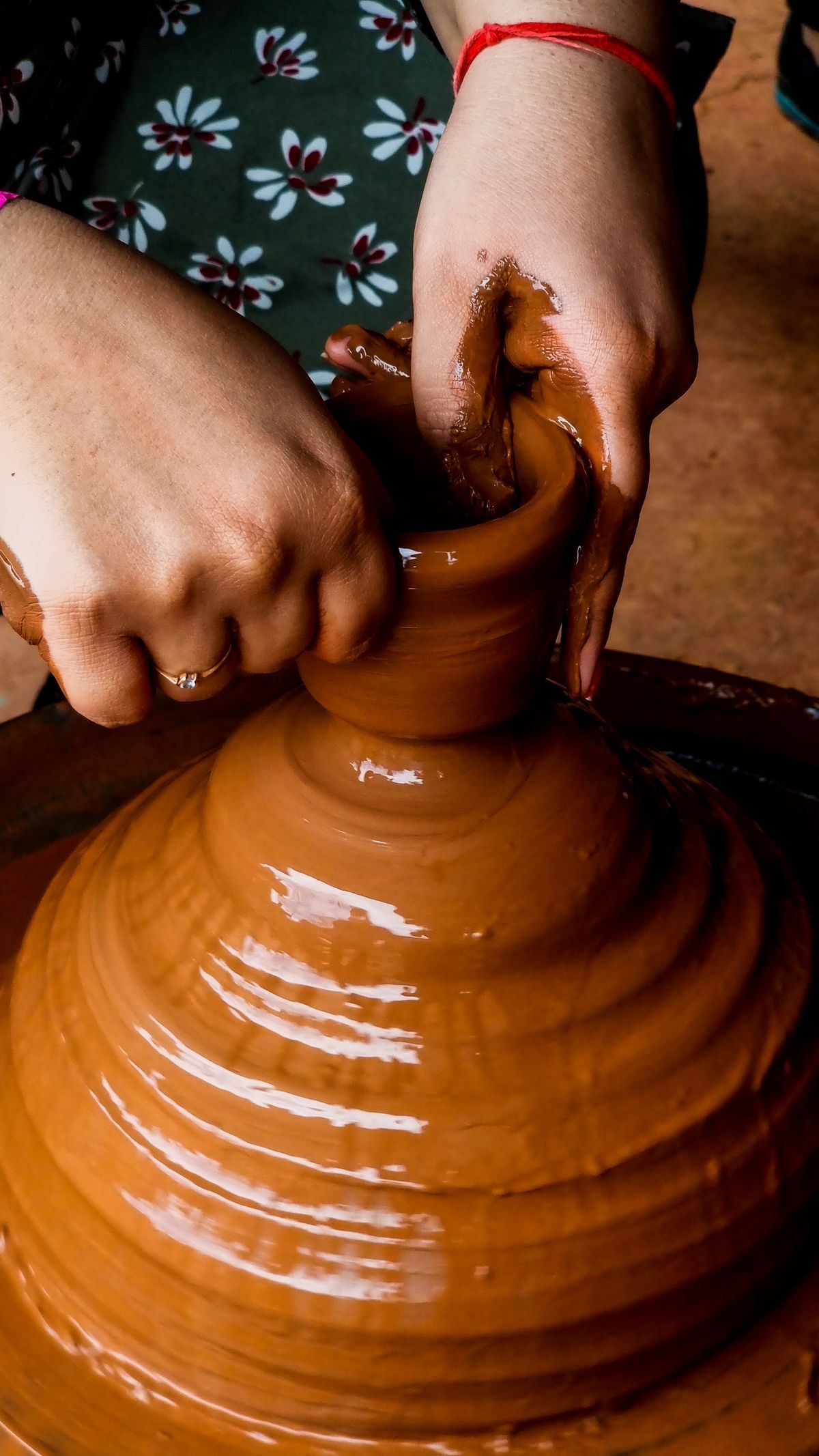
- Artisan hands shaping wet clay on a pottery wheel — Pexels by Vivek Solanki, Pexels License (free to use).
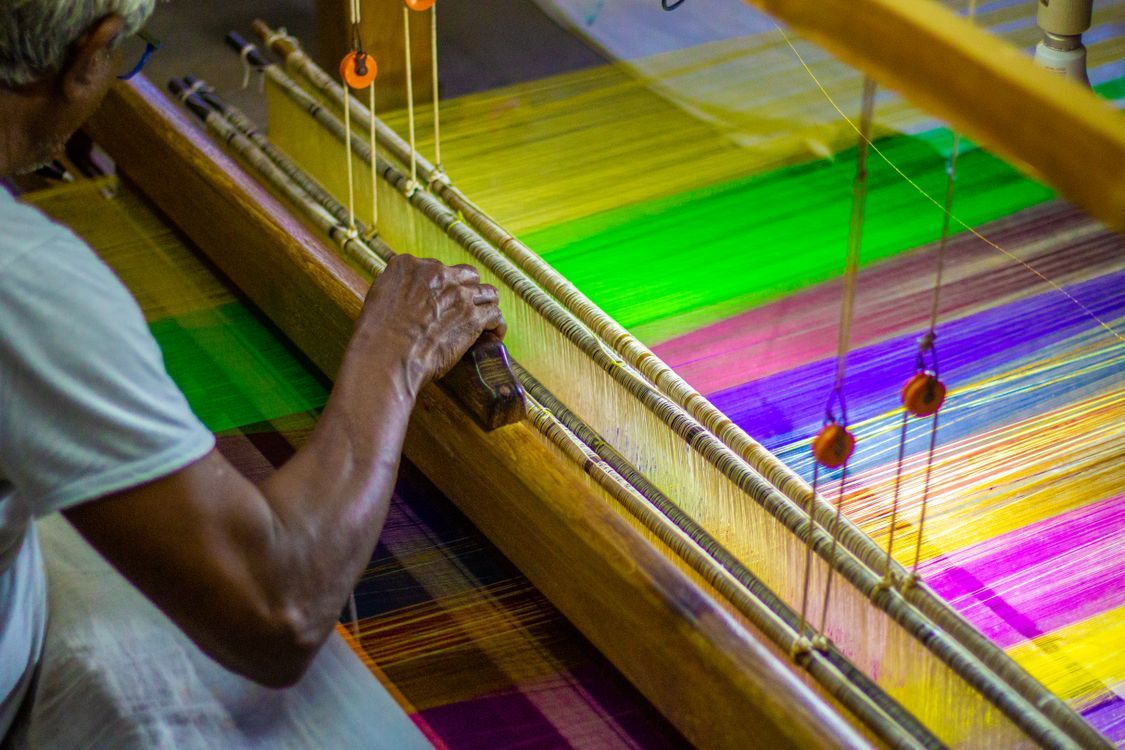
- An artisan weaving colourful silk threads on a traditional wooden loom — Pexels by Narasimhan AVPL, Pexels License (free to use).
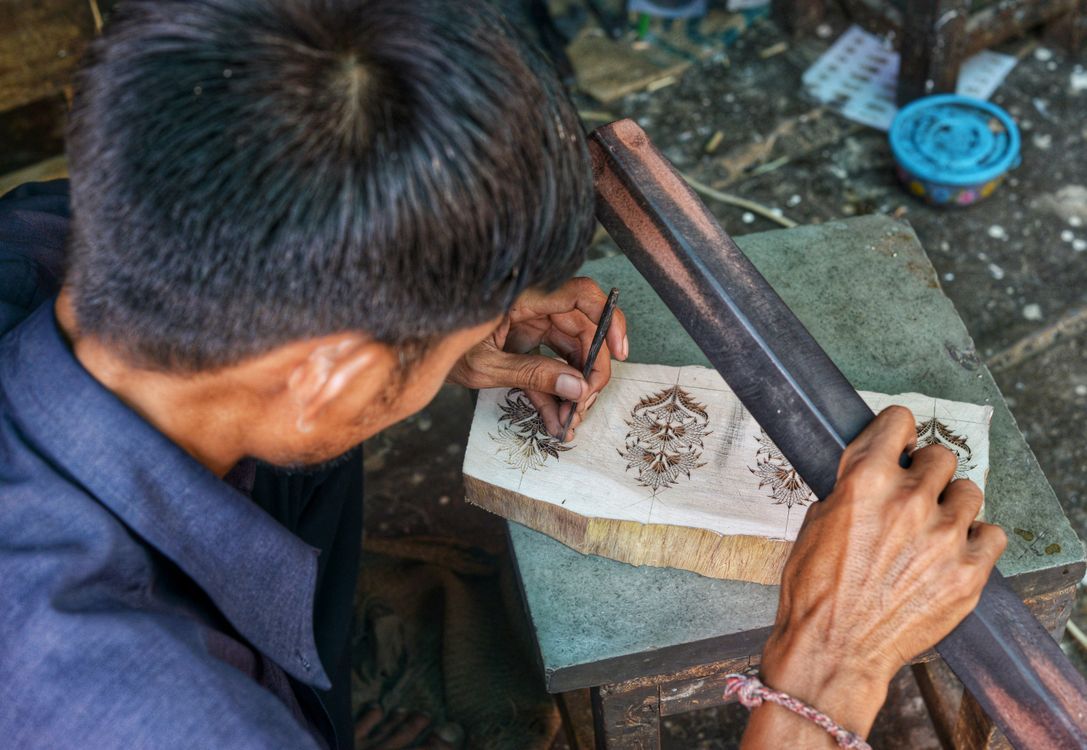
- An artisan carving a wooden block for hand-block textile printing in Jaipur — Pexels by Sumit photography, Pexels License (free to use).