
AI tools for dieticians in India: diet plans, tracking and clients
Published , Updated , 20 min read
If you are a dietician in India, the honest short answer is this: no single AI tool does diet plans, nutrition tracking and client management equally well. The best setup is a small combination. Use a professional planning tool for client diet plans, a food-logging app your clients will actually use every day, and a practice tool for bookings, messages and payments. Everything in this article works in India without a VPN, and every free limit and paid wall is stated as it was found, so you do not discover the real price only after you have moved your clients onto a platform.
This article is general information only, not professional medical advice. Diet plans for pregnancy, diabetes, kidney disease, heart disease, eating disorders, children, or anyone on regular medication need a qualified professional’s judgement, and in complex cases a doctor’s input too. An AI draft is never a diagnosis, and it never replaces your clinical responsibility. Prices and free limits change often, so always re-check the official pricing and help page before you pay, quote a fee to a client, or promise a deadline based on a tool.
Short-answer table
| Your job | Start with | Free position, honestly stated |
|---|---|---|
| Client diet plans with portions and nutrients | Nutrium | 14-day free trial, no free plan |
| Indian food logging clients will stick to | HealthifyMe | Free tracking available; coaching and full plans are paid |
| Detailed nutrient analysis and checking a plan | Cronometer | Free Basic account for individuals, unlimited in time |
| Everyday food diary for general clients | MyFitnessPal | Free logging; barcode scan, Meal Scan and data export are Premium |
| Running the whole practice: bookings, billing, messages | Practice Better | Free trial on paid plans; Starter plan has a 10-client limit |
| Remote coaching, telehealth and client portal | Healthie | Free trial; paid plans, check the checkout page for current pricing |
| Ready-made meal plans without building each one | That Clean Life | Free trial; paid plans, check the checkout page for current pricing |
| Drafting handouts, recipes and client messages | ChatGPT or Gemini | Free tiers exist; never use them alone for a clinical plan |
If you only remember one line from this article, remember this: the AI should draft and organise, and you should decide. Research comparing AI-generated diet plans with dietitian-written plans has repeatedly found the same pattern. AI plans can look plausible and can be produced in under a minute, while a dietitian typically takes far longer, but the AI plans are less reliable at hitting prescribed energy and nutrient targets, especially in complex clinical cases. One recent study of adolescent profiles found AI plans systematically underestimated energy, protein, fat and carbohydrate compared with dietitian reference plans. Another study of complex cases, including obesity with diabetes and kidney disease, found no chatbot reached 50 percent accuracy. That does not make AI useless. It makes AI a drafting assistant that needs your checking, not a replacement for you.
1. Nutrium: best for client diet plans
Nutrium is the closest thing in this list to a single home for a dietitian’s core work. You build meal plans from client data, set portions and nutrient targets, track measurements and food intake, and follow up with clients through their app. Clients can log meals and message you from the app, which removes a large part of the daily chasing that eats into clinic time. For a solo dietician who writes individual plans, this combination of plan builder, food diary and progress tracking is the main reason to look at Nutrium first.
The free position needs to be stated plainly: there is no free plan. What you get is a 14-day free trial. Published secondary pricing, checked in September 2026, put paid plans from 15 US dollars per month on annual billing for up to 10 clients, and higher tiers for unlimited clients, but pricing varies by region and currency. Do not quote that figure to a client or build your fee structure around it until you have checked the price shown at checkout in India, in rupees, for the exact client limit you need. The entry tier’s 10-client limit matters a lot in practice. If you already have more than 10 active clients, the cheaper tier will not fit you, and the upgrade is part of the real cost.
Nutrium works best when you build plans inside it. If you have years of old plans in spreadsheets or Word documents, importing that library takes real time, and clients who prefer paper will still need a printed version. Treat the trial as a working test, not a demo tour. Put two or three real, anonymised client profiles through it, build one full week plan, check the nutrient totals yourself, and see whether your clients actually log food in the app. If they do not log, the prettiest plan builder in the world will not help you.
2. HealthifyMe: best for Indian food logging
HealthifyMe is the India-first option on this list, and that matters more than any AI label. Its own plans page describes a food database of more than 100,000 foods, a calorie and macro tracker, healthy recipes, daily and weekly insights, and Ria, its AI nutritionist. Its blog separately describes more than 20,000 Indian dishes across regional cuisines, with quantities in katoris and bowls as well as grams. These two figures describe different things, a total database and an Indian subset, but you should still notice the lesson: a single headline number never tells you whether your client’s actual food is in the database. Test it with your own list before you recommend it.
The practical strengths for Indian practice are concrete. Clients can log by photo, search for restaurant dishes and packaged foods, and use serving sizes that match how Indian homes actually serve food, such as a katori of dal or a number of chapatis. The Smart Plan generates a personalised plan within minutes from BMI, target weight, calorie budget, macro balance and dietary preferences, while coach plans add a dedicated diet coach, chat and consultation calls. The free position is that tracking is available without paying, while coaching and full personalised plans sit behind paid plans whose prices are shown on the plans page and in the app. Re-check them before you promise a client a particular plan, because plan names and inclusions change.
There is also an accuracy warning that applies to every food database, including this one. An independent test of 42 common Indian foods in October 2026 found that the first search result in HealthifyMe was the right food with calories within 10 percent of India’s official tables 67 percent of the time, and that cooked dishes often appeared where a raw ingredient was searched. The classic trap is dal: searching for dry dal can return a cooked dal entry, and cooked dal is mostly water, so logging dry dal against a cooked entry can record roughly a quarter of what was actually eaten. Teach clients to check whether an entry says raw or cooked, and whether the serving is in grams, katoris or pieces. That one habit improves every tracking app on this list.
3. Cronometer: best for detailed nutrient checking
Cronometer is the tool to use when you need to verify a plan rather than just write it. Its free Basic account is genuinely free for an unlimited time, not a short trial. It includes nutrition data from lab-analysed sources, access to its community food database, custom foods and recipes, syncing with selected activity trackers, diary groups, limited analysis tools, and export of all raw data, plus the iOS and Android apps. For a dietician, that free tier is useful for checking your own work, building custom Indian foods once and reusing them, and testing whether a plan actually meets its micronutrient targets.
The paid tiers are where the professional features sit. Gold adds longer charts and reports, fasting tools, custom biometrics, recipe importing, a macro scheduler and an ad-free experience. The Professional subscription is the one built for practitioners: you can view and manage client diet and exercise data from the web app, your clients get Gold access on mobile, you can generate professional nutrition reports and charts, message clients through secure in-app chat, and share foods and recipes with them. If you want one tool where you can both analyse nutrients properly and supervise clients, Cronometer Professional deserves a serious trial alongside Nutrium.
The limitation is Indian food coverage. In the same October 2026 test of 42 Indian foods, Cronometer’s first result was accurate 62 percent of the time, and several searches returned a different food first, although its first plain match was accurate 81 percent of the time and its median calorie gap, when the right food was found, was only 1 percent. In plain language: Cronometer’s numbers are strong once you have the right entry, but you will spend more time finding and creating correct Indian entries than you will in HealthifyMe. Budget that setup time honestly. Create your standard foods, dal varieties, rice preparations, rotis, and common snacks, once, with correct raw and cooked versions clearly labelled, and your later plans become much faster.
4. MyFitnessPal: best everyday diary for general clients
MyFitnessPal is the food diary most clients have already heard of, and that familiarity is its real strength. A client who already has the app is far more likely to log than a client you ask to install something new. The free tier covers the basics that matter: food and exercise logging, measurements, past progress, creating foods, meals and recipes, viewing macronutrients, setting calorie and macro goals by percentage, sharing a diary, linking partner apps, and a printable report. For a general wellness client with no complex condition, that is often enough.
The paid wall is equally clear, and you should warn clients about it before they start. Barcode scanning, Meal Scan, voice logging, intermittent fasting tools, macros by gram, different goals by day, calorie goals by meal, food analysis and data export are Premium features. Premium+ adds a meal plan builder, meal prep mode, diet preferences and grocery lists. Pricing varies by country and plan length, and store listings in India in October 2026 showed a wide range of in-app purchase prices, with monthly and yearly Premium items listed at very different price points on different stores. The price shown in the app at the moment of upgrade is the one that applies, so do not quote a single rupee figure from this article to a client.
MyFitnessPal’s database also needs the same caution as every other database. It combines entries added by MyFitnessPal with entries added by users, and its own help centre admits some user entries may be inaccurate or incomplete. Verified entries carry a check mark, so teach clients to prefer check-marked entries where possible, and to compare a home-style dish against a trusted source rather than accepting the first result. For Indian dishes this matters even more, because the same dish name can hide very different recipes, oil quantities and portion sizes.
5. Practice Better: best for running the whole practice
Practice Better is not a diet planning tool first. It is a practice management tool, and that is exactly why many dieticians need it. It handles client intake, scheduling, telehealth video chat, integrated billing and payments, secure messaging, a client portal, forms and note templates, and more than 20 integrations. The Starter plan, as listed on its official pricing page, costs 35 US dollars per month on annual billing for one practitioner, 10 clients and 1 GB of storage, with a 14-day trial on paid plans and a 30-day trial on the Team plan. Again, check the checkout price in India before budgeting, because dollar pricing, taxes and currency conversion change the real monthly cost.
The honest way to judge Practice Better is to count your admin hours, not your plan-writing hours. If you lose time to booking messages, rescheduling, chasing payments, repeating intake questions and hunting for old notes, a single portal that handles all of that can pay for itself even though it does not write a single meal plan. If your practice is still small and your clients happily message you on WhatsApp, it may be more system than you need right now. A useful middle path is to keep your plan builder separate, for example Nutrium or Cronometer, and use Practice Better only for bookings, billing and records until your client list grows past the point where WhatsApp and spreadsheets still work.
6. Healthie: best for remote coaching and telehealth
Healthie suits dieticians who coach remotely and want tracking, messaging and telehealth in one client portal. It covers client records, messaging, programmes, forms and video sessions, so follow-ups, shared resources and progress tracking live in the same place instead of being spread across five apps. For a remote-first practice, or for a dietician with clients in different Indian cities, that single home matters, because every extra app is another place a client can drop off.
Healthie offers a free trial and paid practitioner plans, and you should check the current plan and add-on pricing on its official pricing page before deciding, because clinical records, billing and team features may sit on different tiers. Test the client experience during the trial, not just the practitioner dashboard. Join as a test client, complete an intake form, attend a video session, log food and receive a programme, and notice every point where a less tech-confident client might get stuck. Remote tools fail on client friction far more often than on missing features.
7. That Clean Life: best for ready-made meal plans
That Clean Life answers a different problem: you do not want to build every plan from scratch. It provides ready meal plans for clients, which you can adapt and share, and that is valuable when you have many clients with similar goals, when you need a structured starting plan quickly, or when you want to offer a programme, such as a two-week plan, without writing every recipe yourself. It offers a free trial, with paid plans whose current pricing must be checked at checkout.
The trade-off is control. Ready plans save time, but they still need your review for portion sizes, Indian ingredients, allergies, budgets and cultural fit. A plan built around ingredients your client cannot easily buy in their city, or that ignores their vegetarian, Jain, fasting or festival patterns, will not be followed, no matter how good its nutrient profile looks. Use ready plans as a starting library, adapt them, and keep your own adapted versions for the client types you see most often.
8. ChatGPT and Gemini: drafting assistants, not dieticians
General AI assistants such as ChatGPT and Gemini are genuinely useful in a dietitian’s practice, but only in the right role. They are excellent for drafting client handouts, rewriting a plan explanation in simpler language, turning one recipe into vegetarian and non-vegetarian versions, summarising a long intake form into a one-page brief, brainstorming social media posts, and drafting polite follow-up messages. Free tiers exist for both, with paid tiers adding higher limits and newer models, and their pricing pages should be checked before you rely on a paid feature.
They are not reliable enough to generate a clinical diet plan on their own, and the research is unusually consistent on this point. AI plans tend to undershoot energy targets, vary between models and between repeated attempts, and perform worst exactly where you need them most, in cases with multiple conditions such as diabetes plus kidney disease. They can also suggest foods that are clinically inappropriate for a particular condition, and their protein advice has been found to contradict itself within the same conversation. The safe workflow is therefore a hybrid one: let the AI draft, then check every energy, protein, sodium and portion figure against a trusted nutrient database, adjust for the client’s conditions, medicines, allergies, budget and cooking skills, and only then share the plan under your name. Never paste identifiable client health data into a general chatbot unless you understand that service’s privacy terms and your own professional obligations, and prefer tools with proper client-record handling for anything identifiable.
Using these tools in India: what actually changes
India changes the practical details more than the tool list. First, food databases are uneven. Indian home cooking varies by region, household and cook, so no database entry for a dish like sambar, kadhi or biryani is automatically right for your client. Build your own verified entries for the dishes you prescribe most, label raw versus cooked clearly, and write the portion in both grams and household measures. Second, language and literacy matter. A plan written only in formal English will fail for some clients, so use your drafting assistant to produce a simple Hindi, Hinglish or regional-language version of the same plan, and check that translation yourself rather than sending it unchecked.
Third, payments and pricing need local checking. Several tools on this list price in US dollars, and the rupee cost depends on the plan, billing period, taxes and the payment method. Before you subscribe, confirm the checkout price in rupees, whether GST applies, whether you can pay with an Indian card or UPI where offered, and how cancellation works. A tool that is cheap in dollars can still be awkward if its billing fails on your card every month. Fourth, client communication in India often runs on WhatsApp, not on a client portal. That is fine for reminders and encouragement, but keep clinical records, plans and payments in your proper practice tool, and do not let a client’s full health history live only in a chat thread you cannot search or back up properly.
Fifth, connectivity and devices matter. Many clients use budget Android phones with limited storage, so a heavy app they delete after a week helps nobody. Prefer tools with a light mobile app or a web portal, test them on a low-end phone if you can, and always offer a printable plan for clients who prefer paper. Finally, festivals, fasting, weddings, travel and family cooking shape Indian eating far more than any weekly template assumes. A good plan is one that survives a festival week and a family dinner, so build flexibility into every plan, with swap options for common situations, rather than a rigid menu that collapses at the first celebration.
For related reading on this site, see the guide to AI tools for fitness in India for workout and diet tracking combinations, and the guide to AI tools for cooking and recipes in India for recipe ideas you can adapt into client plans. If you are starting from zero budget, the best free AI tools in India round-up is a useful first filter before you pay for anything.
What to avoid
Avoid letting an AI tool set a calorie target for a client with a medical condition without your own calculation and check. Avoid copying an AI plan into a client message without reading every line, because errors hide in plausible-looking menus. Avoid choosing a tool only because it is popular abroad; check Indian food coverage, rupee pricing and client usability first. Avoid putting identifiable client data, photos, lab reports or full medical histories into a general chatbot or a free tool whose privacy terms you have not read. Avoid promising a client a result, a weight target date or a reversal of a condition based on an AI plan, because no tool can guarantee that, and such promises create both ethical and legal risk.
Avoid the cheapest-tier trap. A plan limited to 10 clients, a diary without data export, or a practice tool without billing may look affordable and then force a disruptive migration three months later. Count your real client number, your need for export, and your need for telehealth before you pick a tier. Avoid the opposite trap too: paying for an all-in-one platform before you have enough clients to need it. Start free or on trial, prove that clients log and attend, and only then upgrade to the tier that removes the specific limit that is actually blocking you.
Frequently asked questions
Which AI tool is best for dieticians in India? There is no single best tool. For client diet plans, start with Nutrium’s trial. For Indian food logging, HealthifyMe fits Indian dishes and household servings best. For detailed nutrient checking, Cronometer’s free Basic account is the strongest free option. Most practising dieticians end up using two tools: one for plans and one for client logging.
Can AI write a complete diet plan for a client? AI can draft a plausible-looking plan very quickly, but research shows it is unreliable at hitting prescribed energy and nutrient targets, especially for complex cases such as diabetes with kidney disease, pregnancy or eating disorders. Use AI drafts as a starting point, check every figure against a trusted nutrient database, adjust for the client’s conditions and preferences, and take professional responsibility for the final plan.
Is there a free AI tool for dieticians? Yes, for parts of the job. Cronometer Basic is free for individuals for an unlimited time, MyFitnessPal’s free tier covers basic food logging, and ChatGPT and Gemini have free tiers for drafting handouts and messages. There is no strong free professional plan builder with full client management, so expect a trial or a paid plan for that part of the work.
How do I handle Indian foods that are missing or wrong in an app? Create a custom food entry once, with the correct raw or cooked state, the right portion in grams and household measures, and a clear name your client will recognise. Check the first search result rather than accepting it, prefer verified entries where the app marks them, and teach clients to check whether an entry is raw or cooked, because that single distinction changes the calories dramatically for foods like dal.
Do these tools work in India without a VPN? Yes, all the tools in this article are normally accessible in India without a VPN, through their websites and app stores. Pricing may still be shown in US dollars on some official pages, so check the checkout price in rupees before subscribing, and confirm that your payment method works for recurring billing.
Should I keep client records in WhatsApp or in a practice tool? Use WhatsApp for reminders and encouragement if that is where your clients respond, but keep clinical records, plans, intake forms, measurements and payments in a proper practice tool such as Practice Better or Healthie, or at minimum in a backed-up system you control. Chat threads are hard to search, easy to lose, and a poor place for sensitive health information.
What should I check before paying for any tool on this list? Check four things on the official pricing and help pages: the exact price in rupees at checkout, the client limit on your tier, whether data export is included, and how cancellation and refunds work. Then run a real trial with two or three test clients, including one less tech-confident client, before you move your whole practice onto the platform.
Final verdict
Start with Cronometer free for nutrient checks and Nutrium’s trial for client plans; add HealthifyMe for Indian food logging.
Image credits:
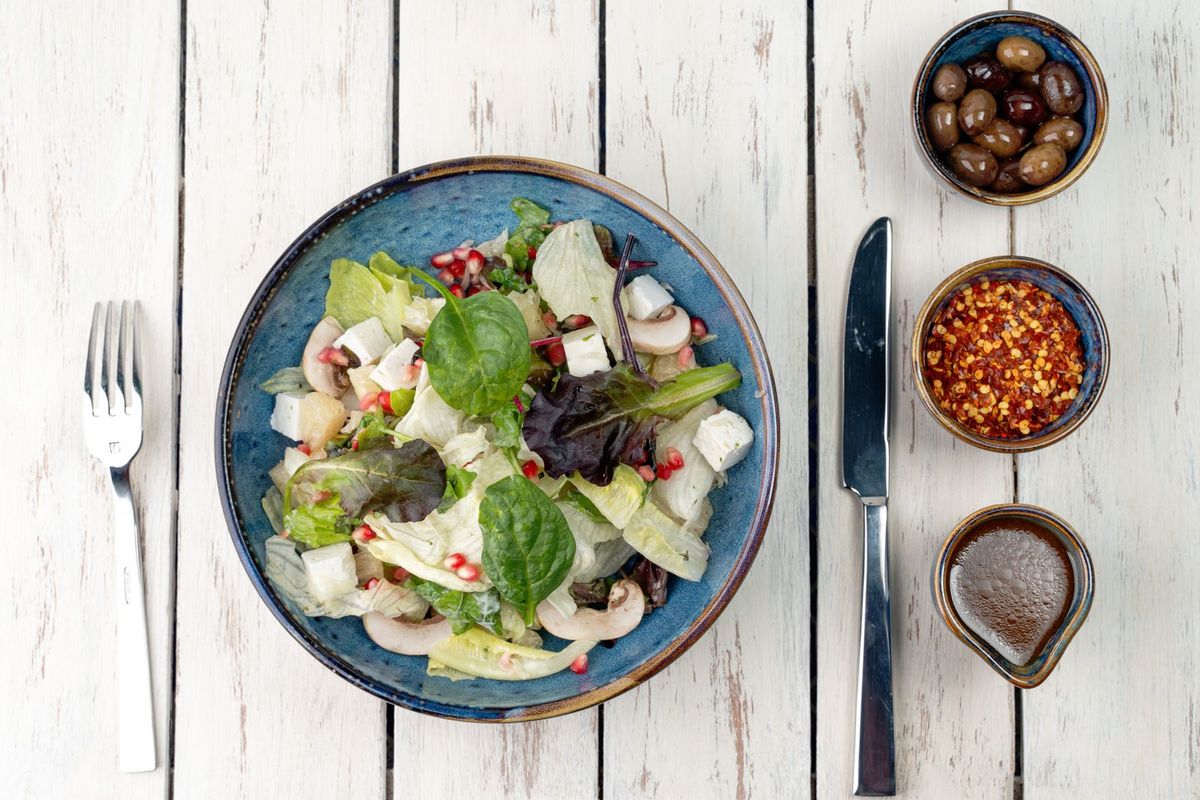
- A healthy vegetable salad bowl with greens, pomegranate and feta, served flat-lay style — Denys Gromov on Pexels (Pexels License, free to use)
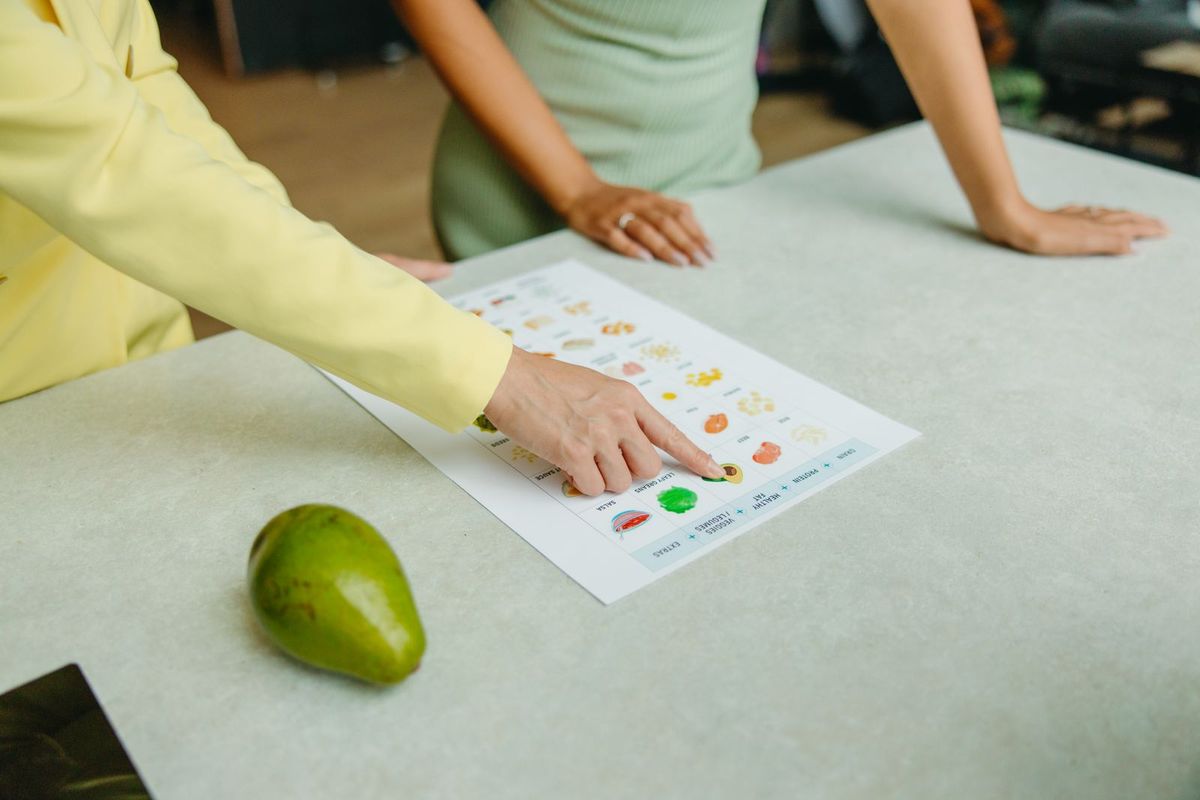
- A nutritionist and client discussing food options over a nutrition chart — Yaroslav Shuraev on Pexels (Pexels License, free to use)
- Fresh carrots, radishes and leafy greens displayed at a market — Wendy Wei on Pexels (Pexels License, free to use)