
AI tools for interior designers in India for rooms, 3D renders and mood boards
Published , Updated , 22 min read
An AI render is not a room. It is a picture of a room, and that distinction decides whether these tools save you money or cost you money. For interior designers in India, the useful AI tools fall into three different jobs: restyling a photo of an existing room, building an editable floor plan and 3D model from scratch, and collecting colours, materials and furniture into a mood board a client can actually approve. No single tool does all three jobs well, and the tool that makes the prettiest picture is often the worst tool for handing work to a carpenter, an electrician or a painter.
The short answer for India is this: start free in Planner 5D for floor plans and editable 3D rooms, because its free plan covers unlimited projects and half its furniture catalogue. Use Homestyler free for renders and AI mood boards, because its Basic plan includes unlimited 1K rendering and more than 100,000 free 3D models and materials. Use IKEA Kreativ free, inside the IKEA India app, before buying IKEA furniture, because it scans your actual room and places IKEA products at true scale. Use RoomGPT and REimagineHome only for fast photo restyles and virtual staging, not for measured plans. Use Coohom or Foyr Neo when a client is paying for presentation-quality renders and walkthroughs, and check their current pricing page first, because their prices are shown differently on different pages and they change.
This article is written for India on purpose: designers working from a phone and a laptop, homeowners renovating one flat, and small studios in cities where the furniture in an international catalogue may not be sold locally at all. Every tool below works in India in a normal browser or app without a VPN, as far as its own public pages and help pages show. Prices and free limits change often, so re-check the official pricing and help page before paying for any plan or promising a client a deadline based on a free limit. Where sources disagreed, this article says so instead of picking the friendlier number.
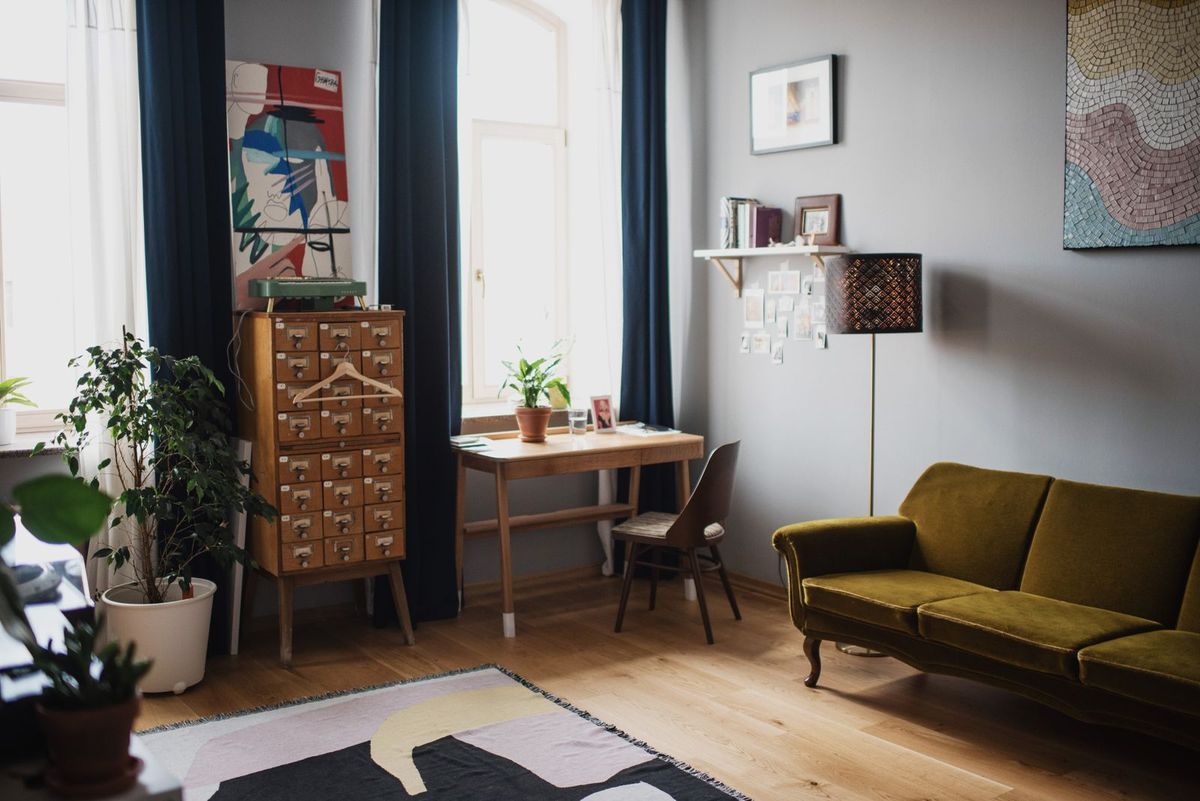
The short answer, in one table
| Tool | Best for | Free limits to watch |
|---|---|---|
| Planner 5D | Editable floor plans and 3D rooms | Free: unlimited projects, 50% of the catalogue; full catalogue, AI floor-plan recognition and standard renders need Premium |
| Homestyler | Free renders and AI mood boards | Basic free: unlimited 1K renders, 100,000+ free models; 4K renders are bought per render, AI tools use credits |
| Coohom | Presentation renders and walkthroughs | Basic free: up to 3 projects, 1K watermarked renders, low-detail models only |
| Foyr Neo | Professional design workflow with walkthroughs | Paid plans with a free trial offer; pricing pages disagree, so check before paying |
| RoomGPT (roomgpt.io) | Fast photo restyles | Small one-time free allowance, reported as 1 to 3 designs; no ongoing free plan, then credit packs |
| REimagineHome | Virtual staging and photo redesign | 5 free designs for new users, then monthly credit plans |
| IKEA Kreativ | Seeing IKEA furniture in your own room at scale | Free inside the IKEA India app; only IKEA catalogue items, no textiles or ceiling pendants yet |
| Canva | Client mood boards and presentations | Free templates and stock library; AI features and premium elements have limits, check before export |
If you read nothing else, remember three rules:
- Photo tools make pictures, plan tools make rooms: RoomGPT and REimagineHome restyle a photo, while Planner 5D, Homestyler, Coohom and Foyr Neo build a room you can edit, measure and re-render from another angle.
- A render is not a drawing: a carpenter, electrician or contractor needs dimensions, a floor plan and an elevation, not a beautiful image. Only the plan tools export anything close to that, and even then you must check every measurement yourself.
- Check availability in India before you present: a sofa, tile or finish shown in an international catalogue may not be sold in India, may cost far more after delivery and tax, or may arrive in a different shade. Confirm the product locally before the client falls in love with it.
Planner 5D: the best free starting point for plans
Planner 5D is the tool to open first when the job starts from an empty room or a floor plan rather than a photo. You draw walls, place doors and windows, furnish the room from a catalogue, and view it in 2D and 3D. Its free plan costs nothing and covers unlimited projects, work across web and mobile, and 50% of the furniture catalogue, which is genuinely usable for a first layout, a rental flat, or a student portfolio. The paid Premium plan, listed at 19.99 dollars a month or 59.99 dollars billed annually on its pricing page, unlocks the full catalogue of more than 10,000 items, AI floor-plan recognition that turns an uploaded plan into an editable 3D project, standard renders, and a budget widget for tracking project costs. The Professional plan, listed at 49.99 dollars a month or 399.99 dollars billed annually, adds unlimited 4K renders, 360-degree walkthroughs and panoramas, CAD export, and a branded profile.
For an Indian designer, Planner 5D earns its place for two practical reasons. First, the free plan does not expire and does not cap the number of projects, so a designer can keep one project per client without paying. Second, the plan-first workflow forces correct habits: room size first, furniture second, pictures last. That order matters in Indian flats, where a bedroom that looks spacious in a render can be unusable once a 6-foot bed, a wardrobe and a study table are all drawn at true size. Use Planner 5D free in a specific way: draw the room to real measurements before furnishing anything, test two or three layouts for walking space around the bed and doors, and only then spend time on colours and renders. Watch the traps: high-quality renders, the full catalogue and AI floor-plan recognition sit behind paid plans, subscriptions auto-renew, and prices are published in dollars, so the rupee amount on your card will differ with taxes and exchange rates.
Homestyler: free renders and AI mood boards in one place
Homestyler is the strongest free option when the deliverable is a rendered image or a mood board rather than a construction document. Its Basic plan is free and includes a cloud-based 3D floor planner, unlimited 1K rendering, free renders using Homestyler coins on limited types, and more than 100,000 free 3D models and materials, while 4K renders are purchased per render. Paid plans start from 6.8 dollars a month for Pro+, which adds 75 renders each in 2K and 4K per month, watermark removal, custom texture and model uploads, and 180 AI credits a month. The Master+ plan starts from 11.8 dollars a month with unlimited 4K rendering and 380 AI credits a month. Its AI tools are priced in credits: AI Planner costs 15 credits per plan, AI Moodboard 10 credits per image, AI Stager 10 credits per image, and AI Render 25 credits for a 2K image or 35 credits for a 4K image, according to its own pricing page.
The mood board feature is what makes Homestyler worth a second look for client work. A mood board is not decoration; it is the fastest way to settle a disagreement about taste before money is spent. Instead of arguing about “modern” in the abstract, you show the client one board with the wall colour, the wood tone, the fabric texture and the light fixture together, and the client approves or rejects the combination. Homestyler’s AI Moodboard generates such a board from a prompt or reference, and its AI Decor and AI Painter tools restyle a room photo in a chosen style. For Indian homes, test the board against real daylight: a colour that looks warm in a render can look dull in a north-facing Mumbai flat or harsh in a sun-facing Jaipur room, so check the palette in the actual room at midday before ordering paint. Watch the traps: free renders are 1K resolution, 4K costs extra on Basic, AI credits run out fast when you generate many variations, and watermarks appear on some free outputs.
Coohom: presentation renders when the client is paying
Coohom is a step up in presentation quality for designers who need to impress a paying client rather than sketch an idea. Its Basic plan is free and includes up to 3 design projects, a standard model catalogue with low-detail models only, and 1K renders at low resolution with a watermark. The Pro plan is listed at 25 dollars a month billed yearly, and adds unlimited projects, more than 100,000 premium models, unlimited 4K renders without a watermark, a 360-degree walkthrough, and a downloadable bill of materials for quoting and ordering. The Elite plan, listed at 58 dollars a seat a month billed yearly, adds construction drawings, CAD export, team co-editing, and much larger render quotas.
Coohom suits a small studio that already has clients, because the free plan’s three-project limit is quickly exhausted and the watermarked 1K renders are not client-ready. Its strengths are speed of presentation: floor-plan recognition, a large model library, fast 4K rendering, and a walkthrough link the client can open without installing anything. For Indian projects, the bill of materials feature deserves a warning: it lists the models used in the design, not the products available from a shop in your city, so treat it as a shopping starting point and re-price every item locally. Watch the traps: the free plan is a trial in practice for a working designer, video renders and 8K images have monthly quotas even on paid plans, and dollar pricing means the final rupee cost needs checking at checkout.
Foyr Neo: professional workflow, but check the price twice
Foyr Neo is built for professional interior designers rather than homeowners, with floor plans, 3D modelling, a catalogue of more than 60,000 furniture models and 10,000 textures, HD, 2K and 4K renders, a 3D walkthrough, and FoyrAR, which shows a design inside the client’s actual room through a phone. That combination makes it a genuine working tool for a studio: draw the plan, furnish it, render it, walk the client through it, and export the floor plan with labels.
Its pricing needs an honest warning, because its own pages disagree. The international pricing page lists Basic at 33 dollars a month, Standard at 67 dollars a month, and Premium at 103 dollars a month, with 30, 180 and more render credits a month respectively. Another version of the same pricing page lists Basic at 499 rupees a month, Standard at 599 rupees a month, and Premium at 1,099 rupees a month, all paid yearly, with 30, 90 and 210 render credits. Those two versions cannot both be the price you will pay, and the difference may come from region, billing period, or an outdated page. Do not quote either figure to a client or budget a project around it until you have opened the pricing page yourself, confirmed the currency, the billing period, and what happens when render credits run out. Foyr Neo offers a free trial, so test it on a real project — a full room with your own measurements, not the demo room — before paying. Watch the traps: render credits are the real cost driver, because a designer who renders many variations will burn through a monthly allowance, and the cheapest plan’s 30 credits will not cover a multi-room project with revisions.
RoomGPT: fast inspiration, and a name you must get right
RoomGPT is the simplest tool in this list: upload a photo of a room, pick a style, get a redesigned version of the same room. It is useful for exactly one job, which is breaking a creative block or showing a homeowner what their room could look like in a different style before any planning begins. It is not a planning tool: the output is an image, not an editable room, so you cannot move the sofa, change a wall, or measure anything from it.
Its free allowance is small and, unusually, not published by the vendor. Third-party checks in 2026 put the one-time new-account allowance at one to three redesigns, and the sources disagree with each other, so plan on one to three images and do not build a workflow around a specific number. There is no ongoing free plan: once the allowance is spent, roomgpt.io sells one-off credit packs rather than a subscription, with secondhand reports of 9 dollars for 30 credits, 19 dollars for 100 credits, and 29 dollars for 200 credits, and unused credits do not expire according to its own fulfilment policy. Two warnings matter here. First, prices sit behind checkout on the vendor’s site, so treat those dollar figures as secondhand and re-check before paying. Second, several unrelated apps trade under the RoomGPT name with their own weekly or yearly subscriptions, so make sure you are on roomgpt.io, the original, and not a look-alike app charging a subscription for the same idea. For Indian users, RoomGPT’s styles are generic international styles, so a “modern Indian” result may still show furniture and finishes that are hard to source locally; use it for direction, then rebuild the look with locally available products in a plan tool.
REimagineHome: virtual staging for property and renovation
REimagineHome is the tool to reach for when the room already exists and the job is to show it furnished, restyled, or staged for sale or rent. All new users get 5 free designs at the same quality as paid plans, according to its pricing page. Paid plans are credit-based: Essential covers basic staging and light edits with 30 credits a month, Pro is the popular plan with 200 credits a month plus conversational design, reference photos, and real product discovery, Advanced offers 400 credits a month, and Agency offers 900 credits a month for high-volume work. The pricing page title lists plans from 14 to 99 dollars a month, but individual plan prices are shown on the page itself, so confirm the exact figure for the plan you want before paying.
For interior designers in India, REimagineHome has a clear niche alongside real-estate tools: staging a vacant flat for a listing, showing a buyer what a bare room could look like furnished, or giving a renovation client a before-and-after pair without moving a single piece of furniture. Its object removal, landscaping, and exterior visualisation are useful for independent houses with balconies, terraces, or gardens, which are common in Indian independent homes and rare in flat-focused tools. Watch the traps: the free 5 designs run out in one afternoon of experimentation, the Essential plan lacks the conversational editing and high-resolution quality of Pro, and a staged photo must never be presented as a photo of the real room when selling or renting — label it as a visualisation, or you mislead a buyer.
IKEA Kreativ: the only tool that shows real products at true scale
IKEA Kreativ is different from every other tool here because it is tied to one shop, and that limitation is its strength. It is available in India through the official IKEA app: you scan your room with the phone, erase existing furniture with the Eraser tool, and place IKEA products into the scan at true scale, then save, share, and remix the design on the web. IKEA India’s own help pages confirm the scan methods, including panoramic and LiDAR capture depending on the device, and note that kitchens and bathrooms are better served by the dedicated IKEA kitchen and bathroom planners. Because items are sized to scale, a wardrobe that fits the scan will fit the room, which is more useful than a pretty render of a wardrobe that is six inches too wide.
For Indian buyers, IKEA Kreativ is free to use and genuinely practical, but its limits are specific. It only contains IKEA catalogue items, so it cannot design a room around a local carpenter’s wardrobe, a family heirloom, or a Jaipur rug. IKEA India’s help pages state that textiles such as curtains, pillows, blankets and tablecloths cannot yet be added, ceiling-mounted accessories such as pendant lamps cannot yet be added, and kitchen design possibilities are limited. IKEA has stores in Hyderabad, Navi Mumbai, Mumbai, and Bengaluru, with online delivery in covered areas, so check delivery to your pin code before promising a client an IKEA-based design. Use Kreativ as the buying check at the end of a project: design the room in a plan tool, shortlist IKEA pieces, then place those exact pieces in Kreativ in the client’s real room before ordering.
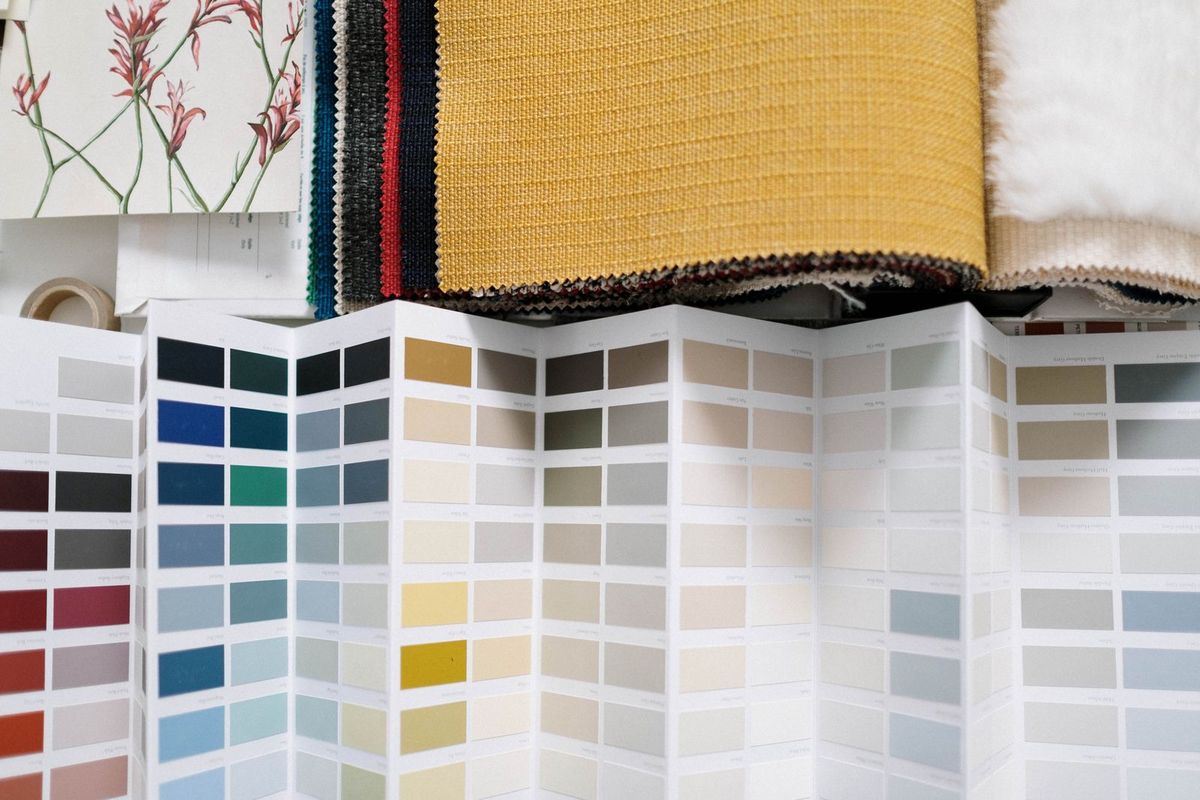
Mood boards: where Canva still earns its place
A mood board deserves its own section because it is where most Indian client disagreements are actually settled. Canva remains the easiest free mood-board maker: drag-and-drop templates, more than 3 million free stock photos and graphics, AI media generation through Magic Studio, and sharing and collaboration built in. A designer can build a board in an hour with paint swatches, fabric textures, furniture photos, and a colour palette, and send the client a link instead of a PDF that gets lost in WhatsApp. Homestyler’s AI Moodboard and Planner 5D’s mood board features are better when the board must stay connected to a 3D room, because the client can move from the board to the render of the same room. For presentation and graphic work around the board, such as a client proposal cover, Canva’s templates save real time.
Build a mood board with discipline, or it becomes a Pinterest page. Limit it to one room, one palette of five or fewer colours, one wood tone, one metal finish, and three or fewer hero pieces, and label every image with its real product or material name. A board full of unlabelled beautiful images produces a client who approves a feeling and then rejects every real product you show them. For Indian homes, include the constraints on the board itself: a note about which items are rented-flat friendly, which need drilling, and which need a carpenter, because a tenant and a homeowner approve very different boards. And check image rights before reusing a board publicly: photos from a catalogue or a brand belong to that brand, and a board posted on Instagram is publishing, not private inspiration.
Using these tools in India: measurements, light, and local sourcing
India-specific practice matters more than the choice of app. First, measure in feet and inches the way your carpenter works, and keep the plan in those units even if the tool defaults to metres, because a conversion error on one wall ruins every piece of furniture in the room. Second, design for Indian light and heat: large west-facing glass looks stunning in a render and punishing in a May afternoon in Ahmedabad, so pair any glass-heavy design with curtains, films, or shading in the plan, not as an afterthought. Third, plan storage the Indian way: a design that works in a catalogue flat fails in a home that must store winter quilts, festival utensils, suitcases, and a mixer-grinder collection, so draw wardrobes, lofts, and kitchen storage before styling. Fourth, respect rental rules: many landlords forbid drilling, painting, or changing fittings, so a renter’s design should lean on freestanding furniture, removable wallpaper, and floor lamps, and a tool that only shows built-in wardrobes is the wrong tool for that client.
Sourcing is the other India trap. International catalogues show products, prices, and finishes that may not exist in India, and even when they do, the landed cost after shipping, customs, and GST can double the catalogue price. Before presenting a design, confirm each hero piece with a local shop, a carpenter, or an Indian online store, and keep one local alternative ready for every imported-looking item. For electrical and plumbing, no AI tool in this list replaces a licensed professional: a render can move a socket in a picture, but moving it in a wall needs an electrician, a conduit plan, and a check of the load on that circuit. For structural changes — removing a wall, enlarging a window, changing a balcony — an AI image is not permission, and a structural engineer or architect must approve the change before work starts.
What to avoid
- Presenting a render as a measurement drawing. A render has no scale, no dimensions, and no guarantee that the furniture shown will fit. Always pair it with a dimensioned plan.
- Trusting AI room dimensions. Photo restylers routinely change window sizes, ceiling heights, and door positions without telling you. Measure the real room and compare.
- Paying before testing on a real project. Free trials and free plans are for testing with your own room and your own client, not the demo room. Check renewal dates, auto-renewal, and what happens to your projects if you cancel.
- Quoting a price from a roundup. Prices in this article were checked against vendor pages and reputable roundups, but they change, and regional pages disagree, as Foyr Neo’s pages show. Open the official pricing page before paying or quoting.
- Using the wrong RoomGPT. Several unrelated apps share the name. Use roomgpt.io for the credit-pack original, and check the developer name on any app store listing.
- Uploading home photos without thinking. A room photo reveals your home, your possessions, and sometimes your location. Remove personal items and location data from photos before uploading, and read the tool’s terms on how uploaded images are used.
- Showing staged photos as real photos. When selling or renting, label visualisations clearly. A staged image presented as a real photograph misleads buyers and can cause legal trouble.
- Designing for the render, not the room. Dark colours, glass tables, and white sofas photograph beautifully and live badly with children, pets, dust, and Indian summers. Ask how the room will be cleaned and used every day.

Frequently asked questions
Which AI tool is best for interior design in India for a beginner? Planner 5D free is the best starting point for a beginner, because it teaches planning with unlimited free projects and half its catalogue, while Homestyler free is the best companion for renders and mood boards. Start with a plan, not a photo restyle, so your first design is measurable.
Can I design a room completely free with AI tools? Yes, for a single room at basic quality: Planner 5D free for the plan, Homestyler Basic for 1K renders, IKEA Kreativ free for IKEA furniture checks, and Canva free for the mood board. High-resolution renders, full catalogues, and unlimited AI variations are paid, so a professional multi-room project will need at least one paid plan.
Do these tools work in India without a VPN? Yes, as far as their public pages and help pages show. Planner 5D, Homestyler, Coohom, Foyr Neo, RoomGPT, REimagineHome, Canva, and IKEA Kreativ through the IKEA India app are all accessible in India in a normal browser or app. If any tool asks for a VPN, treat that as a warning sign and check its official status page rather than forcing access.
Can an AI render be given to a carpenter to build from? No. A render is a picture, not a drawing. A carpenter needs a dimensioned floor plan, elevations, material names, and hardware details. Use a plan tool to produce the plan, check every measurement in the real room, and write the materials down separately.
Which tool is best for 3D renders of a room? For free renders, Homestyler Basic with unlimited 1K rendering is the best start, and Planner 5D Premium adds standard renders. For client-ready 4K renders and walkthroughs, Coohom Pro and Foyr Neo are the professional options, with render credits or quotas as the real cost to watch.
Which tool is best for mood boards? Canva free is best for a fast, shareable client mood board with templates and stock images, while Homestyler’s AI Moodboard is best when the board must connect to a 3D room design. Keep the board to one room, five or fewer colours, and labelled real products, or it will not survive contact with actual shopping.
Is IKEA Kreativ really free in India? Yes, IKEA Kreativ is available in India through the official IKEA app at no extra charge, and IKEA India’s own help pages explain scanning, erasing, and designing. It only covers IKEA catalogue items, excludes textiles and ceiling pendants for now, and delivery depends on your pin code, so check availability before finalising an IKEA-based design.
How much does Foyr Neo cost in India? That cannot be answered with one number from public pages, because its international page lists 33 dollars a month for Basic while another version of the page lists 499 rupees a month paid yearly. Open the pricing page yourself, confirm the currency and billing period, and test the free trial on a real project before paying.
Final verdict
Start free in Planner 5D for plans and Homestyler for renders; check IKEA Kreativ before buying IKEA. A render is not a drawing.
A short honest-limits note: prices, free allowances, and credit costs in this article were checked against vendor pricing pages and reputable roundups, but they change without notice and regional pages sometimes disagree. Re-check the official pricing and help page of any tool before paying, before promising a client a price, and before promising a deadline that depends on a free limit.
Image credits:
- A modern living room with a green sofa, indoor plants, and natural light — Ksenia Chernaya on Pexels (Pexels License, free to use)
- Fabric swatches and a colour palette laid out for an interior design project — cottonbro studio on Pexels (Pexels License, free to use)
- An interior designer assessing colour swatches at her desk — Antoni Shkraba on Pexels (Pexels License, free to use)