
AI tools for opticians and eye shops in India: try-on, eye tests, stock and reminders
Published , Updated , 27 min read
An eye shop in India does four jobs at once, and only one of them is selling a frame. First, a customer has to trust the eye test. Second, they have to imagine how a frame will look on their own face, not on a model in a poster. Third, the shop has to know what is actually in stock, in which power, in which branch, and when an order will be ready. Fourth, the shop has to bring the customer back, for delivery, for a fitting adjustment, for a contact-lens review, and for the next eye test a year later. AI tools can help with all four jobs, but they help in very different ways, and the tool that shows a frame on a face is not the tool that manages stock, and neither one can replace a qualified optometrist or ophthalmologist.
The direct answer for India is this: if you run a single eye shop, start with the free WhatsApp Business app for reminders, labels, a catalogue, and quick replies, because that is where Indian customers actually read messages. Add a virtual try-on demo next, because customers now expect to see frames on their own face before they buy, and Fittingbox is the specialist business tool for that job, with real-time augmented reality try-on, a large digital frame database, and measurements such as pupillary distance. Use a screening app only as a first step, never as a diagnosis: SightConnect, from LVPEI and Infosys, lets people self-assess their eyes at home and supports various Indian languages, while Peek Acuity lets a helper measure distance visual acuity on an Android phone. For the shop itself, OptoSoft is the most complete India-priced option found for this article, combining prescription records, appointment reminders, point-of-sale billing, and frame and lens inventory in one cloud system, with a free version for customer records and prescription management and an India price listed at ₹6,000 per store per year. CarrotByte is a newer alternative built specifically for optometry clinics, with patient records, myopia tracking, sales, inventory that understands lens powers, and automated WhatsApp follow-ups. Use ChatGPT or Gemini only for anonymous shop work, such as writing frame descriptions, social media posts, and reminder wording in Hindi or Hinglish, and never paste a customer’s name, phone number, prescription, or eye report into a public chatbot.
This article is written for India on purpose: a single shop on a busy street, a two-branch family business, a small eye clinic attached to a shop, customers who message in Hindi, Hinglish, Tamil, Telugu, Marathi, or English, a normal phone and laptop, and no assumption that you have a large monthly software budget, a United States account, or an information technology team. It also carries a warning that matters more for eye care than for most shop topics. A phone screening, a virtual try-on, and a chatbot answer are not an eye examination. They cannot check the inside of the eye, measure eye pressure reliably, detect glaucoma, diabetic eye disease, cataract, or retinal problems, or fit contact lenses safely. A customer who gets a reassuring result from an app and then skips a real examination is worse off than a customer who never opened the app. Every tool below is therefore judged on the same question: does it bring more people into proper eye care, or does it quietly replace proper eye care with a shortcut?
Disclaimer: This article is general information only, not medical, legal, or professional advice. It does not replace clinical judgement, your professional obligations, or the advice of a qualified eye-care professional. Before adopting any tool for eye testing, prescriptions, or patient records, check official sources, your professional body’s current guidance, and the tool’s own privacy, security, and pricing pages.
The short answer, in one table
| Tool | Best for | Free limit or price to watch |
|---|---|---|
| WhatsApp Business app | Reminders, delivery updates, catalogue, labels | Free to download, with some paid features; broadcasts reach only people who saved your number |
| Fittingbox | Business virtual try-on for your own website or store | Business tool; pricing is not a public free plan, so ask for a written quote before promising it to customers |
| Lenskart Virtual AR / 3D Try On | Showing Indian shoppers what try-on feels like | Free inside the Lenskart app, but it shows Lenskart frames, not your own stock |
| SightConnect | Home self-assessment and early alerts, from LVPEI and Infosys | Android app, supports various Indian languages; a screening aid, not a diagnosis |
| Peek Acuity | Helper-led distance visual acuity measurement | Free Android app; needs a helper two to three metres away, and glasses must not be prescribed from it alone |
| eyefit.ai | India-built eye-wellness screening, myopia, dry eye, and retina claims | Check the official site for current services and prices; screening claims still need a professional examination |
| OptoSoft | Prescriptions, appointments, billing, frame and lens stock | Free version for records and prescriptions; India price listed at ₹6,000 per store per year |
| CarrotByte | Optometry records, myopia tracking, sales, and inventory | Pricing not clearly published in the sources checked; ask for a demo and a written quote |
| ChatGPT / Gemini | Anonymous drafts, frame descriptions, Hindi and Hinglish posts | Free tiers exist with limits; ChatGPT everyday text chats are listed as unlimited, Gemini limits refresh every five hours up to a weekly cap |
Prices and limits change, and the figures above are snapshots from sources checked while writing this article. Always re-check the official pricing and help page before paying, promising a customer a deadline, or budgeting for a year. Where sources disagreed, this article says so rather than picking the friendlier number.
WhatsApp Business: the reminder system most shops already own
Most Indian eye shops do not have a no-show problem because customers forget on purpose. They have a no-show problem because the shop never reminded them, or reminded them by a channel they never open. Email goes unread, SMS often lands in a spam folder, and a phone call takes staff time for every single customer. WhatsApp is different because it is where the customer already lives, and the free WhatsApp Business app turns that habit into a shop system without a monthly fee.
The app is free to download, and it adds a business profile, a catalogue, greeting and away messages, quick replies, and labels to ordinary WhatsApp. A shop can therefore do five useful things in one place. First, set a business profile with the exact shop name, address, hours, and category, matching the Google listing so customers do not hesitate. Second, build a small catalogue of best-selling frames, lens types, and services, each with a photo and a plain description, so a customer who asks “what frames do you have under ₹2,000?” gets an answer, not a promise to check later. Third, save quick replies for the questions answered ten times a day: shop timings, location, home eye-test booking, delivery time, and lens coating options. Fourth, use labels such as new enquiry, order placed, lens ordered, ready for delivery, paid, and follow up, so a broadcast goes to the right people and not to everyone. Fifth, send appointment reminders, order-ready messages, and next-test reminders to customers who have already spoken to the shop.
There are two limits every shop must respect. Broadcast lists in the free app reach only people who have saved the shop number, so a shop cannot buy a list and message strangers and expect it to work, and it should not try. And a health reminder must never reveal health details to anyone who might see the phone. Keep it to “your appointment tomorrow at 11 am” or “your order is ready for collection”, with no mention of a condition, a power, or a test result. The paid WhatsApp Business Platform, often called the API, is a different product for messaging at scale through software, charged per delivered message, and a single shop almost never needs it first. Start with the free app, prove that reminders reduce no-shows and speed up collections, and only then ask whether a paid platform would save real staff hours.
For related small-shop messaging ideas, see the guide to AI tools for small business in India, and for the privacy rules that apply when a shop handles customer data, see AI privacy and safety for free tools in India.
Fittingbox: the specialist virtual try-on for a real shop
Fittingbox is the tool to study first if you want customers to try frames on their own face on your website or in your store. It describes itself as the pioneer and inventor of virtual try-on technology for eyewear, with more than fifteen years in the field, and it works in real time through the front camera of a phone, tablet, or computer, rather than asking the customer to upload a photo and wait. Customers can also use a photo-based try-on if they do not want to give camera access, which matters for older customers and for customers on a slow connection.
Three details make Fittingbox different from a generic photo filter. First, it places ultra-realistic digital frames on the face and tracks head movement, so the frame stays in place as the customer turns, instead of floating over a still image. Second, it measures fitting details, including pupillary distance and fitting height, which are the horizontal and vertical positions of the eyes that matter for correct lens placement. A try-on that only shows colour and shape is a marketing toy; a try-on that also respects measurements is a selling tool an optician can defend. Third, it offers a ready-to-use digital frame database of more than 195,000 references from more than 1,200 brands, with matching against your own inventory, so you can see which of your frames are already available for try-on, and its studio can digitise frames that are not yet in the database.
The honest limits are commercial, not technical. Fittingbox is a business product, not a free consumer app, and its public pages do not present it as a free plan a small shop can simply switch on. A shop should therefore ask for a demo on its own frames, test it on a mid-range Android phone in shop lighting, check how it behaves on a slow connection, and get a written quote that states how many frames are included, whether digitisation of new frames costs extra, and what happens when the subscription ends. A try-on demo on a flagship phone in a showroom tells you nothing about a customer trying frames at home on a three-year-old phone. Test the worst phone, not the best one.
Lenskart Virtual AR: what Indian customers now expect
Most Indian customers who have bought glasses online have already met a virtual try-on, even if they never heard the name Fittingbox. Lenskart’s Virtual AR experience, inside the Lenskart app, scans the face, detects face shape and temple size, recommends frame shapes, and then lets the customer swipe through eyeglasses and sunglasses, with a 360-degree product view and colour options. Its own help pages say customers can also get a 180-degree view of themselves in a favourite frame, filter by price, save favourites, and share a try-on photo or video. Lenskart also advertises a free eye check-up in store and a home eye test for ₹99, carried out by a certified optometrist, with a prescription given immediately after the check-up, according to its frequently asked questions page.
A small independent shop should learn two lessons from Lenskart, and avoid one mistake. The first lesson is expectation: once a customer has tried frames on their own face at home, a shop that only offers a mirror and a tray of frames feels slower, even if its fitting advice is better. The second lesson is honesty about fit: Lenskart itself offers five frame sizes, from Extra-Narrow to Extra-Wide, and says 80 to 90 percent of its customers find a Medium frame the best fit, which is a reminder that size, bridge width, and temple length still matter after the photo looks good. The mistake to avoid is telling a customer that the Lenskart app will show them your frames. It will not. It shows Lenskart frames. Its value for an independent shop is as a benchmark for what customers expect, and as a reason to invest in a try-on tool, such as Fittingbox, that can show your own stock.
SightConnect and Peek Acuity: screening aids, not eye examinations
Eye testing is where AI tools are most useful and most dangerous at the same time, so this section draws a hard line. A screening tool can help a shop or a clinic find people who need a full examination, especially in areas with poor access to eye care. It cannot replace that examination, and any shop that sells it as a replacement is putting customers at risk.
SightConnect, launched by LVPEI with Infosys and the Infosys Foundation, is the strongest India-built example found for this article. It is a mobile application that enables individuals to self-assess their eyes from home, provides early alerts for potential eye conditions, and aims to help people in hard-to-reach areas with poor or no eye-care infrastructure. Its interface supports various Indian languages, which is a real advantage over an English-only screening app, and it was launched for Android users on the Google Play Store, with an iOS version planned at launch. For a shop that runs screening camps, school visits, or rural outreach, SightConnect is worth testing as a first step that sends people towards care, provided the shop is clear, in writing and in speech, that a self-assessment is not a prescription and not a clean bill of health.
Peek Acuity is narrower and more honest about its limits, which is why it is useful. It is a free Android app that lets a non-specialist measure distance visual acuity accurately when used correctly, using a smartphone or tablet, with results in standard LogMAR or Snellen units. But it has strict conditions. It cannot be used for self-testing: another person must hold the phone two to three metres from the person being tested. It measures distance vision only, not near vision, and its own guidance says glasses should not be prescribed on the basis of a Peek Acuity test alone. It is available for Android only, not for iPhone, and in English only in the guidance checked, so users who do not read English may struggle to navigate it. It works reliably for adults and children aged six and over, is moderately reliable for children aged four to six, and is not recommended for children younger than four. A shop that uses Peek Acuity for a camp screening, with a trained helper and a clear referral path to a full examination, is using it correctly. A shop that uses it to sell glasses without a proper refraction and eye-health check is not.
The professional warning behind this line is blunt. The American Optometric Association has stated that, from a patient health and safety perspective, there is simply no replacement for an in-person comprehensive eye exam, and that there is no approved at-home device or app that can self-conduct all elements of a proper eye examination. The American Academy of Ophthalmology makes the same point in plainer language: home vision tests can measure the power of a glasses prescription, but they cannot detect eye diseases that often have hidden symptoms, and they are not appropriate for people with an eye condition, risk factors such as diabetes or a family history of glaucoma, or no recent eye examination. Contact lenses deserve an even stronger warning: experts strongly caution against ordering contacts from a home test alone, because a poorly fitting contact lens can cause redness, irritation, and in serious cases a corneal infection that can threaten sight. An optician who repeats those warnings, unprompted, earns more trust than one who hides them.
eyefit.ai: an India-built screening platform to verify before trusting
eyefit.ai presents itself as an all-in-one eye-wellness platform, driven by doctors and powered by AI, with tools for myopia prediction and prevention, computer vision syndrome and dry eye care, cataract and glaucoma risk management, retina health, home doctor visits, and a lens product called LensX.AI. Its founder is described on its own site as a nationally recognised ophthalmologist with more than sixteen years of experience and more than 100,000 cataract surgeries, and the platform claims it can help users check a child’s myopia risk, track myopia progression, check early signs of dry eye, screen for cataract and glaucoma risks, and book retinal scans at home with AI-interpreted reports.
Treat those claims as a starting point for questions, not as proof. A shop or clinic considering eyefit.ai should ask, in writing, which services are available in its city, which results are reviewed by a qualified professional and how quickly, what happens when a screening flags a risk, what data is stored and where, and what the service costs for a single customer versus a shop partnership. Screening language is easy to write and hard to prove, and words such as detect, predict, and manage mean very different things in marketing and in medicine. The safe way to use any such platform is the same as for SightConnect and Peek Acuity: as a route into a full examination, with a named professional responsible for the next step, never as a standalone verdict that a customer can take home and act on alone.
OptoSoft: prescriptions, billing, and stock in one India-priced system
OptoSoft is the most complete shop system found for this article, and the reason is that it refuses to split the clinic from the shop. It is a cloud-based optometry practice-management and electronic medical record system, founded in 2008, available in nine languages, and used by optical retailers and optometry practices in more than thirty countries. For a shop, that combination matters because a prescription, a sale, and a stock movement are the same job seen from three sides, and a system that keeps them apart forces staff to retype the same details three times.
On the clinical side, OptoSoft keeps a full prescription history for spectacles and contact lenses, including sphere, cylinder, axis, addition, and pupillary distance, with unlimited patient records, case history, and eye examination findings. It offers doctor appointment scheduling with automated reminders, prescription renewal notifications, and the ability to print or WhatsApp a prescription slip directly from the patient record. On the retail side, it offers touchscreen point-of-sale billing linked to the prescription, frame and lens inventory with barcode scanning, multi-payment options including cash, card, UPI, and insurance, professional invoices sent by WhatsApp or email, supplier orders, and multi-branch stock management. Automated reminders go out by WhatsApp and SMS for appointments and prescription renewals, which is the feature that most directly reduces no-shows and brings customers back for their next test.
On price, OptoSoft is unusually transparent for this market. It offers a free version covering customer records and prescription management, with no credit card required, plus a free online demo of the paid features. Its international plan is listed at US$399 per location per year with unlimited users and free updates, and its India price is listed at ₹6,000 per store per year, with no per-user or per-transaction fees. That no-per-user rule matters for a shop with several staff members, because many clinical systems that look cheap per month become expensive once every optometrist, receptionist, and billing assistant needs a seat. Before committing, a shop should still run the free version on real customers for two weeks, test barcode scanning with its own frames, test a WhatsApp reminder end to end, and confirm in writing whether the India price covers every branch or is charged per store.
CarrotByte: a newer optometry system built around follow-up
CarrotByte is a newer, smaller alternative that is worth a demo for a different reason: it is built around the follow-up, not just the sale. Its site describes it as a smart digital solution for optometry clinics, covering patient records and clinical charting built for how eye exams actually work, appointments and online booking, point-of-sale sales from walk-in to collection reminder, inventory management that understands lens powers rather than just product names, automated patient communications, analytics and reporting, and multi-branch and team management. Its headline promise is blunt: stop chasing patients with sticky notes and spreadsheets, because the system automatically sends personalised follow-up reminders so nothing falls through the cracks, and it brings patients back with WhatsApp messages sent from their records.
That lens-power detail deserves attention. A generic shop inventory system treats a lens as a product name and a quantity. An optometry inventory system must also understand power, cylinder, axis, coating, and index, because a shop can have fifty lenses in stock and still not have the one power a customer needs. A shop comparing CarrotByte with OptoSoft should therefore test the same hard cases in both: a progressive lens order, a high-power lens that must be ordered, a contact-lens trial set, and a frame that exists in one branch but not another. Pricing for CarrotByte was not clearly published in the sources checked for this article, so treat any price quoted second-hand as unverified, ask for a demo on your own stock, and get a written quote that covers users, branches, WhatsApp message costs, and data export. A system that cannot export your patient records and prescriptions in a usable format is a trap, however good its reminders look on day one.
ChatGPT and Gemini: useful for shop words, dangerous for patient data
A general chatbot is the cheapest AI tool a shop can use, and the most misused. Used correctly, ChatGPT or Gemini can draft a frame description in plain Hindi, rewrite a stiff English notice into friendly Hinglish, suggest ten social media captions for a new collection, draft reminder wording for a festival offer, and turn a long supplier email into a short summary. Used incorrectly, it becomes a privacy leak: a staff member pastes a customer list, a prescription, or an eye report into a public chatbot to “make it neat”, and that data is now outside the shop’s control.
Free limits for both tools are a snapshot, not a promise, and sources disagree on exact numbers, so check the official pages before relying on them. ChatGPT’s everyday text chats are now listed as unlimited on the free plan, while uploads, image generation, voice, deep research, and reasoning models are limited, with no fixed numbers published. Gemini’s free plan uses usage limits that refresh every five hours up to a weekly cap, with heavier features such as image generation and Deep Research consuming the allowance faster, and a free-tier context window reported at about 32,000 tokens, roughly a long document split into parts. In practice, a shop drafting posts and descriptions will rarely hit either limit, while a shop trying to generate dozens of product images in one sitting will hit them quickly. The rule that matters more than the limit is the data rule: anonymise everything first. Write “a round acetate frame for a wide face” instead of pasting a customer’s photo, name, and prescription, and never upload a customer’s eye report to generate a summary.
For the wider question of how free AI tools compare in India, and for writing and image tools that pair well with shop posts, see best free AI tools in India and AI tools for chemists and pharmacies in India, which faces similar prescription and privacy problems.
How an Indian eye shop should actually use these tools
A shop does not need every tool on day one, and buying everything at once is the fastest way to end up with software nobody opens. The sequence below is ordered by return on effort, not by how impressive the demo looks.
Start with WhatsApp Business and a paper-to-digital prescription habit. Set up the business profile, catalogue, labels, and quick replies in one afternoon. Move prescriptions from paper registers into OptoSoft’s free version, or any system you trial, so the next test, the next order, and the next reminder all start from a real record. Measure one number for a month: how many appointments were reminded, and how many of those customers actually arrived.
Add try-on only after the reminder system works. Run a Fittingbox demo on your own best-selling frames, on a mid-range phone, in your own lighting, and ask ten real customers to try it before you sign. Watch where they hesitate: camera permission, face alignment, frame size, or price shock after the photo looks good. Fix the hesitation, not the software. If a business try-on quote is out of reach this year, use the Lenskart benchmark honestly with customers: explain that online try-on shows shape and colour, while your shop adds measurement, fitting, adjustment, and aftercare, which no photo can provide.
Use screening tools only with a referral path. If you run a camp or a school visit with SightConnect or Peek Acuity, print a simple referral slip before the camp starts, name the professional who will see flagged customers, and state the date and place of the full examination. Never hand a customer a screening result and a price list in the same breath. The screening earns trust only if the next step is care, not a sale.
Finally, keep one person responsible for data. That person checks that no patient details go into a public chatbot, that WhatsApp reminders carry no health details, that backups and exports work, and that staff know what to say when a customer asks “is my data safe with you?” A shop that can answer that question plainly, without jargon, will keep customers that a cheaper shop loses.
What to avoid
Avoid buying a try-on tool before testing it on your own frames, on a cheap phone, in shop lighting, because a demo on the vendor’s frames on a flagship phone proves nothing. Avoid any screening app or service that promises a prescription, a diagnosis, or a clean bill of health from a phone alone, and avoid selling glasses or contact lenses from a screening result without a proper examination. Avoid pasting customer names, phone numbers, prescriptions, or eye reports into a public chatbot, even to “tidy up” the wording, because you cannot take that data back. Avoid inventory software that cannot handle lens powers, branches, and orders in progress, because a system that only counts frames will fail on the first progressive order. Avoid paying for a system that cannot export your own patient records, prescriptions, and invoices, and avoid signing a yearly plan before a two-week trial on real customers. Avoid broadcasting offers to people who never saved your number, messaging at night, or sending health details in a reminder that anyone holding the phone could read. And avoid promising a customer a delivery date, a price, or a lens result that depends on a supplier, a lab, or a software limit you have not checked that week, because prices and limits change and the customer remembers the promise, not the disclaimer.
Frequently asked questions
Can an AI app test my eyes properly at home?
No, not fully. A home app can screen distance vision or flag a possible problem, and tools such as SightConnect and Peek Acuity are useful first steps, especially where eye care is hard to reach. But a full eye examination also checks eye health inside the eye, eye pressure, and conditions with hidden symptoms, and no home app replaces that examination. If an app flags a problem, or if you have diabetes, a family history of glaucoma, an eye condition, or no recent examination, see a qualified professional in person.
Can I buy glasses from a virtual try-on photo alone?
You can buy the frame from a photo, but you should not finalise the lenses from a photo alone. Virtual try-on shows shape, colour, and style on your face, and a good system also respects measurements such as pupillary distance. It does not replace refraction, frame fitting, bridge and temple adjustment, and lens centration. The safe order is: proper eye test, try-on for style, professional fitting, and a free adjustment visit after delivery.
Is Fittingbox free for a small eye shop?
No, not as a public free plan in the sources checked. Fittingbox is a business product for eyewear retailers and brands, with a large digital frame database and real-time try-on. A small shop should ask for a demo on its own frames and a written quote covering included frames, digitisation of new frames, and what happens if the subscription ends, before promising try-on to customers.
Does Lenskart virtual try-on show frames from my local shop?
No. Lenskart’s Virtual AR and 3D Try On show Lenskart frames, in the Lenskart app and on its site. For an independent shop, its value is as a benchmark for what customers now expect from try-on, not as a tool that displays your own stock. To show your own frames, you need a business try-on tool such as Fittingbox, or your shop’s own website and catalogue.
What is the cheapest safe starting point for a single eye shop?
The free WhatsApp Business app, plus a free trial of a prescription and stock system such as OptoSoft’s free version. WhatsApp handles reminders, delivery updates, and a small catalogue at no software cost, while the free prescription version lets the shop learn whether digital records actually save time before paying ₹6,000 per store per year or any other annual fee. Do not pay for a yearly plan before a trial on real customers.
Can I use ChatGPT or Gemini to read a customer’s eye report?
No, not with the customer’s identifiable details. You can ask a chatbot to explain a general eye term in plain Hindi, or to draft a general handout about lens care, with no patient data in the prompt. You must not paste a customer’s name, phone number, prescription, or report into a public chatbot, because that data leaves your control. For anything about a real patient, use your own record system and your professional judgement.
How do I remind customers without being spam?
Send few, useful messages to people who already know your shop, and only to the right label. A reminder the day before an appointment, a message when an order is ready, and a next-test reminder after the right interval are welcome. Daily offers, night messages, broadcasts to strangers, and reminders that mention a condition or a power are not welcome, and they will get your number muted or blocked. Put one clear action in each message, such as “Reply YES to confirm”.
Do these tools work without a VPN in India?
Yes, for the tools named in this article. WhatsApp Business, Fittingbox, Lenskart’s app, SightConnect on Android, Peek Acuity on Android, eyefit.ai, OptoSoft, CarrotByte, ChatGPT, and Gemini are all presented as services available in India through ordinary Indian internet access, with no VPN mentioned in their official descriptions. If any tool ever asks you to use a VPN, a foreign account, or a payment method you do not recognise, stop and check its official help page before continuing, because that is a sign you are not on the intended route.
Final verdict
Start with WhatsApp Business reminders and a try-on demo, trial OptoSoft on your own frames, and never let an app replace a full eye exam.
Image credits:
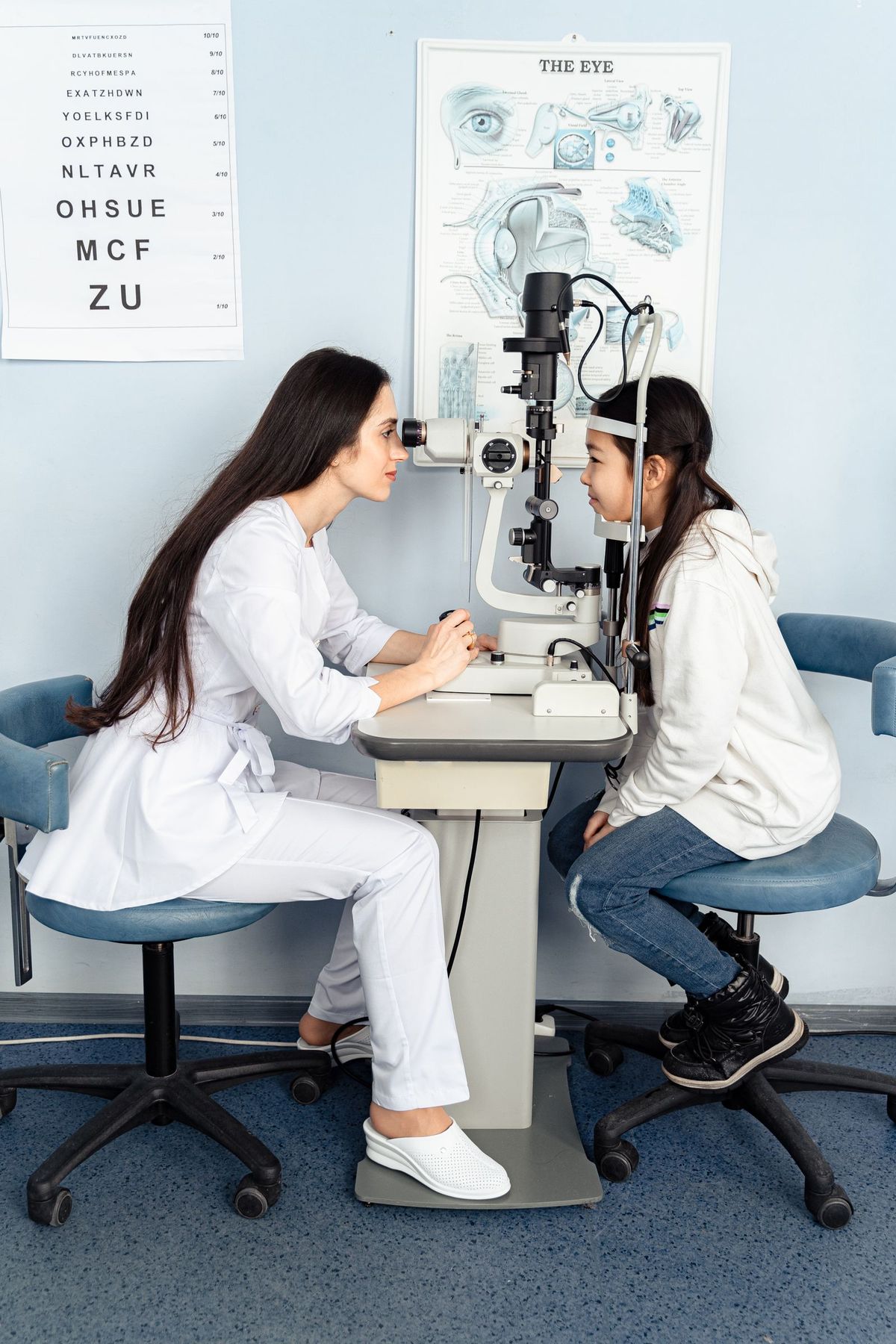
- An optometrist examining a young patient’s eyes in a clinic — Pexels — Antoni Shkraba — Pexels License
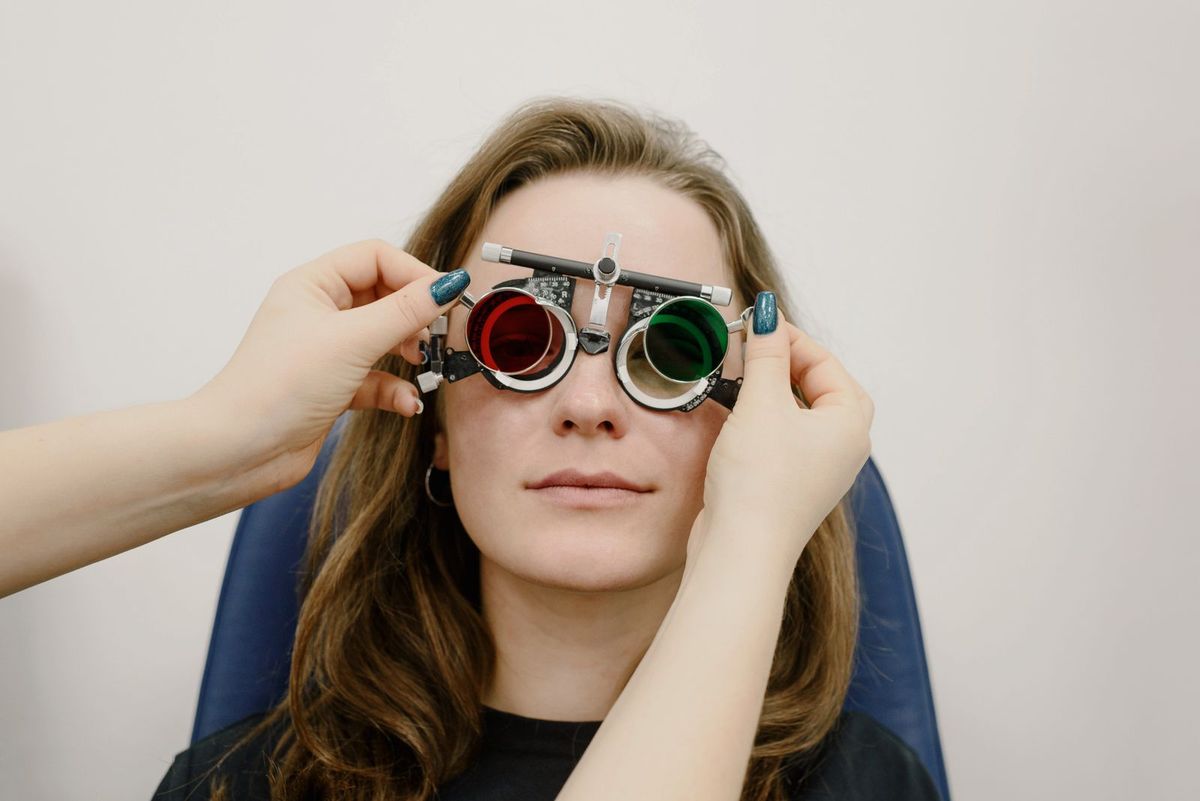
- An optometrist adjusting trial-frame lenses during an eye test — Pexels — Ksenia Chernaya — Pexels License
- A woman choosing eyeglasses in an optical shop — Pexels — Ksenia Chernaya — Pexels License