
AI tools for repair shops in India that speed up diagnosis and job management
Published , Updated , 20 min read
A repair shop in India runs on two skills: finding the fault quickly, and keeping track of every phone, laptop or mixer that comes in. AI tools help with both, but they do not replace a technician. The best setup for most small shops is a free diagnosis helper at the workbench, plus one system that records every job from intake to delivery. Everything in this article works in India without a VPN, and every free limit is stated as it was found, because prices and limits change and you should re-check the official pricing or help page before paying or promising a customer a deadline.
The short answer is this: start with iFixit and its AI helper FixBot for repair steps, Google Lens for identifying parts and models, and WhatsApp Business for customer updates. For a phone health check at the counter, add a scanning app such as DeviceGPT. When walk-ins grow beyond what a notebook can hold, move to a repair job system such as ServiceCalender or RepairDesk, and handle bills with Vyapar or Zoho Books so GST invoices stay clean. Nothing here needs expensive hardware, and the free tools alone are enough for a one- or two-person shop.
Short answer: which tool for which job
| Job in your shop | Best starting tool | Cost to start |
|---|---|---|
| Find repair steps for a model | iFixit guides and FixBot | Free guides; FixBot has a free tier |
| Identify a part or model from a photo | Google Lens | Free |
| Quick phone health check at intake | DeviceGPT | Free scan on Android |
| Laptop hardware testing | Brand tool, for example HP PC Hardware Diagnostics | Free with the brand’s PCs |
| General fault brainstorming | ChatGPT or Gemini | Free tier available |
| Job cards, tickets and technician work | ServiceCalender or RepairDesk | Check official pricing; RepairDesk paid plans start at $79 per month billed annually |
| Customer messages and status updates | WhatsApp Business | Free app, mix of free and paid features |
| GST bills and stock records | Vyapar or Zoho Books | Free tiers available, with limits |
| Day-to-day small shop help | Our small business tools guide | Free to read |
iFixit and FixBot: the free repair library with an AI helper
iFixit is a free repair manual library with step-by-step guides for phones, laptops, tablets, appliances, game consoles and tools. Its guide index lists tens of thousands of appliance guides and tens of thousands of phone and PC guides, so for common models you will usually find a teardown or a repair procedure before you open the device. That matters in a repair shop because a wrong opening sequence breaks clips, cables and screens, and a guide with photos prevents that kind of damage. The guides are free to read on the web, and the community around them reports where a step is tricky or where a part is glued instead of screwed.
FixBot is iFixit’s AI repair helper, available on the web and on iOS and Android. You describe the problem in plain words, for example that a phone shuts off randomly, and it searches iFixit’s own repair content and gives troubleshooting steps, with visual diagnostics on the paid tier. Its free tier covers chat and access to iFixit content, while the Enthusiast tier adds extended usage limits, visual diagnostics and hands-free voice guidance. For a shop, the practical use is at diagnosis time: when a customer describes a vague fault such as “phone heats up” or “laptop is slow”, FixBot gives you a structured list of likely causes to check in order, instead of you opening the device blind. Always verify its suggestion against the actual device, because an AI answer is a starting checklist, not a confirmed diagnosis.
Use iFixit and FixBot when the fault is unusual, when the model is new to you, or when you want to show a customer why a repair needs a particular part. Do not use them as a substitute for testing: a guide tells you how to replace a battery, but only a meter or a diagnostic test tells you whether the battery is actually dead.
Google Lens: identify the part in front of you
Google Lens is a free visual search tool built into the Google app and Chrome on Android, and described on Google’s own Android help pages. Point the camera at a part, a label, a connector or a model number plate, and it searches for matching images and pages. In a repair shop this solves a daily problem: a customer brings a charger, a remote, a mixer jar coupling or a laptop hinge with no box and no model number, and you need to know what it is before you can order a replacement. A photo search is often faster than typing a half-rubbed serial number into a search box.
Lens can also copy and translate text from a label, which helps when a part sticker is in another language or when the print is small. For best results, photograph one part at a time against a plain background, crop tightly around the label or connector, and then use the “Ask about this image” option to add words such as the brand or the symptom. Lens identifies what something looks like; it does not test whether it works, so a part that looks identical can still be the wrong revision. Confirm the part number with your supplier before ordering, especially for phone screens and laptop batteries where look-alike parts are common.
DeviceGPT: a free phone health scan at the counter
DeviceGPT is an Android app that runs a full phone health scan in one go: battery health and temperature, screen dead-pixel tests, microphone and camera tests, a Wi-Fi speed test and a security-style audit, with a simple score. It needs no root and no sign-up, and most of it works offline. For a repair shop, the intake use is obvious. When a customer hands over a phone for sale, exchange or repair, a two-minute scan gives you a written record of what was already wrong before you touched it. That record protects you when a customer later claims a scratch, a dead pixel or a weak battery was caused by your repair.
The app also has an optional “Ask AI” step that sends the finished scan report to an assistant such as ChatGPT, Gemini or Claude for a plain-English explanation of which findings matter. Sharing happens only when you tap that button, which is the right way to handle it, because a customer’s scan report is their data. Do not send a customer’s phone report to an AI tool without telling them, and do not use the leaderboard upload as your job record. Keep your own job card as the official record, and treat the scan as supporting evidence. DeviceGPT is an Android tool, so for iPhones you still need the built-in battery health screen and a manual check of the camera, microphone and speakers.
Brand laptop diagnostics: free, and already on the machine
Before you buy any diagnostic software for laptops, use the free tool that already ships with the brand. HP, for example, provides HP PC Hardware Diagnostics, which runs tests on memory, storage, battery and other components, and a UEFI version that runs outside Windows when the machine will not boot. It is pre-installed on new HP computers and can be downloaded from HP support, and it can produce a failure ID code that HP support recognises. That is exactly the kind of evidence you want before telling a customer that a hard drive or a motherboard has failed.
Other big brands ship similar free tools with their laptops, and the brand’s own support page is the place to confirm the current name and download link before you install anything. The rule for the shop is simple: run the brand diagnostic first, note the result code or the failed component on the job card, and only then open the machine. This also helps with warranty jobs, because a manufacturer service centre takes a diagnostic code far more seriously than “customer says laptop is slow”. These tools test hardware, not software, so a machine that passes every hardware test but still runs slowly probably needs a software cleanup, a storage upgrade or a fresh operating system install instead of a part replacement.
ChatGPT and Gemini: a second opinion at the workbench
General AI assistants such as ChatGPT and Gemini are useful in a repair shop as brainstorming partners, not as oracles. They work in India without a VPN, and both offer free tiers, though the exact message limits and the newest models on the free tier change often, so check the official pricing page before you rely on a limit. The best repair use is narrow: paste in the symptom, the model and what you have already tested, and ask for a ranked checklist of what to test next. A good prompt looks like this: “Samsung phone, model X, battery drains in three hours, new battery already fitted, no heating. What should I test next, in order?” That gives you a test sequence you can work through and tick off.
These assistants are also handy for writing in plain language: a short explanation of why a motherboard repair costs more than a screen replacement, a polite message telling a customer a part will take four days, or a translated note for a customer who reads Hindi better than English. What they must not do is decide the diagnosis alone. They can confidently suggest a wrong part, mix up two similar models, or invent a specification. Every AI suggestion goes through the same filter: does it match the device on my bench, and can I test it before I order a part? If either answer is no, keep testing.
ServiceCalender: an AI service-centre system for Indian repair shops
ServiceCalender is a service-centre and appointment system built for mobile, laptop and computer repair shops, including shops with more than one branch. It covers repair tickets with device details, reported issues, handover condition and photos, appointments and a technician calendar, technician assignment and performance, spare-parts inventory, quotations, warranty tracking and customer communication. Its AI features are built around your own store data: smart ticket intake suggests a fault category, likely parts from your own stock, a cost range and a priority from a plain description of the problem; a technician repair assistant suggests likely causes and step-by-step fixes for the exact device model, informed by similar repairs your store has already completed; and a customer update writer drafts status messages for SMS, WhatsApp or email.
The important detail is that its AI answers only see that store’s records, and customers only see their own tickets. That is the right design for a shop handling other people’s devices and data, and it is a question worth asking any software vendor before you sign up. ServiceCalender’s pricing was not quoted here because it should be confirmed on its official pricing page at the time you buy; do not budget from a third-party listing. This kind of system earns its keep once you handle ten or more jobs a day, run a second branch, or keep losing track of which phone belongs to which customer. Below that volume, a disciplined notebook plus WhatsApp Business may honestly serve you better.
RepairDesk: tickets, point of sale and inventory for growing shops
RepairDesk is a repair shop management system with ticket management, workflows, multi-location support, advanced reporting and dashboards, point of sale, and integrations with accounting and payment tools such as Xero and Stripe. Its published pricing page lists an Essential plan at $99 per month, or $79 per month when billed annually, for a single-store business with five users per location and unlimited tickets, and a Growth plan at $149 per month, or $119 per month when billed annually, for multi-store businesses. An Advanced plan for mail-in repair and warranty centres is custom priced. Those dollar prices matter for an Indian shop, because the monthly cost in rupees moves with the exchange rate and with taxes, so convert the figure and confirm the final billing amount before committing.
RepairDesk suits a shop that has outgrown a notebook: several technicians, a parts counter with walk-in sales, and a need for reports on which technician closes the most jobs or which part runs out fastest. Its strength is structure, and its risk is the same as any paid system: you pay every month whether business is good or not, and moving your job history out later takes effort. Take the trial or demo first, enter ten real jobs from your last week, and only subscribe if the staff actually update tickets without being chased. Software nobody updates is worse than a notebook everybody uses.
WhatsApp Business: the customer-update tool your customers already have
WhatsApp Business is a free-to-download app with business features on top of ordinary WhatsApp: a business profile, automated greeting and away messages, quick replies for repeated answers, labels to organise chats, a catalogue of services and prices, and status updates for offers. Some features are paid, and data charges apply as per your mobile plan, but the core app is free. For a repair shop, this is the highest-return free tool in this article, because your customers already check WhatsApp many times a day, and a short status message prevents most “is my phone ready?” calls.
Set up quick replies on day one: price list, working hours, shop location, how to book, and a standard “your device is ready for pickup” message. Use labels such as “waiting for part”, “in repair”, “ready” and “delivered” so any staff member can see the state of every job from the chat list. Photograph the device at intake, including existing scratches and dents, and send the photo to the customer on the same chat, so there is a shared record. Do not use your personal WhatsApp number for the shop if you can avoid it; a separate business number keeps customer chats, shop hours and away messages clean, and lets a second staff member handle replies. If your shop also needs online discovery and reviews, read our guide on customer support tools for the wider picture.
Vyapar and Zoho Books: bills, GST and stock without a CA visit every week
A repair shop lives on small bills: screens, batteries, chargers, service charges and accessories. Vyapar is a mobile-first billing app made for Indian shops, with a free basic Android app for billing, GST invoice generation and inventory, and paid plans that add features such as e-invoicing, e-way bills and multi-device sync. Its paid pricing is reported differently by different sources, with some directories quoting desktop plus mobile plans around a few thousand rupees a year, so confirm the current figure on Vyapar’s own pricing page before paying. Its strength is speed at the counter: raise a GST bill on a phone between customers, in Hindi or another Indian language if that is what your staff prefer.
Zoho Books is a fuller accounting system, and its free plan covers businesses with annual revenue under 25 lakh rupees, with GST-compliant invoicing, quotes, bills, expenses, inventory tracking, payment reminders and GST reports. Sources disagree on the first paid tier, with some quoting 749 rupees per month and others around 899 rupees per month on annual billing, so again, check Zoho’s official pricing page before you budget. Zoho Invoice is a separate free option if you only need unlimited GST invoices without full accounting. The honest rule is: if you mostly sell over the counter and need speed, Vyapar fits; if you bill companies, need accountant access and want full reports, Zoho Books fits; if you are unsure, start with the free tier of either and move only when a limit actually bites. For the wider small-shop toolkit, see our small business tools guide.
Using AI well in an Indian repair shop
India adds four practical constraints that foreign tool reviews ignore. First, language: many customers explain a fault in Hindi, Hinglish or a regional language, so a tool that only understands polished English will miss the real symptom. Write the customer’s own words on the job card, then translate once, carefully, for the AI prompt. Second, connectivity: a shop in a small town cannot depend on a cloud dashboard that freezes on a weak connection, so prefer tools with an offline mode or a mobile app, and keep a paper backup of open jobs. Third, parts: an AI tool may suggest a part that is not stocked anywhere near you, so always check local supplier availability and delivery time before quoting a price or a date. Fourth, payment: customers pay by UPI, cash and card in the same day, so your billing tool must record all three cleanly, or your daily cash will never tally.
A good daily routine looks like this. At intake, photograph the device, run a quick health scan where one exists, and write the fault in the customer’s words plus one line of your own observation. During diagnosis, check iFixit or FixBot, run the brand hardware test for laptops, and use a general AI assistant only for a ranked test checklist. Before ordering, confirm the part number with the supplier and the price with the customer in writing on WhatsApp. At delivery, test the repaired function in front of the customer, hand over a printed or WhatsApp bill, and note the warranty period on the bill itself. That routine, repeated daily, is worth more than any single AI feature.
What to avoid
Avoid tools that promise a guaranteed diagnosis from a photo alone. A photo can suggest a cracked screen or a swollen battery, but it cannot prove a faulty charging IC or a dead storage chip, and a shop that quotes on a photo alone will eat the cost when the real fault is deeper. Avoid pasting a customer’s personal data into a public AI chatbot: photos of the customer, their lock screen, their messages, their IMEI number and their home address have no place in an AI prompt. Strip personal data before you ask an AI anything, and never upload a customer’s unlocked phone data to a free tool.
Avoid paying for a big repair management system before your job volume justifies it. A monthly dollar-priced subscription is a fixed cost that hurts in a slow month, and a half-used system creates two records, the notebook and the software, that disagree with each other. Avoid “AI” apps that demand full device access, contact lists or SMS permissions for a simple battery test; a diagnostic tool does not need your customers’ contacts. Finally, avoid promising a deadline that depends on a part you have not confirmed. AI estimates of repair time are guesses based on other people’s jobs; your supplier’s delivery date is the only date you can promise, and you should say so plainly to the customer.
Frequently asked questions
Which free AI tool is best for a small mobile repair shop in India? Start with iFixit guides and FixBot for repair steps, Google Lens for identifying parts, and WhatsApp Business for customer updates. All three are free to start, work in India without a VPN, and cover the three daily needs of a small shop: knowing how to fix it, knowing which part it is, and telling the customer it is ready.
Can AI really diagnose a phone or laptop fault? AI can narrow down likely causes and suggest what to test next, but it cannot confirm a fault on its own. A real diagnosis still needs a physical test: a meter reading, a brand hardware diagnostic, a known-good part swap, or a scan result. Treat every AI answer as a checklist to verify, and never order an expensive part on an AI suggestion alone.
Do I need RepairDesk or ServiceCalender for a one-person shop? Probably not at first. A one-person shop with a handful of jobs a day can run on a notebook, WhatsApp labels and a billing app. Move to a job-card system when jobs get lost, when two people need the same job list, or when you open a second counter or branch. Buy the system when the pain is real, not when an advertisement says you need it.
Is iFixit useful for appliances like washing machines and mixer grinders? Yes, its guide library includes tens of thousands of appliance guides alongside phone and PC guides, covering common brands and fault types. Coverage is strongest for popular models, so for a rare or very old Indian appliance model you may still need the brand’s own service manual or a technician community group. Check the exact model guide before opening the appliance.
How do I protect customer privacy when using AI tools? Never paste a customer’s photos, messages, IMEI number, address or unlocked device data into an AI chatbot. Describe only the device model and the symptom, in general terms. Photograph only the device itself at intake, keep those photos on the shop’s own chat or job record, and prefer tools that say clearly that your store’s data stays with your store.
What is the cheapest way to start GST billing for a repair shop? Vyapar’s free basic Android app and Zoho Books’ free plan for businesses under 25 lakh rupees annual revenue are the cheapest honest starting points, and Zoho Invoice is free if you only need GST invoices. Confirm the current free limits on the official pricing page before you rely on them, because limits and paid tiers change, and sources often disagree on the exact paid price.
Should I trust an AI repair time estimate when quoting a customer? No, not as a promise. AI time estimates come from other people’s jobs and other cities’ part availability. Quote a range, confirm the part with your supplier first, and give the customer a firm date only once the part is in your hand or its delivery is confirmed. Customers forgive a longer honest estimate far more easily than a missed promised date.
Can these tools help with spare parts stock management? Yes, but only if someone updates the stock. ServiceCalender and RepairDesk both track parts and warn about low stock, and Vyapar and Zoho Books track inventory on bills. The tool does not count your shelves for you, so make stock updating part of the delivery step: every part fitted is one entry removed from stock, the same day, without exception.
Final verdict
Start free with iFixit, Google Lens and WhatsApp Business, then add a job-card system like ServiceCalender or RepairDesk once daily tickets grow. That sequence keeps your costs near zero while you are small, gives you a real diagnosis habit at the bench, and adds structure exactly when lost jobs and missed messages start costing you money. Re-check every price and free limit on the official page before you pay, test every AI suggestion on the device in front of you, and keep the customer’s data out of public chatbots. A repair shop wins on trust, and trust comes from a correct diagnosis, a clear bill and a phone returned on the day you promised.
Image credits:
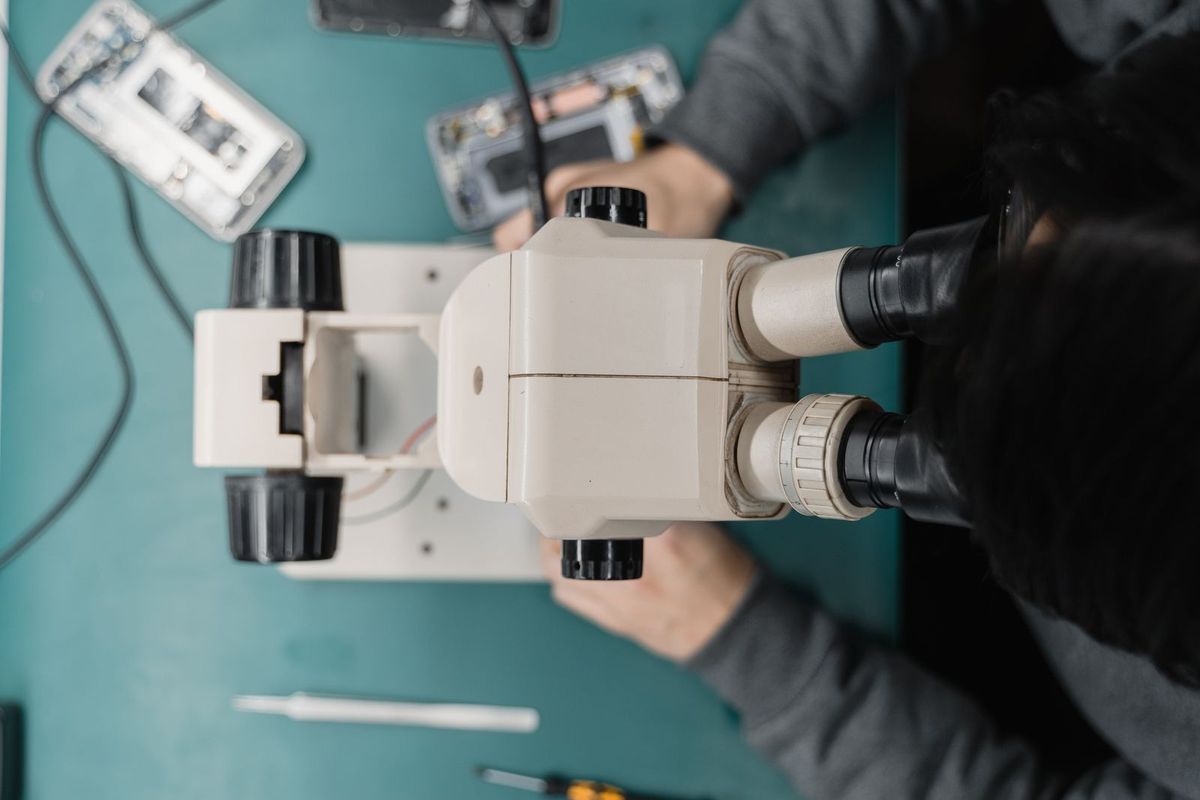
- A technician repairing a phone under a microscope — Pexels by Tima Miroshnichenko, Pexels License.
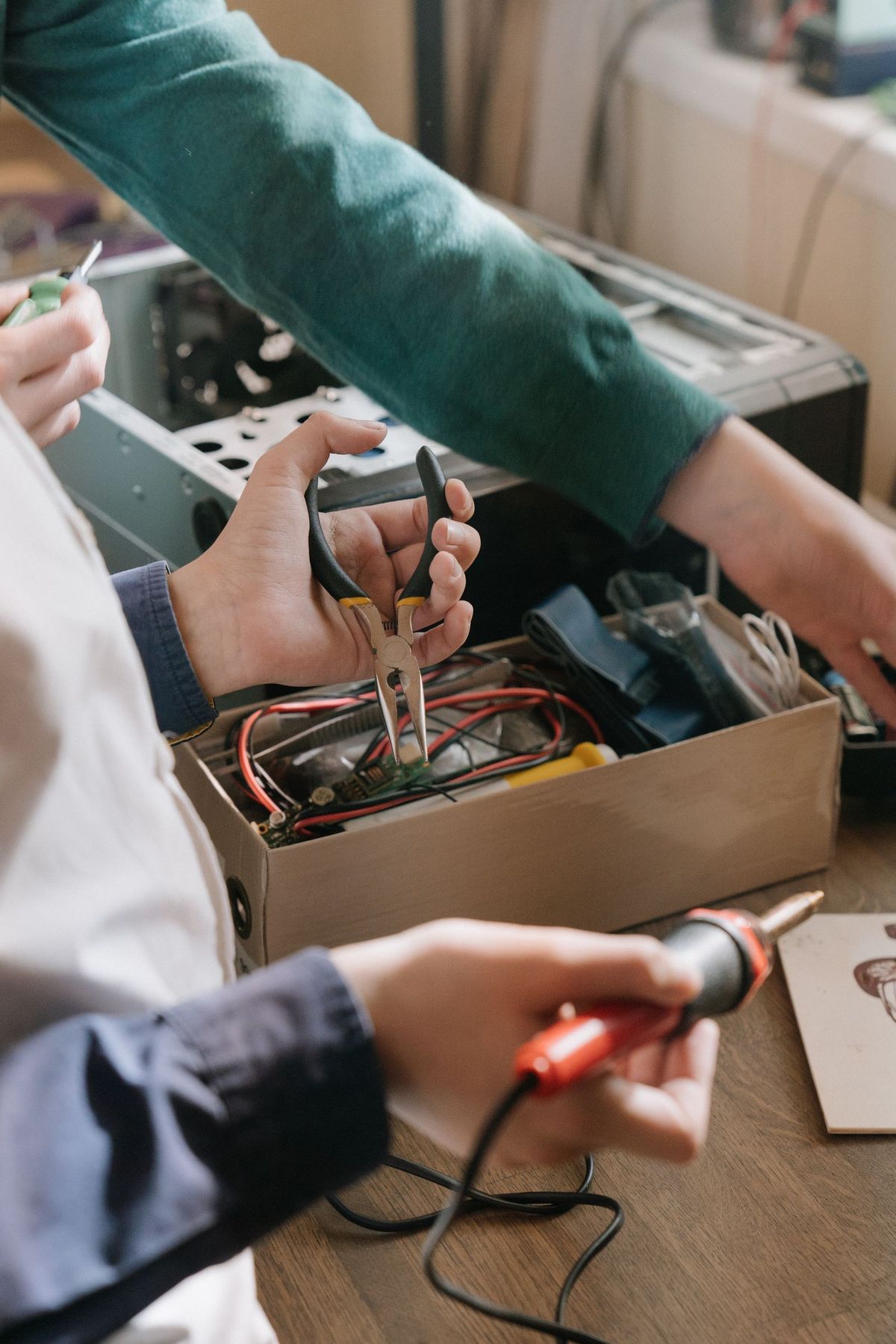
- Hands repairing an electronic device with a soldering iron and pliers — Pexels by cottonbro studio, Pexels License.
- A precision screwdriver set in a red case — Pexels by Ismael Campos Carrillo, Pexels License.