
AI tools for restaurants in India that fill tables without a big budget
Published , Updated , 19 min read
Running a restaurant in India is not one job. It is a menu that needs writing, photos that need to look edible, reviews that need replies, a bill that needs to be correct, and customers who find you on Google, Zomato, or Swiggy before they ever walk in. AI tools help with each of those jobs, but they help in different ways, and the tool that writes a good menu description is not the tool that runs your billing. Using the right free tool for each job saves money every month, and it prevents the two problems that hurt small Indian restaurants most: an empty dining room on weekdays and a bad review that never gets a reply.
The short answer for India is this: use ChatGPT free for menu descriptions, review replies, and social captions, because it is the single most versatile free AI for any restaurant in the checks. Use Canva free for menu design and festival posters, because it has menu templates and a free plan that works in India. Use Google Business Profile free for reviews, photos, and your menu on Google Search and Maps, because that is where most new customers check you first. Use Photoroom carefully for food photos, because its free plan is limited and marked for personal, non-commercial use only. Use Petpooja only when billing, kitchen, and online ordering need one system, because it has no free plan in the checks. Everything else in this article is for a specific job, not for every restaurant.
This article is written for India on purpose: Hindi, Hinglish, and English customers, UPI payments, FSSAI and GST realities, a normal phone and laptop, and no assumption that you have a paid plan, an agency, or a US account. It also carries a warning that matters for restaurants more than for most businesses: never show food you do not serve. AI can clean up a photo, but it must not invent a dish, a portion size, or an ingredient. A customer who gets something different from the photo will leave the review you cannot delete. Prices and free limits change often, so re-check the official pricing or help page of any tool before you pay for it or promise a deadline around it.
The short answer, in one table
| Job | Best free tool | Free limit or price to watch |
|---|---|---|
| Menu writing and review replies | ChatGPT free | Free tier with GPT-5.6 Luna, uploads, and image creation; Plus has higher limits |
| Menu design and posters | Canva free | Free at US$0, 1 Brand Kit with 3 colours only; Pro US$144 a year per person |
| Food photo cleanup | Photoroom free | Free plan limited, lower export limits, personal non-commercial use only; Pro US$7.50 a month billed yearly |
| Reviews, photos, and menu on Google | Google Business Profile | Free listing with reviews, photos, and menu showcase |
| Billing, kitchen, and ordering in one system | Petpooja | No free plan found in checks; Core, Growth, and Scale plans, ask for a quote |
| New dish ideas | DishGen Basic | Free forever, 15 credits a week; Premium 75 credits a day with a 7-day trial |
| QR code for your menu | QR TIGER free | Unlimited static QR codes; 3 dynamic QR codes with 500 scans each |
ChatGPT: menu writing, review replies, and captions in one place
ChatGPT is the first tool to try because a restaurant needs words every day: a dish description, a reply to a review, a festival offer, a WhatsApp broadcast, and an Instagram caption. The free tier gives access to GPT-5.6 Luna in the checks, along with web search, file and image uploads, image creation, and a Library with 500 MB of storage. Plus users get higher rate limits, but a small restaurant can do its daily writing on the free tier. One honest limit to know: the free tier’s default model and limits can change over time, and ads may appear in the free tier in certain countries, according to OpenAI’s own help page. That is not a reason to avoid it, but it is a reason not to build a paid workflow on an assumption about free limits.
Use it for jobs where a draft saves time but you stay in control. Ask it to write a 20-word description of a dish from your ingredient list, then fix the price, the spice level, and the portion yourself. Ask it to draft replies to reviews in the customer’s language, then read each reply before posting, because a copied reply to an angry customer reads worse than a short honest one. A good rule for review replies is this: thank every reviewer, answer the complaint in one line, say what you changed, and never argue in public. For Hindi and Hinglish customers, write the reply in the language the customer used, and keep it short, because a long English reply to a Hindi review looks like it came from a machine.
Do not use ChatGPT for things it cannot verify. It does not know your today’s prices, your stock, or your FSSAI number. It can draft a menu, but you must check every price, every veg and non-veg mark, and every allergen note yourself. A wrong price on a printed menu is your problem, not the AI’s. Also, do not paste customer phone numbers or order details into it. A menu draft is fine; customer data is not.
Canva: menu design and posters without a designer
Most small restaurants in India do not have a designer, and that is where Canva earns its place. Its free plan costs US$0 and includes AI usage, but with limits: only 1 Brand Kit with 3 colours, which means you pick your restaurant’s main colours once and reuse them. Pro costs US$144 a year for one person and unlocks premium photos, videos, and graphics plus 5 Brand Kits. For a single restaurant, the free plan is usually enough for a menu, a rate card, and festival posters, as long as you accept that some premium photos and elements are paid.
The practical way to use it is to build one menu template and reuse it. Put your restaurant name, phone number, and address on every page, keep veg and non-veg marks clear, and keep the font large enough to read in dim restaurant light. A menu that looks beautiful on a laptop but cannot be read at a table is a failed menu. Canva also works for the posters you need through the year: Diwali offers, new dish launches, and combo deals. Make the offer, the dates, and the price the biggest text on the poster, because customers decide in two seconds whether to read further. For deeper design help, see the graphic design guide for beginners and the website guide if you also want your own ordering page.
One warning: Canva’s free plan includes AI image generation, but generated food photos are a trap for restaurants. A generated butter chicken that looks perfect will disappoint a customer whose real plate looks different. Use Canva for layout, text, and posters, and use real photos of your own dishes for the menu itself. That rule alone will save you more bad reviews than any filter.
Photoroom: food photos, with one important limit
Food photos decide orders. On Google, Zomato, and your own menu, a clean photo of a real dish sells more than a long description. Photoroom removes backgrounds, cleans up a photo, and makes a dish stand out, which is useful when your photo was taken in a busy kitchen with steel vessels in the background. Its paid Pro plan costs US$7.50 a month billed yearly, and paid plans include a monthly allowance of AI credits and exports.
The catch is in the free plan, and it matters for restaurants: according to Photoroom’s own help centre, the free plan has limited features, lower AI credit and export limits, and no API access, and it is for personal, non-commercial use only. A restaurant menu is commercial use. So the honest reading is this: try the free plan to learn the tool, but if Photoroom becomes part of your menu and listing photos, budget for Pro. That is still cheap compared to a photographer for every new dish, and it is the kind of small monthly cost that pays for itself if it lifts even a few orders a week.
Photo tips that matter more than the tool: shoot in daylight near a window, keep the plate clean, take the photo from above or at a slight angle, and never over-edit the colour. A thali that is edited to look orange-red will come back as a complaint. If you want deeper photo help, the photo editor guide covers free editing tools in detail, and the same honesty rule applies there too: edit the background, not the dish.
Google Business Profile: the free listing customers check first
Before Zomato, before Instagram, most new customers check Google. A free Business Profile lets you control how your restaurant appears on Google Search and Maps, with photos, customer reviews, and your menu and dishes showcased. You can also link reservations through booking partners and link online orders for takeout or delivery. It costs nothing, and for a small restaurant it is the highest-value free tool in this article.
Treat it like your shopfront. Upload real photos of your dishes, your seating, and your entrance, because customers use photos to judge cleanliness and space before visiting. Keep your hours, phone number, and address updated, especially on festivals and holidays, because wrong hours create the angriest reviews. Reply to reviews here too, using the same rule as before: thank, answer in one line, say what changed, and never argue. A restaurant with 50 reviews and replies to all of them looks more trustworthy than a restaurant with 200 reviews and no replies.
One more thing: your Google listing is also where wrong information spreads. If a customer suggests an edit to your hours or your menu link, check it the same day. A wrong phone number on Google costs you orders you never hear about, because those customers simply call the next restaurant.
Petpooja: billing, kitchen, and ordering in one system
Petpooja is the Indian name most restaurant owners hear first, and for a reason: it is built for Indian restaurants, with cloud billing, more than 80 reports, an in-built CRM, menu management, a kitchen display system, a captain ordering app, and a restaurant website on higher plans. Its plans are named Core, Growth, and Scale, and the Growth plan adds inventory, menu management, the kitchen display system, the captain ordering app, and the restaurant website.
The honest limit is price transparency. In the checks, the official pricing page listed the plans and their features but did not show rupee prices on the page as loaded, and no free plan was found. That does not mean Petpooja is expensive or cheap; it means you must ask for a quote and a demo before you budget for it, and confirm in writing whether GST is extra, what the hardware costs, and what happens to your menu and sales data if you stop. The other big Indian name, LimeTray, is in the same position in the checks: no published price list and no free plan found, with its site leading to a free demo request. Do not sign a yearly POS contract on a sales call alone.
When does Petpooja make sense? When your restaurant has outgrown a notebook and a separate billing app: multiple terminals, a kitchen that needs order tickets, online orders that must land in the same bill book, and reports you actually read. If you run one small outlet with a simple menu, the free tools in this article plus your existing billing are enough, and a full POS system is a cost you do not need yet. Buy it when the chaos costs you more than the subscription, not when a salesperson tells you to.
DishGen: new dish ideas when the menu goes stale
Every restaurant menu goes stale. The same ten dishes sell, the rest sit, and regulars stop coming because nothing is new. DishGen is an AI recipe and meal-plan generator, and its angle for restaurants is menu development: give it ingredients you already stock, a cuisine, and a budget, and it suggests dishes and variations. Its Basic account is free forever with 15 usage credits a week, where 1 credit is 1 recipe or meal plan, and you can save recipes, plans, and favourites. Premium gives 75 credits a day, a personalised AI model, longer chat context, an advanced meal planner, AI editing of recipes, and AI nutrition facts with 10 labels a week, and every paid plan starts with a 7-day free trial.
Use it as a brainstorming partner, not as a chef. Take its suggestion, cook it once, taste it, cost it, and only then put it on the menu. Indian restaurant cooking depends on your masalas, your supplier, and your customers’ spice tolerance, and no AI knows those until you teach it by testing. A dish that works in the AI’s answer but costs too much per plate or takes too long during dinner rush is a bad menu item, however good it sounds. Also, DishGen is built for home cooking and meal plans, so treat its portion sizes and nutrition labels as starting points, not as your restaurant’s official figures. If you print a calorie count on your menu, verify it yourself.
QR TIGER: a QR code menu that costs nothing to start
A QR code menu is the cheapest upgrade a small restaurant can make. Print one QR code per table, link it to your menu, and you stop reprinting menus every time a price changes. QR TIGER’s free plan fits this job well: unlimited static QR codes, 3 dynamic QR codes, 500 scans per dynamic QR code, basic scan analytics, and unlimited file storage, with a QR TIGER logo popup on the free plan. The Regular plan costs US$7 a month.
The difference between static and dynamic matters here. A static QR code points to one fixed link forever, so if you change the menu file, you must print a new code. A dynamic QR code lets you change the destination without reprinting, which is what a restaurant with seasonal prices actually needs, but the free plan only gives you 3 of them with 500 scans each. The practical setup is this: use one dynamic QR code for your main menu, keep the other two for offers or feedback, and use static codes for things that never change, like your Google review page. Test the code with three different phones before printing, including one old Android phone, because a QR code that only works on new iPhones will fail for half your customers. And always keep one printed menu at the counter for customers who do not want to scan.
Using these tools in India: language, payment, and discovery
Language comes first. Your menu, your replies, and your posters should work in the language your customers actually speak, which for most Indian restaurants means Hindi, English, or Hinglish, and sometimes a regional language too. ChatGPT and Canva both handle Hindi text, but check every Hindi word before printing, because AI Hindi can sound formal or wrong in ways that English mistakes do not. A menu with one wrong Hindi word is funny; a menu with a wrong price or a wrong veg mark is a complaint.
Payment is the second reality. Indian customers pay by UPI, and your billing and ordering flow must accept it smoothly, whether that is through your POS, your own ordering page, or a delivery platform. Do not build an ordering page that only takes cards. Also, keep your FSSAI licence current, because discovery platforms require it: both Zomato and Swiggy mandate a valid 14-digit FSSAI licence for every restaurant partner, with Basic Registration costing Rs 100 a year for turnover up to Rs 12 lakh and a State Licence costing Rs 2,000 to 5,000 a year above that, and GST registration required if annual turnover exceeds Rs 40 lakh, or Rs 20 lakh in special-category states. You also need a PAN card, a bank account in the restaurant’s name, and a complete menu with prices before listing. Both platforms charge commission on orders, and the rate was not stated in the pages checked, so confirm it in the partner agreement before you sign, not after your first payout.
Discovery is the third reality, and it is where these tools connect. Your Google profile brings search customers, Zomato and Swiggy bring delivery customers, and your own QR menu and social posts bring repeat customers who cost you no commission. Use the social media guide for the posting side, because a restaurant that posts its daily thali or its weekend offer gets remembered, while a restaurant that only exists on a delivery app gets compared on price alone. None of these tools need a VPN in India in the checks, and all of them work on a normal phone, which matters when your best device is the phone in your pocket during service.
What to avoid
First, do not pay for a full POS system before you need one. A yearly contract for billing, kitchen display, and CRM is the most expensive mistake a small restaurant can make with AI tools, because you pay every month whether or not you use half the features. Start free, find the one job that actually hurts, and pay only for that job.
Second, do not use a free plan for commercial work when its own terms say it is for personal use only. Photoroom’s free plan is the clear example in this article. If a tool’s help page says personal use only, either pay for it or pick a different tool, because a menu built on a free personal plan can lose its exports or its account at the worst moment.
Third, do not fake food. Generated dish photos, over-edited colours, and stock photos of dishes you do not serve will bring one-time visitors and permanent bad reviews. Your worst review will always mention the photo. Real photos of real dishes, even if they are imperfect, sell better over time.
Fourth, do not copy review replies blindly. A reply that says “we value your feedback” to a customer who found a hair in their food is worse than silence, and a reply that argues with a customer is worse still. Read every review, answer the actual complaint, and fix the actual problem, because the reply is public and future customers read it.
Fifth, do not trust an AI price, limit, or deadline. Every tool in this article changes its plans, and the figures here are from the checks for this article. Before you pay, before you print a menu with a QR code, and before you promise a customer a deadline, open the official pricing or help page and check again. That one habit will save you more money than any single tool.
Frequently asked questions
Can a small restaurant in India use these AI tools for free? Yes, for the main jobs. ChatGPT free covers menu writing and review replies, Canva free covers menu design, Google Business Profile covers reviews and photos, QR TIGER free covers your QR menu, and DishGen Basic covers new dish ideas. You pay only when a job outgrows its free limit, like Photoroom’s commercial use or a full POS system.
Which tool should a new restaurant start with? Start with Google Business Profile, because it is free and it is where new customers check you. Then add ChatGPT for menu words and Canva for the menu design. Add billing software only when your order volume makes a notebook unworkable, not on day one.
Is Petpooja free for small restaurants? No free plan was found in the checks. Petpooja sells Core, Growth, and Scale plans, and its official pricing page did not show rupee prices as loaded. Ask for a demo and a written quote, and confirm GST, hardware, and data terms before signing.
Can I use a QR code menu instead of printed menus? Yes, and most small restaurants should, because it avoids reprinting costs when prices change. Use a dynamic QR code for the main menu so you can update the link without reprinting, and keep one printed menu at the counter for customers who prefer it.
Should I use AI-generated photos for my menu? No. Use real photos of your own dishes, cleaned up with a photo tool if needed. Generated food looks perfect and disappoints, and customers write reviews about the gap between the photo and the plate.
Do these tools work in Hindi? ChatGPT and Canva both handle Hindi, and Google Business Profile works with Hindi reviews and replies. Always check Hindi text yourself before printing or posting, because AI Hindi can sound formal or carry small errors that customers notice immediately.
Do I need Zomato or Swiggy to use these tools? No. These tools work for your own dine-in and takeaway business. Zomato and Swiggy are extra sales channels, and listing on them needs an FSSAI licence, PAN, a bank account, and a complete menu with prices, plus commission on orders that you should confirm in the partner agreement.
The final verdict
Start free with ChatGPT, Canva, and Google Business Profile. Pay for Petpooja only when billing and ordering need one system. That order matters: free tools first for words, design, and discovery, a paid system only when the chaos of billing and ordering costs more than the subscription. Keep your photos real, your prices checked, and your review replies human, and the tools in this article will fill tables without eating your margin.
Image credits:
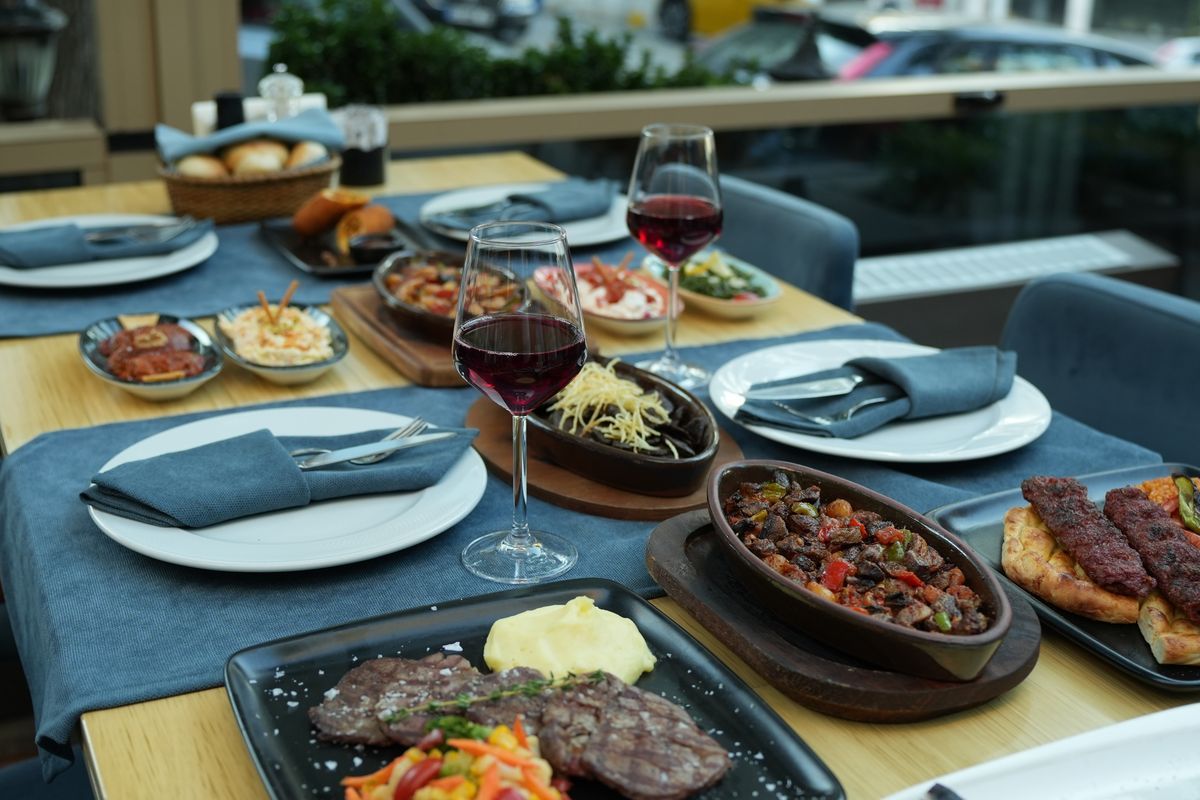
- A beautifully set restaurant table with dishes and wine glasses — Pexels by Busenur Demirkan, Pexels License (free to use).
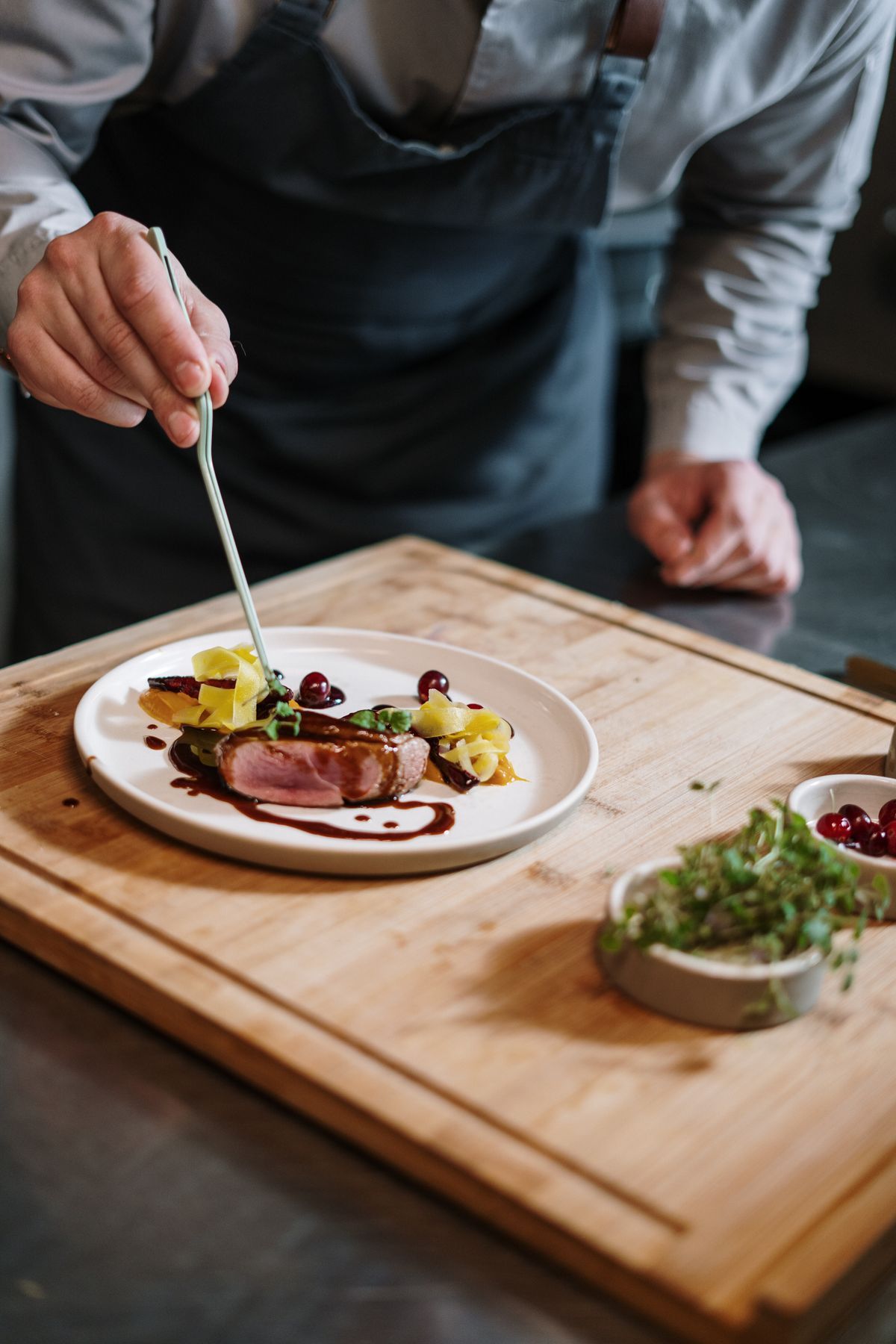
- A chef carefully plating a gourmet dish in a professional kitchen — Pexels by cottonbro studio, Pexels License (free to use).
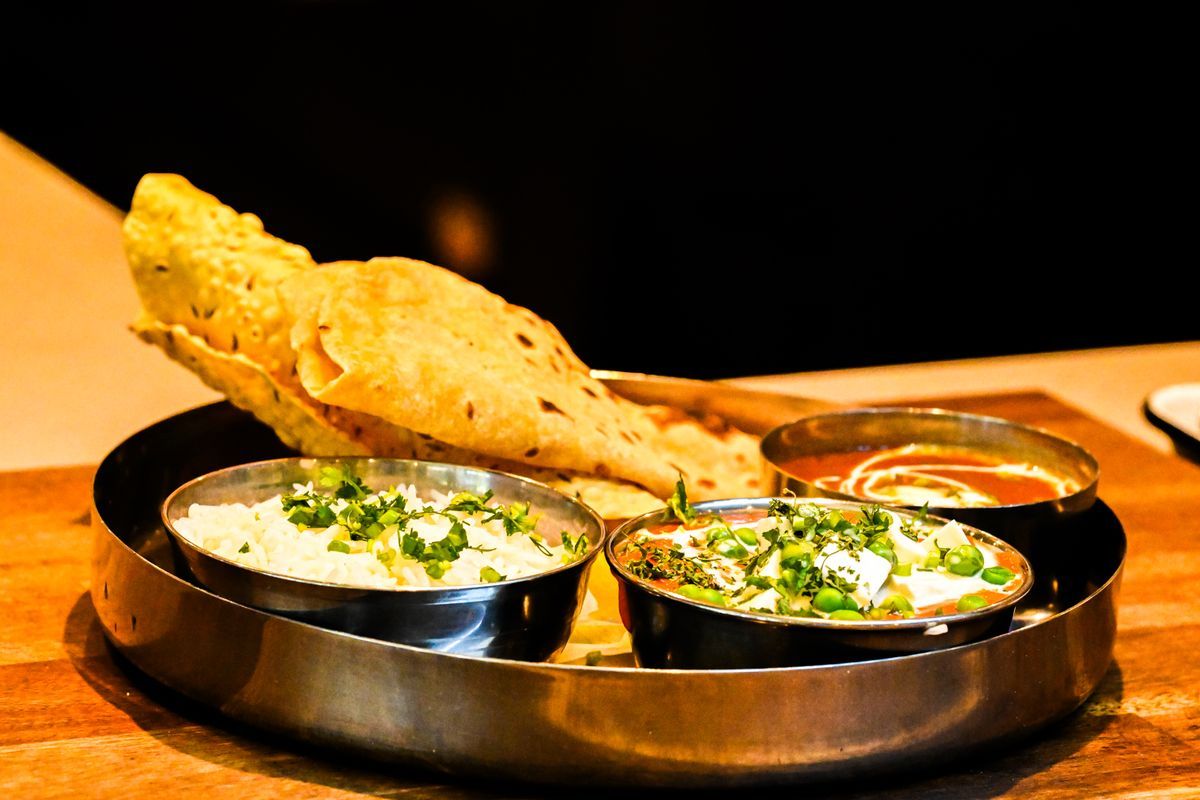
- An Indian thali with naan, paneer curry and rice on a wooden table — Pexels by Eyes2Soul, Pexels License (free to use).