
AI Tools for Stargazers in India: Sky Maps, Planets and Telescopes
Published , Updated , 23 min read
The direct answer
If you live in India and want to start stargazing tonight, you do not need an expensive telescope, and you do not need a paid app on day one. Install one free sky-map app on your phone, point it at the sky, and learn to identify five things first: the Moon, Jupiter, Mars, Venus, and one bright constellation such as Orion or Ursa Major. Once you can find those without help, a desktop planetarium such as Stellarium will teach you planning, and only then does a paid telescope app such as SkySafari start to make sense.
That is the honest order of things, and it matters because most stargazing apps sell the same excitement twice: first the free map, then the premium catalogue, then the telescope control you may never use. This guide separates what is genuinely useful from what is only nice to have, and it names free limits and prices as they appeared in public listings at the time of writing. Prices and limits change, so always re-check the official pricing or help page and the price shown in your own app store in India before paying or promising yourself a deadline for a purchase.
One clarification is worth making right at the start. Very few of these tools are “AI” in the sense of a chatbot that invents answers. Most are planetarium and augmented-reality apps that calculate real sky positions from astronomy data, and a newer group, led by Night Sky with its Aura assistant, adds a conversational AI layer on top of that map. The calculation part is reliable and testable: point the phone at Jupiter and the label should sit on Jupiter. The chatty AI part is helpful for explanations, but it can still be wrong about a date, a time, or a rare event, so always cross-check an eclipse, a meteor shower peak, or a planetary conjunction against a second source before you travel for it.
Short answer: which tool for which job
| Your job | Best starting pick | Cost to start | Watch out for |
|---|---|---|---|
| Identify anything overhead tonight | Sky Tonight | Free, with paid Premium Access | Many sections are limited without Premium |
| Plan on a laptop or desktop | Stellarium | Free and open source | The desktop version is far richer than the mobile version |
| Learn the sky with beautiful 3D models | Star Walk 2 | Free version available | Deep-sky objects, comets and satellites sit behind premium content |
| Control a telescope and keep observing logs | SkySafari | Paid app, from about $4.99 for the base app in US listings | Plus and Pro tiers cost much more; check the Indian store price |
| Ask questions about space by voice or text | Night Sky with Aura | Free app, Aura needs a subscription | iPhone and iPad only; subscription prices are high |
| A completely free Android sky map | Sky Map | Free, open source, no ads | Simpler graphics than the paid apps |
| Never miss the space station | ISS Detector | Free core, premium adds more satellites | Extra satellite groups need Premium |
| Space news, images and mission updates | NASA app | Free, no in-app purchases | This is a news and mission app, not a full sky map |
| Find a genuinely dark sky in India | SkyQI light-pollution map and Light Pollution Map | Free to browse | A map cannot promise clear clouds; check the weather too |
If you only read one row of that table, read the first two. A free phone map plus a free desktop planetarium covers almost every beginner need in India, and everything else in this article is an upgrade for a specific hobby, not a requirement.
Stellarium: the free planetarium to learn planning
Stellarium is a free, open-source planetarium for your computer, and it is the single most useful tool in this whole guide for anyone who wants to understand the sky rather than just label it. It shows a realistic sky in 3D, just as you would see it with the naked eye, binoculars, or a telescope, and its default catalogue holds over 600,000 stars and over 80,000 deep-sky objects, with extra catalogues reaching far beyond that. You can speed up time, jump to a future date, watch a sunrise, simulate an eclipse, and check exactly when Jupiter will clear your neighbour’s roof.
For India, the practical value is planning. Before a weekend trip, set Stellarium to your destination, set the date and time, and ask three questions: what is visible tonight, when does the Moon set, and is the Milky Way up after moonset? If the Moon is full and high all night, faint galaxies will be washed out no matter how good your app is, and no premium purchase fixes that. Stellarium also supports telescope control through its plugin system, which makes it a genuine bridge from beginner to telescope owner without a new purchase.
The limits are honest ones. Stellarium on a computer is a planning and learning tool, not something you hold up to the sky in a field, although a mobile version exists separately. It also assumes you will spend ten minutes learning its controls: time, location, search, and the ocular view that simulates what an eyepiece would show. Those ten minutes pay for themselves many times over, because after them you stop guessing and start planning. Stellarium works in India without any VPN, it costs nothing to download for desktop, and its official site is stellarium.org.
Sky Tonight: the best first phone app for most beginners
Sky Tonight, made by the developers of the Star Walk apps, answers the three questions every beginner actually asks: what is that bright dot in the sky, what astronomical events can I see tonight, and how can I find the object I am interested in? Point your device at the sky and the interactive map shows real-time positions of stars, planets, satellites, comets, and deep-sky objects. An augmented-reality mode overlays the map on your camera view, a Time Machine lets you check the sky at another date, and the astronomy calendar covers lunar phases, meteor showers, eclipses, oppositions, and conjunctions.
Two features deserve a special mention. The Stargazing Index combines Moon phase, light pollution, cloudiness, and visibility time into a single planning hint, so you can judge whether tonight is worth a late night. And the event reminders can be set for any object and time, which is genuinely useful for a solar eclipse or a bright planetary conjunction that you would otherwise forget. The app also works offline, which matters on a dark-sky trip where mobile signal is weak or absent.
The free limit is the catch, and the app’s own store listing states it plainly: without Premium Access you cannot see most interface items in sections such as Visible Tonight, Calendar, and Search, so planning is limited. Public listings showed a spread of premium prices, including monthly and yearly options and a lifetime option, and the exact figures differed between listings, which is a good example of why sources can disagree and why you must check the price shown in your Indian store before paying. Start free, use it for a week of real nights, and only upgrade if you keep hitting the same locked section. If you do not hit that wall, you do not need Premium yet.
Star Walk 2: the prettiest way to learn the sky
Star Walk 2 is the app to recommend to a friend who finds astronomy beautiful but intimidating. It has a polished sky map, a dedicated Planet Walk mode that highlights all the planets at once, even faint ones such as Uranus and Neptune, and interactive 3D models of planets, constellations, and spacecraft. For a child, or for an adult who learns by looking rather than reading, those models teach faster than a table of numbers ever will.
The free version already offers a real sky-exploration experience, but the fuller catalogue sits behind premium content. According to the developer’s own support pages, premium unlocks deep-sky objects such as star clusters, nebulae, and galaxies, plus comets, dwarf planets, asteroids, meteor showers, more than 10,000 satellites, interactive 3D models, and educational cartoons. There are two sibling apps to be careful about: Star Walk 2 Pro is a paid app without a subscription, where extra content comes as bundles, while Star Walk 2 Plus is free with a subscription and ads. The content is the same; the payment model is different. Pick one, not both, and check which one your family already owns before buying bundles twice.
For Indian beginners, Star Walk 2 is best as a second app, not a replacement for Sky Tonight. Use Sky Tonight to plan, and Star Walk 2 to explore and to show children what Saturn’s rings or the Orion Nebula actually look like. If you only want one app on your phone, Sky Tonight’s calendar and reminders are more practical; if you want the most enjoyable first night under the stars, Star Walk 2 is hard to beat.
SkySafari: the serious tool for telescope owners
SkySafari is the app this guide recommends only when you already own, or are firmly about to buy, a telescope. Its basic app appeared in US listings at $4.99, while the Plus tier was listed at a sale price of $19.99 against a regular price of $29.99, and a Pro tier sits above that. Those are US store figures, not a promise of the Indian price, so check the Play Store or App Store price in rupees before budgeting. The tiers matter because the feature gap is large, not cosmetic.
What you get for that money is a professional observing system: broad telescope support including ASCOM Alpaca and INDI, StarSense Explorer integration, observing lists and logging with filtering and sorting, an Event Finder for conjunctions, eclipses, and meteor showers, detailed lunar surface overlays, and in the Plus tier, built-in plate solving that identifies objects in your own images and pins them to the sky chart. If you own a GoTo telescope, SkySafari can drive it; if you keep a logbook of galaxies you have seen, SkySafari can organise it; if you photograph the Moon, its high-resolution lunar maps are genuinely useful.
If you do not own a telescope, do not buy SkySafari first. You will pay for telescope control and logging features while still learning the constellations, and a free map would have taught you the same sky for nothing. The right order is: learn the sky free, borrow or buy binoculars, then, when a telescope is actually in your house, buy the SkySafari tier that matches its mount. That sequence saves money and, more importantly, saves you from owning a powerful app you resent because it feels complicated on night one.
Night Sky and Aura: the AI assistant in the sky
Night Sky is an iPhone and iPad planetarium with a feature no other app in this guide has in quite the same form: Aura, described by its developer as a personal AI super astronomer. You can ask Aura questions about space, and it connects its answers to the map, directing you to the object you asked about, showing how the sky looks elsewhere in the world, and explaining what you are seeing. Combined with augmented-reality exploration, Apple Watch support, spatial audio navigation that helps you find an object by sound, and a catalogue the developer describes as billions of stars streamed from the cloud, Night Sky is the closest thing here to talking to the sky.
The price is the reason for caution. Public App Store listings showed Night Sky plus Aura subscriptions at figures such as $9.99 weekly, $17.99 monthly, and $69.99 yearly in US dollars, with the free app itself offering in-app purchases. Those numbers are not Indian rupee prices, and subscription prices in India can differ after taxes and store conversion, so treat them as a warning, not a quote: this is a premium-priced assistant, not a casual purchase. The free version still identifies stars, planets, constellations, and satellites in AR, so try that first.
Night Sky is also Apple-only, which excludes the majority of Indian Android users outright. If you are on Android, skip this section and use Sky Tonight plus a general AI chatbot for questions, while remembering the cross-check rule from the start of this article. If you are on iPhone, Night Sky is worth a free test on one clear night, and Aura is worth paying for only if you find yourself asking it questions every single night for a month. Curiosity that lasts a month is a hobby; curiosity that lasts one evening is a free trial.
Sky Map: the completely free Android option
Sky Map, formerly Google Sky Map, is the quiet hero of this guide. It began life on the very first Android phone, was open-sourced by Google in 2012, and is still maintained by its original community developers. It is free, open source, ad-free, and its developers state plainly that they do not track you or sell your data. Point your Android phone at the sky and it labels stars, planets, and constellations, with no account, no subscription, and no upsell screen.
Its graphics are simpler than Star Walk 2 or Sky Tonight, and it will not plan your month with a stargazing index or drive your telescope. That is the trade, and for many Indian users it is a good one: an old phone, a rural sky, and no payment method on file should not be a barrier to learning the constellations. Sky Map is also a good second app for a child, because there is nothing to accidentally buy. If your phone’s compass is inaccurate, and this affects every AR sky app, calibrate it by waving the phone in a figure of eight away from metal objects, and stand away from cars and large metal gates before judging any app as broken.
ISS Detector: never miss the space station again
The International Space Station is visible to the naked eye as a bright, fast-moving point of light, and it is the single most exciting free sight in Indian skies because it needs no equipment at all. ISS Detector tells you when the next visible pass will happen from your location, including its start time, direction, maximum altitude, and duration, and it sounds an alarm a few minutes before the pass so you can step outside at exactly the right moment. It also checks weather conditions, because a cloudy pass is no pass at all, and it tracks the station live on a map.
The free version covers the station itself. Premium adds famous satellites such as the Hubble Space Telescope and Starlink trains, plus radio amateur satellites with uplink and downlink frequencies, comets, and planets. Most beginners should stay free for months: the station alone, seen with family on a terrace, is a better advertisement for astronomy than any satellite catalogue. A practical tip for India is to check the pass time in your local time zone and to look towards the direction the app gives, not just straight up; the station rises low, crosses high, and sets low, and first-timers often miss it by staring at the wrong part of the sky for the first minute.
NASA app: space news, not a sky map
The NASA app is free with no in-app purchases, and it is the best companion app in this guide for everything except pointing at the sky. It gathers NASA news, mission pages, schedules, images including the Astronomy Picture of the Day, videos, podcasts, and an ISS tracker, and it works on iOS, Android, and several TV platforms. If a new image from the James Webb Space Telescope excites you, or you want to follow an Artemis milestone, this is where to follow it properly rather than through a social-media summary.
Its limitation is equally clear from independent reviews: it is not a stargazing app at its core. It has some sighting and identification features, but it does not replace a dedicated sky map for a night outside. Use it indoors, during the day, to learn what is happening in space, and use Sky Tonight or Sky Map outdoors to find it in your own sky. That division of labour is the whole trick of this guide: one app for learning, one app for looking, and no single app forced to do both badly.
Stargazing in India: dark skies, monsoon, and practical sense
India is a wonderful and a difficult country for stargazing at the same time. The difficulty is light pollution and weather. Public light-pollution data summarised by SkyQI, an India-focused map, puts major metros such as Delhi, Mumbai, Bengaluru, Kolkata, Chennai, and Hyderabad typically at Bortle classes 8 to 9, which is to say bright city skies where only the Moon, planets, and the brightest stars punch through, while Hanle in Ladakh, India’s first Dark Sky Reserve, the Spiti Valley, and the Rann of Kutch retain pristine Bortle 1 to 3 skies. That gap is not a small difference; it is the difference between seeing a few dozen stars and seeing thousands, and between guessing at the Milky Way and walking under it.
The practical advice follows from that gap. First, use a light-pollution map before you travel: SkyQI’s India map and the global Light Pollution Map both let you compare your city with a nearby darker site, and a one- or two-hour drive out of a metro often improves the sky more than any app purchase. Second, respect the monsoon. From roughly June to September, much of India is cloudy, and no app can part clouds; the best stargazing months for most of the country are the clear winter months from about November to February, with Ladakh’s high desert offering a different and longer window. Third, give your eyes twenty minutes of darkness. Phone screens, even in red night mode, reset your night vision, so set the app to night mode, lower the brightness, look at the sky more than the screen, and let your eyes adapt.
For telescopes in India, start with binoculars, not a telescope. A pair of 10x50 binoculars shows the Moon’s craters, Jupiter’s four bright moons, star clusters such as the Pleiades, and the Andromeda Galaxy as a faint smudge, all for a fraction of a telescope’s price and with no setup at all. Only when binoculars feel limiting should you research telescopes, and at that point SkySafari and Stellarium’s telescope control become relevant rather than aspirational. Buy from a dealer who offers Indian warranty and support, check the mount type before the aperture, and remember that a small telescope you actually carry outside beats a large one that stays in a cupboard.
Safety and courtesy belong in any India guide too. Do not stargaze alone in an unfamiliar isolated place at night; go with a group, tell someone where you are, and carry a torch with a red filter or red cellophane rather than a bright white light that ruins everyone’s night vision. On a terrace, warn your neighbours before a telescope appears, because a telescope pointed at the sky is easily misunderstood. And if you photograph the sky, start with a phone on a tripod and a long exposure before buying a dedicated astro camera; the learning is in the patience, not the purchase.
For readers who want to go deeper into free tools generally, the site’s guide to the best free AI tools in India is a useful next read, and if you are planning a dark-sky trip, the travel-planning guide at AI tools for travel planning in India covers the planning side of the journey. Both exist in the English and Hindi sections of this site, so you can read them in the language you prefer.
What to avoid
Avoid paying for three sky apps at once. One map, one planner, and one satellite tracker cover the hobby, and duplicate subscriptions are the most common waste in this category. Avoid any app or website that promises to name a star after you for a fee as an official act; star names are assigned by the International Astronomical Union, and a paid certificate is a novelty gift, not an astronomical record, so do not buy one believing otherwise. Avoid trusting a single AI answer for a rare event: if an assistant tells you a meteor shower peaks tonight, confirm the peak night and the Moon phase in Sky Tonight’s calendar or on a second source before driving anywhere.
Avoid judging an app on one cloudy night, or on a phone with an uncalibrated compass standing next to a car. Move away from metal, calibrate, and try again on a clear night before deleting anything. Avoid pointing a telescope or binoculars at the Sun without a proper solar filter; this is not a minor warning, because solar viewing without a certified filter can cause permanent eye damage in seconds, and ordinary sunglasses are not a solar filter. And avoid the idea that a bigger catalogue is automatically better: an app listing billions of stars is no help if its interface hides tonight’s five visible planets behind three menus, while a simpler app shows them immediately.
Frequently asked questions
Which free stargazing app is best for beginners in India?
Start with Sky Tonight for planning and reminders, or Sky Map if you want a completely free, ad-free Android app with no purchases at all. Add Stellarium on a computer when you want to plan a trip or a whole month. That trio costs nothing and covers identification, planning, and learning.
Do these apps work in India without a VPN?
Yes. The apps in this guide are distributed through the Indian Google Play Store and Apple App Store, and the desktop and web tools are openly accessible. Sky Tonight even works offline once its data is loaded, which helps on dark-sky trips with weak signal. No VPN is needed for any tool recommended here, and if an app ever asks you to use one, treat that as a reason to check whether you downloaded the correct official app.
Can I see planets with just my phone and no telescope?
Yes, and this surprises most beginners. Venus, Mars, Jupiter, and Saturn are all visible to the naked eye at the right times of year, and a sky app tells you exactly where to look. A telescope shows detail, such as Saturn’s rings or Jupiter’s cloud bands, but identification itself needs no equipment beyond your eyes and a phone.
Is Stellarium really free?
The desktop version of Stellarium is free and open source, and its official site is stellarium.org. Be careful to download it from that official site or your official app store, because copycat sites sometimes wrap free software in paid installers. The mobile version is a separate product with its own pricing, so do not assume the desktop price applies to the phone app.
What is the best time of year for stargazing in India?
For most of India, the clear winter months from about November to February are best, because the monsoon clouds have gone and the air is often steadier. Ladakh and other high-desert regions have their own longer clear season, but they also bring cold and altitude, so plan clothing and acclimatisation as carefully as you plan the sky.
Where is the darkest sky in India?
Hanle in Ladakh, India’s first Dark Sky Reserve, is the most famous answer, with Spiti Valley and the Rann of Kutch also retaining very dark skies according to light-pollution data. A dark site near your own city is often the smarter first trip, because a nearby Bortle 4 sky you actually visit beats a Bortle 1 sky you keep postponing.
Do I need SkySafari if I do not own a telescope?
No. SkySafari’s strength is telescope control, observing logs, and detailed charts, and none of that is needed while you are still learning constellations. Learn free first, try binoculars second, and buy SkySafari when a telescope is actually in your home.
Can an AI assistant replace a sky map?
No, and this is an important distinction. An AI assistant such as Night Sky’s Aura can explain what you are seeing and answer questions, but it cannot replace the live, compass-driven map that shows what is overhead right now. Use the assistant for understanding and the map for finding, and cross-check any rare-event claim from an assistant against a second source.
Is it safe to look at the Sun through binoculars or a telescope?
No, never without a proper, certified solar filter fitted to the front of the instrument. Ordinary sunglasses, smoked glass, and improvised filters are not safe, and solar viewing without a certified filter can cause permanent eye damage very quickly. If you want to observe the Sun, buy a filter made for solar viewing and learn its safe use first.
How much should a beginner spend in the first year?
Nothing is a perfectly good answer, and that is not a trick. Stellarium, Sky Map, the NASA app, and the free tiers of Sky Tonight and ISS Detector cost nothing, and binoculars are the only purchase most beginners need in year one. Spend on a paid app only when a free limit repeatedly blocks something you actually do every week.
Final verdict
Start free with Stellarium and Sky Tonight; pay only for SkySafari if you own a telescope. That single sentence is the whole guide in miniature: learn the sky for nothing, plan properly on a computer, use your phone as a map and a reminder service, chase the space station for free, and spend money only at the exact moment a telescope makes a paid charting app useful. The Indian sky rewards patience far more than purchases, and the darkest, clearest winter night with a free app and twenty minutes of dark-adapted eyes will show you more than any subscription ever will on a cloudy night in the city. Go outside tonight, find one planet, and let the second one find you tomorrow.
Image credits:
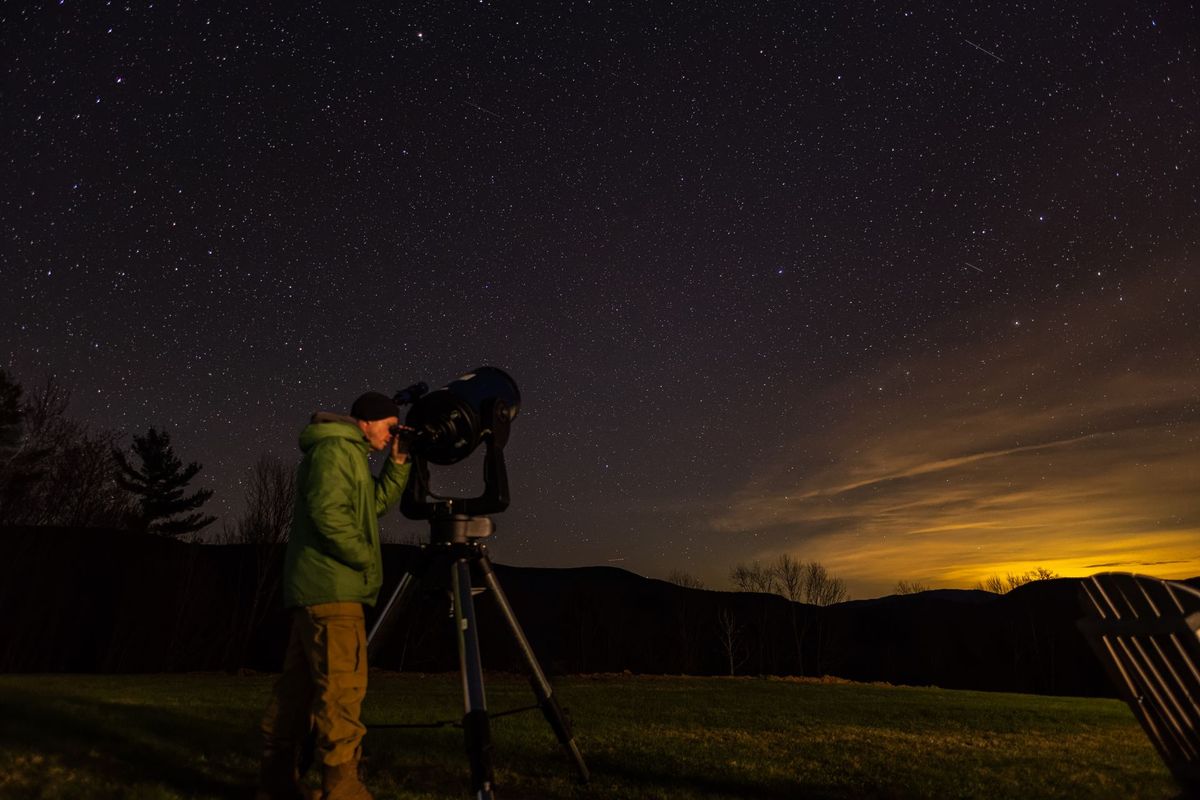
- A stargazer looking through a telescope under a starry night sky — Pexels, photo by Skyler Ewing, Pexels License (resized for this page).
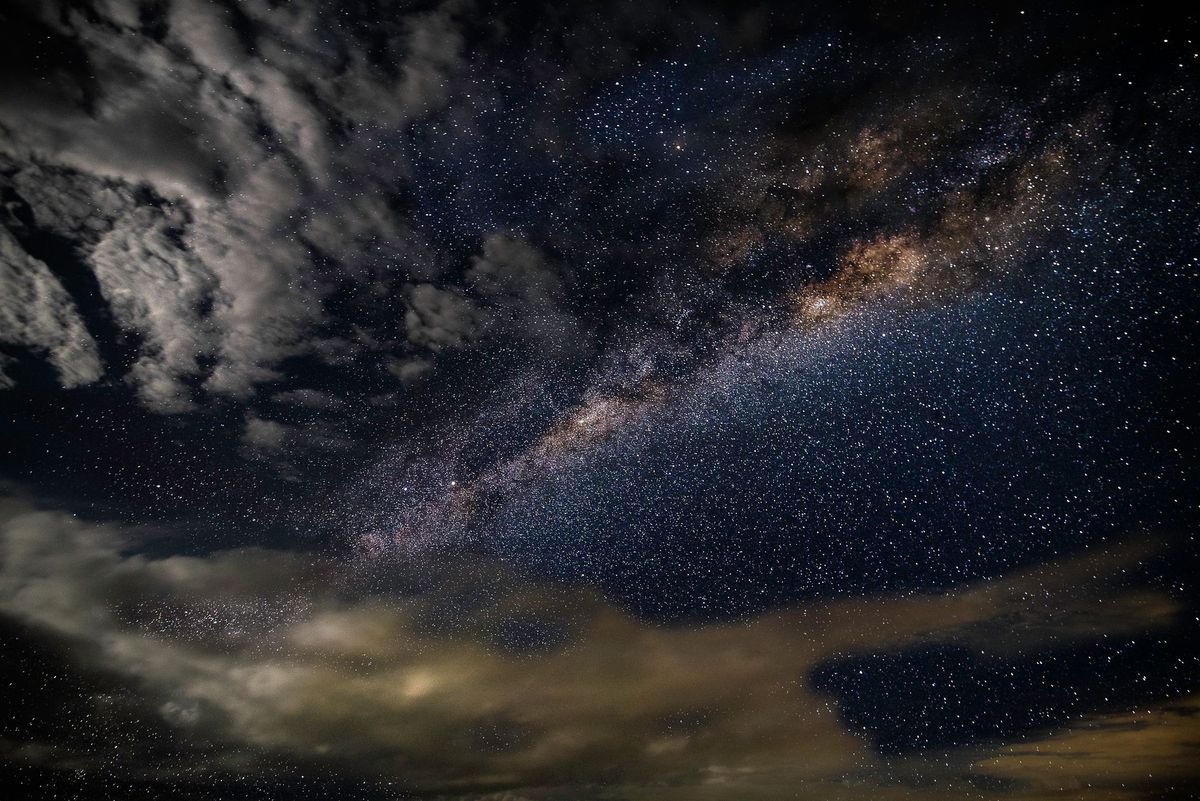
- The Milky Way stretching across a dark, starry night sky with clouds — Pexels, photo by Arnie Chou, Pexels License (resized for this page).
- A lone astronomer silhouetted against a starry sky while using a telescope — Pexels, photo by Thirdman, Pexels License (resized for this page).