
AI Tools for Tattoo Artists in India: Designs, Bookings, Hygiene and Portfolios
Published , Updated , 21 min read
The short answer
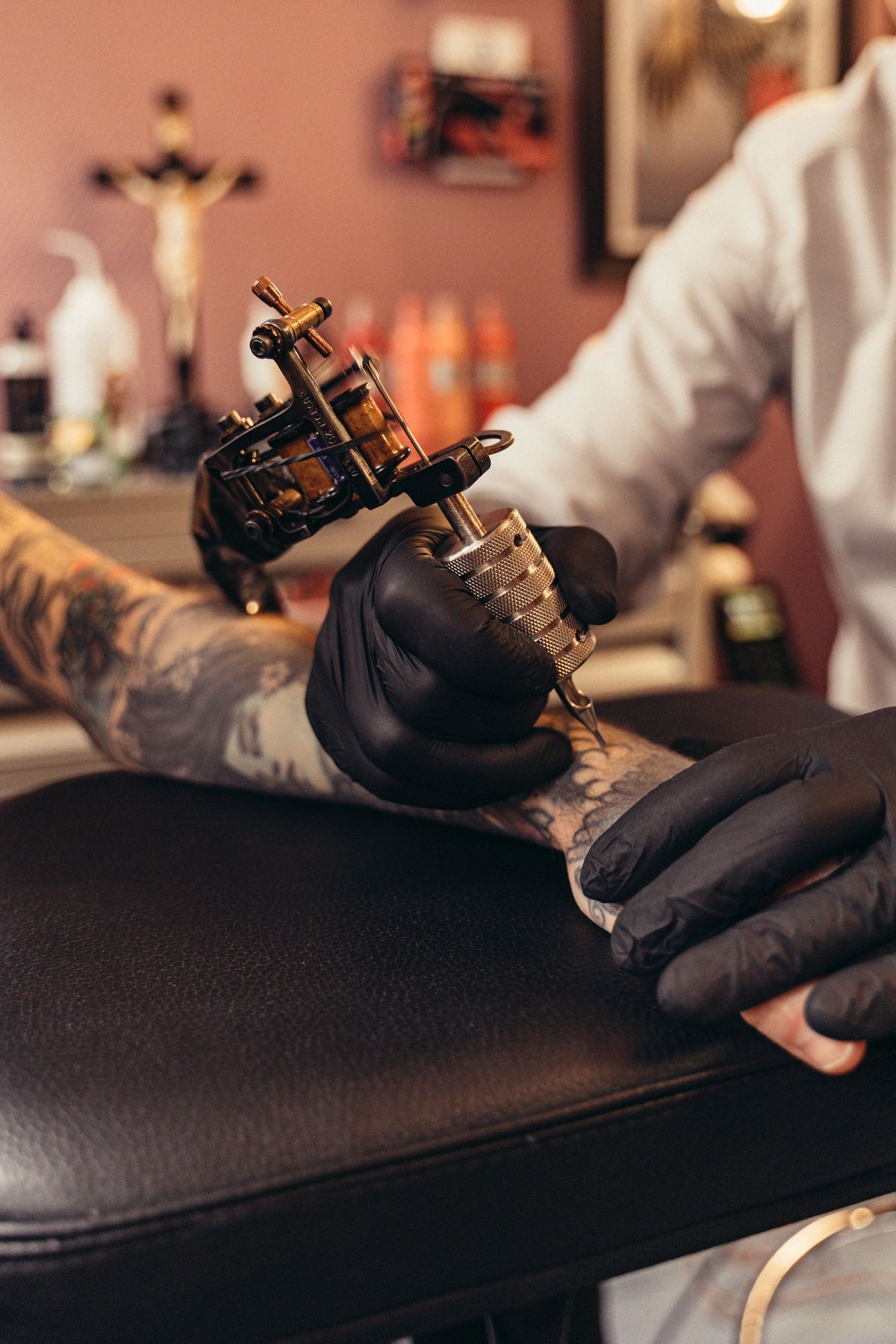
If you run a tattoo studio in India, AI tools are best used for three jobs: turning a client’s rough idea into a design reference, filling your appointment book without endless WhatsApp back-and-forth, and showing your healed work in a portfolio that brings in new clients. AI does not replace the artist. Every AI image still needs a human artist to redraw it as a tattoo-ready stencil, check it against the client’s skin, body shape and age of the design, and execute it safely. The strongest free starting stack is Perchance for fast idea generation and Canva for flash sheets and social posts, with BlackInk AI or Tatship added when you want tattoo-specific features such as try-on previews. For bookings, EasyWeek has a dedicated tattoo-studio offering in India with a 14-day free trial, and Blisie offers a 15-day free trial for studio management; Google Calendar plus WhatsApp Business remains a solid zero-cost option for a single-artist studio.
This article is general information only, not medical, legal or professional advice. Tattooing breaks the skin, so hygiene and aftercare guidance here must be checked against official health sources and your studio’s own professional training before you rely on it. Prices and free limits change often, so re-check the official pricing and help page of any tool before paying or promising a client a deadline based on it.
Short-answer table
| Question | Short answer |
|---|---|
| Best free starting point for design ideas? | Perchance (free) for quick concepts, Canva (free tier) for flash sheets and posts |
| Best tattoo-specific design tool? | BlackInk AI for sleeves, cover-ups and gap fillers; Tatship for 2D/3D try-ons |
| Best realistic placement preview? | Tatship, and Pixelbin’s tattoo generator, which blends a concept onto an uploaded body photo |
| Best polished concept art? | Leonardo.ai (free daily tokens) or Adobe Firefly (limited free daily generations) |
| Best booking tool for an Indian studio? | EasyWeek (tattoo-studio booking pages, 14-day free trial) or Blisie (15-day free trial) |
| Cheapest booking setup? | Google Calendar plus WhatsApp Business, both free at the basic level |
| Best portfolio platform? | Instagram for discovery, Behance for a curated project portfolio |
| Can AI output be tattooed directly? | No — the artist must redraw and adapt it for skin, size and ageing |
| What matters most for safety? | Sealed single-use needles opened in front of the client, fresh gloves, sterilised reusables, safe sharps disposal |
Design tools: from a vague idea to a reference the client understands
Most clients arrive with a screenshot, a half-remembered symbol, or a sentence like “something with my mother’s name and a lotus”. AI tools help you show them three or four directions in minutes, instead of sketching each one by hand before you know which direction they like. Treat every output as a reference, not a stencil. Published comparisons of AI tattoo generators repeat the same warnings: AI text often breaks, so names, dates and Roman numerals must be checked letter by letter; flat images do not follow muscles, joints and curves; tiny detail and micro-shading can blur as a tattoo heals; and mandalas and geometric work need careful symmetry correction by hand.
BlackInk AI: the tattoo-focused workspace
BlackInk AI is built specifically for tattoo planning rather than general image generation. Comparison coverage describes it as a full tattoo design suite with fonts, cover-up ideas and gap fillers, aimed at artists and serious planners. Reported pricing from a 2026 comparison is 3 free credits, then plans at US$15 for one month, US$39.99 for three months and US$72 for twelve months. That is the figure one comparison published; sources disagree on tool pricing over time, so check BlackInk AI’s own pricing page before paying. Its strength for a working studio is the workflow: a client who wants a sleeve filled, an old tattoo covered, or a gap between existing pieces closed can see options quickly, and you can then redraw the chosen direction properly. Its weakness is the same as every generator: an advertised stencil conversion does not validate linework for tattooing, so the final stencil is still your job.
Tatship: try-on previews before anyone commits
Tatship combines AI generation with 2D and 3D virtual try-on, letting a client preview artwork on their own body before committing to permanent ink. A 2026 comparison lists 5 free credits, then credit packs at US$7.99 for 10 credits, US$9.99 for 100 and US$15.99 for 200. Again, verify on Tatship’s own pricing page, because credit packs and free allowances change. Try-on previews are genuinely useful in a studio: a design that looks good flat on a screen can look stretched on a forearm or lost on a shoulder blade, and a preview catches that before the needle comes out. Tatship also sells temporary tattoo orders in some markets, which can be a low-commitment test for a hesitant client — confirm availability and delivery to India on its own site before promising it.
Pixelbin: placement on a real body photo
Pixelbin’s AI tattoo generator blends a custom concept onto an uploaded body photo, matching skin tone, lighting, contours and shading rather than pasting a flat graphic on top. That matters for Indian clients in particular, because a design previewed only on light skin can mislead a client with a deeper skin tone about how colours and shading will actually read. Use Pixelbin when the question is “how will this look on me, at this size, in this spot?” rather than “give me any lotus design”. As with all generators, the output is a planning reference, and the artist must still refine it for anatomy, line weight and ageing.
Perchance: free and fast, with honest limits
Perchance is the best free option for raw idea generation, according to a 2026 comparison that calls it best for fast and free tattoo idea generation, with an anti-description and scratchpad combination for focused prompts. It costs nothing, which makes it ideal for a studio that wants to brainstorm with a walk-in client without burning paid credits. The trade-off is control: it is a general generator, not a tattoo tool, so expect more cleanup, more lettering errors and more designs that look good on screen but would not hold up as tattoos. Use it for direction-finding, then move the winning idea into a tattoo-specific tool or your own sketchbook.
Leonardo.ai: polished variations on a free daily allowance
Leonardo.ai is a general image generator with strong style control, and multiple sources agree on its free tier: 150 fast tokens per day, with no rollover. Free creations are public, so never upload a client’s private photo or an unreleased design you want to keep exclusive. Paid tiers exist, with one pricing tracker listing Essential at US$12 per month, Premium at US$30 and Ultimate at US$60, but another source could not confirm paid list prices from the vendor page — a good example of why sources disagree and why you must check Leonardo’s own pricing page. For a studio, Leonardo is best for developing a visual direction: generate ten variations of a peacock feather or a Shiva-inspired concept, pick the strongest two, and redraw them by hand.
Adobe Firefly: clean, commercially safer concepts
Adobe Firefly offers limited free daily generations, with paid plans starting at US$9.99 per month for the Standard plan with 2,000 generative credits, according to a pricing tracker verified in October 2026. Firefly’s appeal for a professional studio is that its models are positioned as commercially safe, which matters if you plan to sell flash designs or use generated art in your marketing. It does not certify a tattoo-ready stencil, and its credit costs vary by model, so check Adobe’s own plans page for India pricing in rupees before budgeting. Firefly works well for clean flash-sheet art, social media posters and studio branding, where polish matters more than tattoo-specific features.
Midjourney: beautiful, but paid-only
Midjourney has no free plan. Pricing trackers list Basic at US$10 per month (US$8 billed annually) with about 3.3 fast GPU hours per month, Standard at US$30, Pro at US$60 and Mega at US$120. It produces some of the most polished concept art of any generator, and it is a reasonable choice if you already use it for posters or merchandise. For most Indian studios it is a luxury rather than a necessity: the free tools above cover idea generation, and Midjourney’s output still needs the same human redraw before it touches skin. Also note that stealth or private mode is restricted to higher tiers, so free-tier privacy concerns that apply to Leonardo apply here too — check the plan details before uploading client photos.
Ink Studio AI and TattoosAI: quick mockups and all-in-one filtering
Ink Studio AI is described as best for paid users who want fast, styled mockups, with one free generation and then short passes priced at US$12.99 for 7 days, US$31.98 for 14 days and US$55.96 for 30 days in one comparison. TattoosAI is positioned as an all-in-one workspace with style filtering, at US$14.99 per month or US$4.99 per month billed annually. Both are worth a trial if you want speed above all else, but neither replaces BlackInk AI’s tattoo-specific features or Tatship’s try-on. Try the free allowance first, run the same prompt through two tools, and keep whichever one your clients actually understand fastest.
Canva: flash sheets, consent forms and social posts
Canva is not a tattoo generator first, but it is the most useful general tool in a studio. A 2026 comparison lists a free tier plus Pro at US$120 per year and Teams at US$100 per year for a minimum of three users. Use Canva to lay out flash sheets, price lists, aftercare cards, Instagram posts and WhatsApp catalogue images in a consistent studio style. Its AI graphics can support simple text-based and flash-style designs, but for the tattoo artwork itself, a dedicated tool or your own drawing will beat it. Canva’s real value is that the whole studio — artist, receptionist, social media helper — can use the same templates without design training.
Procreate and hand drawing: still the core skill
No AI list should hide the obvious: most working tattoo artists still draw, refine and stencil by hand, often on an iPad app such as Procreate. AI gives you directions; hand drawing gives you a stencil with correct line weight, intentional spacing, and respect for how ink spreads and fades over years. Check the App Store listing for Procreate’s current one-time price in India before buying, since app prices change. The best studio workflow is hybrid: AI for ten fast directions, the client picks one, and you draw the final version properly.
Bookings: stop losing clients to slow replies
A tattoo booking is not like a haircut booking. It usually needs a consultation, a design discussion, a deposit, and sometimes multiple sessions weeks apart for healing. Good booking software handles all of that: the client picks an artist and a service, sees real availability, pays a deposit, gets reminders, and can reschedule without a phone call.
EasyWeek: built for tattoo studios in India
EasyWeek offers a dedicated tattoo-shop booking solution in India, with online booking, artist schedules, artist profiles with specialisations, a work gallery, client reviews, online payments and reminders. Clients can choose their preferred artist when booking, and the widget can be embedded in your existing website so clients book without being redirected elsewhere. Its site advertises a 14-day free full-version trial with no card required and no hidden charges — verify the current trial and India pricing on EasyWeek’s own site before relying on it. For a multi-artist studio in Mumbai, Delhi, Bengaluru or any city with walk-in competition, this is the most directly relevant option found for India.
Blisie: consultations, deposits and follow-ups
Blisie positions itself for tattoo studios with artist calendars, client notes, bookings, payments and follow-ups organised from first consultation to final session, with a 15-day free trial and a claim of going live in 10 minutes. The deposit feature matters: no-show clients are a real cost when you blocked three hours and turned others away. A tool that collects a deposit and sends automatic reminders will pay for itself if it prevents even one or two no-shows a month. Compare Blisie’s per-artist and per-month pricing against EasyWeek on their own pricing pages, because neither tool’s long-term India price could be confirmed from a single stable source.
Google Calendar and WhatsApp Business: the free stack that works
For a single artist or a new studio, do not overbuy software. A shared Google Calendar with buffers between sessions, a WhatsApp Business catalogue showing healed work and price ranges, saved quick replies for “price?”, “does it hurt?” and “how do I book?”, and a simple UPI deposit rule can run a studio cleanly. The weakness is scale: once you have three artists, deposits, touch-up tracking and multi-session healing gaps, a spreadsheet and a chat thread start leaking bookings. That is the moment to move to EasyWeek or Blisie rather than before.
Booking rules that protect the artist
Whatever tool you use, write these rules into the booking page itself: a deposit is required to hold a slot and is adjusted against the final price; rescheduling is free up to a stated cutoff, such as 48 hours before; the design discussion happens before the appointment, not during paid needle time; and touch-ups have their own shorter slot type with their own terms. Put the same rules in Hindi and English if your clients are mixed-language, and send them again in the confirmation message. Most booking disputes in studios are not about art — they are about a rule the client never saw.
Portfolios: healed work sells the next booking
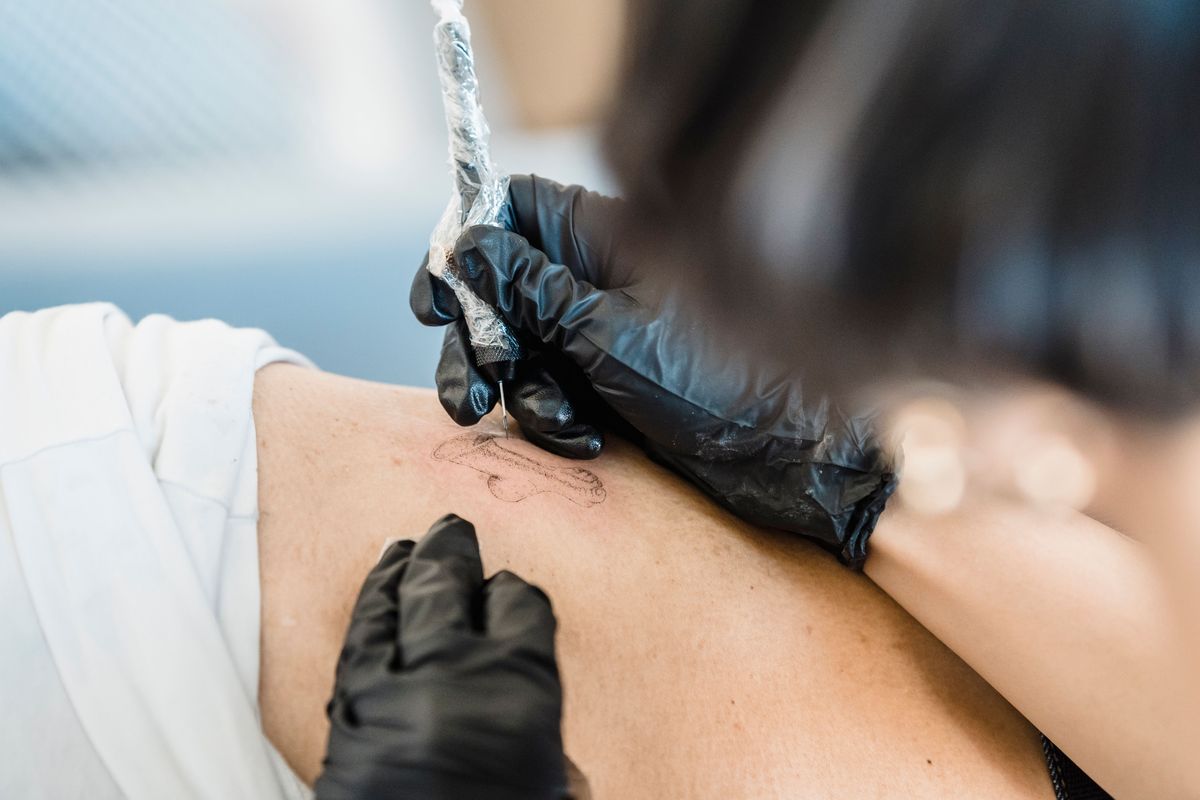
Clients do not book from a generator’s gallery. They book from your healed work on real skin, in their city, at their budget. That makes your portfolio a business tool, not a vanity page.
Instagram remains the discovery engine for tattoo studios in India: clients search a city plus a style, such as “fine line tattoo Mumbai” or “traditional tattoo Delhi”, and judge you in ten seconds. Post healed photos, not just fresh ones — fresh tattoos always look darker and sharper, and honest healed photos build trust and reduce complaints. Tag the style, the body placement and the approximate size, and keep a highlights reel per artist so a client can find “their” artist fast. Use Canva templates so every post carries the studio name, city and booking link in the same place.
Behance suits a curated portfolio: a project per style or per large piece, with the concept, the stencil, the fresh result and the healed result in one place. Indian artists are already present there, including Mumbai-based tattoo artists with Behance profiles, so a studio page there puts you alongside working professionals rather than only alongside influencers. Behance also helps if you ever want commercial or collaboration work, such as flash for a brand or a guest spot in another city.
A simple website ties it together: one page per artist, a booking button, a price-range guide, hygiene information, and aftercare instructions. You do not need a complex site — a no-code page plus your booking widget is enough. The one thing a website must do that Instagram cannot is answer the question “is this studio real, clean and bookable?” for a client who does not use Instagram.
Hygiene, safety and aftercare: the part AI cannot do
This section is general information only, not medical advice. If a client has diabetes, a bleeding disorder, an immune condition, keloid scarring, an active skin disease, or is pregnant, they should check with their own doctor before getting tattooed, and you should follow your professional training and local rules rather than any article.
Doctors quoted in Indian health coverage list the most common tattoo complications as skin infections, allergic reactions to pigments, scarring and keloid formation, and blood-borne infections when sterile practices are not followed. The risk of hepatitis B, hepatitis C and, rarely, HIV is linked to unsafe practice rather than to tattooing itself. The hygiene standards those doctors describe are non-negotiable and worth printing as a studio checklist:
- New, sealed, single-use needles and ink pots, opened in front of the client, with expiry dates checked.
- Fresh disposable gloves throughout, changed whenever the artist touches anything non-sterile.
- Machines, ink bottles and work surfaces disinfected and wrapped before every client.
- Ink poured into fresh single-use ink caps, with leftovers thrown away and never reused.
- Skin shaved with a new disposable razor and cleaned thoroughly before tattooing.
- Reusable tools sterilised with an autoclave or an approved method.
- Safe disposal of sharps and contaminated waste, never in ordinary bins.
- Clear written aftercare instructions given to every client, plus advice to seek medical help promptly if redness spreads, pus appears, or a reaction develops.
Digital tools can support this without replacing it: a printed and laminated checklist at each station, a Google Form or a booking-tool note that records the needle batch and aftercare sheet given, and a scheduled follow-up message at one week and one month to check healing and book a touch-up if needed. Never photograph a client’s medical details or store health information in a shared notes app without consent and a clear reason. Clients also commonly ask about hepatitis B vaccination, and doctors quoted in Indian coverage strongly advise keeping it up to date before getting a tattoo — point clients to their own doctor for that decision, not to a chat thread.
Using these tools in India: payments, language and pricing honesty
India-specific realities change which tool wins. Most clients will pay deposits by UPI, so whichever booking tool you pick must either support UPI or sit alongside a UPI QR code in your confirmation message — a tool that only supports international cards will cost you bookings. Language matters too: a booking page and aftercare card in Hindi, and in the local language of your city where practical, will convert better than English-only pages, and AI chat or translation tools can draft those versions for a human to check. Data costs matter as well: tools with heavy apps and large uploads frustrate clients on slow connections, while WhatsApp-based booking works on almost any phone.
Pricing honesty matters most. Several tools in this article are priced in US dollars or euros in the sources found, and Indian prices after tax, currency conversion and local promotions may differ. Some sources disagree with each other — for example, one pricing tracker could not confirm Leonardo’s paid prices from the vendor page while another listed them. That disagreement is normal for fast-changing software pricing, and it is exactly why this article says: check the official pricing page, in rupees where shown, on the day you pay. Never quote a client a price or a delivery date that depends on a tool’s free limit until you have verified that limit yourself.
What to avoid
- Do not tattoo an AI image directly. Redraw it as a stencil with correct line weight, spacing and symmetry, and check lettering character by character.
- Do not upload a client’s face, body photos or private design to a free public generator without their clear consent, and prefer tools with private mode for client work.
- Do not promise a client that an AI preview is exactly how the tattoo will look. Skin tone, placement, size and healing all change the result.
- Do not reuse needles, ink caps or razors, and do not reuse leftover ink. The saving is tiny and the risk is serious.
- Do not copy another artist’s design, flash or healed photo into your portfolio, even if an AI tool “remixed” it. Clients and other artists notice, and it damages trust fast.
- Do not buy a paid plan for every tool at once. Run one free trial at a time, measure whether it actually brings bookings or saves hours, and cancel what does not.
- Do not hide your prices entirely. A range (“small fine-line pieces from ₹X”) filters out clients who cannot afford you and saves both sides a wasted consultation.
- Do not store client health information casually in chats or shared docs. Keep only what the booking needs, with consent.
- Do not skip the deposit for large or multi-session pieces. Your time blocked is your inventory.
- Do not claim a tool is free forever. Free tiers shrink, credit systems change, and a “free” tool that holds your client list hostage is not free.
FAQ
Can AI design a tattoo for me? Yes, as a starting reference. Tools like BlackInk AI, Tatship, Perchance and Leonardo.ai can turn a description into visual concepts in minutes. A professional artist must still redraw the chosen idea as a stencil, fix lettering, symmetry and line weight, and adapt it to your body and skin before tattooing.
Which AI tattoo generator is free in India? Perchance is free for idea generation, Canva has a free tier for flash-style and text designs, Leonardo.ai offers 150 free fast tokens per day, and Adobe Firefly offers limited free daily generations. All of these work in India without a VPN at the basic level, but free limits change, so check each tool’s own site before relying on it.
Can I see how a tattoo will look on my body before getting it? Yes, approximately. Tatship offers 2D and 3D try-on previews, and Pixelbin blends a design onto an uploaded body photo with skin tone and lighting matched. Treat the preview as a guide, not a guarantee — the final result depends on placement, size, ink, skin and healing.
Do I still need a tattoo artist if I use AI? Yes, absolutely. AI cannot judge skin, stretch a stencil over a joint, choose needle groupings, manage pain and bleeding, or keep a station sterile. The artist’s skill and hygiene practice are what make a tattoo safe and long-lasting.
What should I check for hygiene in a tattoo studio? Check that needles are new, sealed and opened in front of you, gloves are fresh and changed when contaminated, surfaces and machines are disinfected and wrapped, ink goes into single-use caps and leftovers are discarded, and sharps are disposed of safely. Ask about autoclave sterilisation for reusable tools and read the aftercare sheet before you book.
How do tattoo studios in India take bookings and deposits? Most use Instagram or WhatsApp for enquiries, plus a booking tool such as EasyWeek or Blisie for artist schedules, deposits, reminders and rescheduling. Deposits are commonly collected by UPI. Always get the deposit terms, rescheduling cutoff and touch-up policy in writing before paying.
Is it safe to get a tattoo if I have diabetes, keloids or an immune condition? This is a medical question, not a design question. General health coverage advises people with active skin disease, keloid history or weakened immunity to be cautious and to consult their own doctor first. A responsible studio will ask about these conditions and may decline or refer you rather than risk harm.
How much does a tattoo cost in India? It varies widely by size, detail, placement, artist experience and city, and this article deliberately gives no fixed price because studio rates change and a quote without seeing the design would mislead you. Ask your chosen studio for a range after sharing the design, size and placement, and confirm whether touch-ups and taxes are included.
Can AI help with tattoo aftercare? AI can draft aftercare cards, reminder messages and follow-up checklists, and Canva can lay them out cleanly. But aftercare advice for a specific client — especially if redness spreads, pus appears or an allergic reaction develops — must come from the studio and, where needed, a doctor, not from a chatbot.
What is the best portfolio platform for a tattoo artist? Instagram for discovery and daily healed work, Behance for a curated long-form portfolio, and a simple website with a booking button to tie them together. Post healed photos alongside fresh ones, tag style and placement, and keep one highlight or page per artist.
Final verdict
Start with Perchance and Canva for free ideas, add BlackInk AI or Tatship for try-ons, and run bookings on EasyWeek or WhatsApp. That stack covers design, preview, booking and portfolio without a big monthly bill, and it keeps the artist — not the algorithm — in charge of the stencil, the station and the safety. Check each tool’s official pricing page before paying, because free limits and prices change, and judge every tool by one test: does it bring real bookings or save real hours in your studio?
Image credits:
- A tattoo artist tattooing a client’s arm in a studio — Pexels — Antoni Shkraba — Pexels License
- Close-up of a tattoo artist inking a fine-line design on a client’s skin — Pexels — Michael Burrows — Pexels License
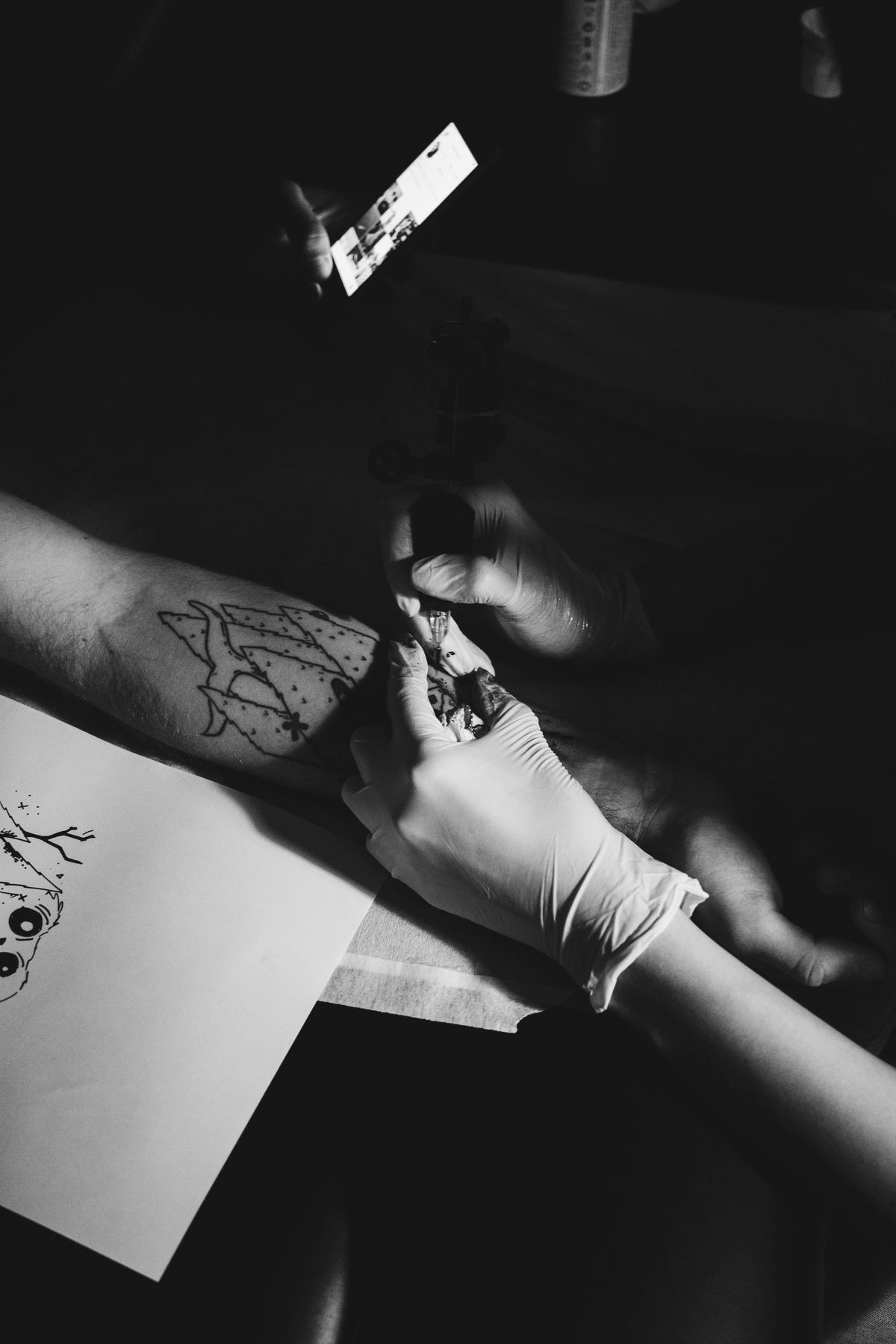
- A tattoo artist working on a client’s forearm in black and white — Pexels — Djordje Petrovic — Pexels License