
AI tools for caterers in India: menus, orders, staff and events made easier
Published , Updated , 21 min read
Running a catering business in India is not one job, it is five jobs happening at the same time. A client wants a menu and a quotation today, the kitchen needs quantities for 300 guests tomorrow, staff need to know where to report and at what time, the venue needs a layout and a serving plan, and somewhere in between you need photos that make the food look as good as it tastes. Most caterers do all of this on phone calls and WhatsApp chats, and that works until two weddings fall on the same weekend, a guest count changes at the last minute, or a helper does not turn up. AI tools do not cook the food and they do not replace tasting sessions, but they do take over the repetitive writing, calculating, organising and designing work that eats up a caterer’s day.
The short answer for India is this: use ChatGPT free for menus, quotations, client messages and staff briefs, because it is the most versatile free AI for writing and planning work. Use Canva free for menu cards, quotation PDFs and event posters, because it has templates and a free plan that works in India. Use WhatsApp Business free for enquiries, catalogues, labels and quick replies, because that is where most Indian clients already talk to you. Use Trello free for event checklists and staff tasks, because its free plan covers small teams. Use Google Business Profile free so nearby clients can find you, read reviews and see your photos. Use Caterease only when you run enough events to justify a paid, catering-specific system, because its published pricing starts at 99 US dollars a month billed annually, with no free plan shown in the checks, and you should confirm India availability and payment terms before paying. Everything else in this article is for a specific job, not for every caterer.
This article is written for India on purpose: vegetarian and non-vegetarian menus, Jain and no-onion-garlic requests, regional dishes from biryani to dhokla to appam, guests counted in plates and in heads, UPI payments, FSSAI and GST realities, a normal phone and laptop, and no assumption that you have a paid plan, an agency or a US account. It also carries two warnings that matter for caterers more than for most businesses. First, never show food you do not serve. AI can clean up a photo, but it must not invent a dish, a portion size or an ingredient, because a client who is served something different from the photo will complain in front of 300 guests. Second, never let AI invent a price, a quantity or a food-safety rule. Check every number against your own rates and your own recipes, and check food-safety and licensing questions against official FSSAI sources or a qualified professional, because this article is general information only, not professional advice. Prices and free limits change often, so re-check the official pricing or help page of any tool before you pay for it or promise a deadline around it. Where sources disagree, this article says so rather than picking the convenient number.
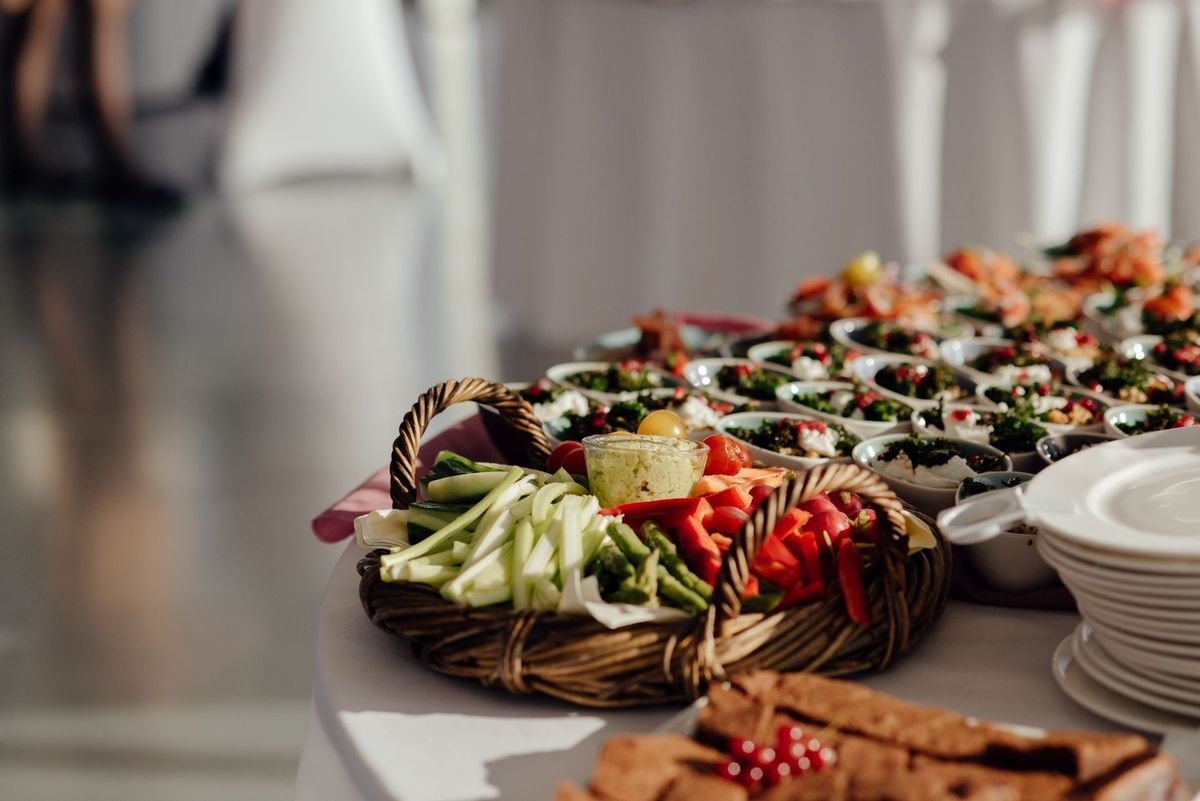
The short answer, in one table
| Job | Best free tool | Free limit or price to watch |
|---|---|---|
| Menu writing, quotations and client messages | ChatGPT free | Free tier with GPT-5.6 Luna, uploads and image creation; Plus has higher limits |
| Menu cards, quotation PDFs and posters | Canva free | Free at US$0, 1 Brand Kit with 3 colours only; Pro US$144 a year per person |
| Enquiries, catalogue and quick replies | WhatsApp Business | Free to download and use, with a mix of free and paid features; some features vary by market |
| Event checklists and staff tasks | Trello free | Free for up to 10 collaborators per Workspace, up to 10 boards per Workspace |
| Food photo cleanup | Photoroom free | Free plan limited, lower export limits, personal non-commercial use only |
| Reviews, photos and discovery on Google | Google Business Profile | Free listing with reviews, photos and menu showcase |
| Guest counts, quantities and feedback | Google Sheets and Google Forms | Free with a Google account, within Google account storage limits |
| One paid system for leads, menus, staffing and payments | Caterease | Express from $99 a month billed annually; confirm India availability before paying |
ChatGPT: menus, quotations and client messages
ChatGPT is the first tool to try because a caterer writes more than a caterer cooks, at least on paper. A menu draft, a quotation email, a WhatsApp reply to a client asking for a Jain menu, a staff briefing for Saturday, a shopping list for 250 guests, a thank-you note after the event: all of these start as writing, and ChatGPT turns a rough note into a clean draft in a minute. According to OpenAI’s own help pages, the free tier gives users GPT-5.6 Luna, web search, file uploads, data analysis, GPTs and image creation, with a 500 MB library, while separate usage limits apply to uploads, image generation, voice and analysis, and Plus users get higher rate limits. In practice that means everyday text chats are effectively unlimited for a small caterer, but heavy image or file work can hit a limit and you will be told when it happens.
Use it for menu work in a specific way. Give it your real constraints: number of guests, vegetarian and non-vegetarian split, budget per plate, regional preference, dietary restrictions, service style, and your own dishes. Ask for three menu options at three price points, then edit the result with your own dishes and your own rates. Never paste a ChatGPT price into a quotation without checking it, because it does not know your paneer rate this week or your transport cost to that venue. The same rule applies to quantities. ChatGPT can scale a recipe from 20 servings to 300 and list ingredients, but you must check the result against a recipe you have actually cooked at scale, because large-quantity cooking does not scale in a straight line: spices, salt, water and cooking time all behave differently in a handi than in a home kadhai.
ChatGPT is also useful for the messages around the food. Draft a polite reply when a client says your quotation is too expensive, a follow-up message three days after a tasting, a checklist message for staff, and a feedback request after the event. Keep client messages human: read every draft before sending, fix names, dates and prices, and never send an automated message that pretends to be a personal note. Clients hire a caterer they trust, and a generic message at the wrong moment costs more than the minute it saved.
One more honest limit: ChatGPT’s free tier model and limits change over time, and OpenAI says so on its own help pages. If a feature you rely on moves to a paid plan, that is normal, not a fault in your workflow. Keep your menus, rates and client lists in your own files, not only inside a chat, so a plan change never locks you out of your own business.
Canva: menu cards, quotation PDFs and posters
A catering menu is sold twice: once when the client reads it and once when guests see it at the event. Canva’s free plan handles both. It has menu templates, poster templates and quotation layouts that you can edit on a phone, add your business name and phone number to, and export as a PDF for WhatsApp or as an image for status. Canva’s own India pricing page lists the free plan at US$0 with 1 Brand Kit limited to 3 colours, and Pro at US$144 a year for one person with 5 Brand Kits and premium photos, videos, graphics and audio. For most small caterers the free plan is enough to start, because your menu card needs your dishes, your prices and your contact details, not premium stock photos.
Design with restraint. Use one clean template for all your menus so clients recognise your brand, keep the font large enough to read on a phone screen, put vegetarian and non-vegetarian sections clearly apart, and mark Jain, vegan and allergy notes honestly. A common mistake is designing a beautiful menu card with dishes you cannot cook at scale, or with photos that are not your food. Use your own event photos, even if they are simple, because a client who has tasted your food trusts a real photo more than a glossy stock image. When you do use Canva’s AI features, check the output the same way you check a ChatGPT draft: spelling of dish names, correct prices, correct phone number, and no invented dish.
Canva also works for the small marketing jobs around catering: a Diwali offer poster, a wedding-season status image, a stall banner for a food exhibition, and a simple rate card for corporate lunch packages. Make one design, save it, and reuse it with new dates rather than designing from scratch every time. That consistency is what makes a small catering brand look professional without an agency.
WhatsApp Business: where Indian clients actually enquire
Most Indian catering enquiries do not arrive by email. They arrive on WhatsApp, often as a forwarded photo, a voice note, or a short message like “25th ko 200 logon ka rate bhej do.” WhatsApp Business is built for exactly that. According to its own store listing, it is free to download and use with a mix of free and paid features, and it gives you a business profile, a product catalogue, automated greeting and away messages, quick replies for frequently asked questions, and labels to organise chats by status such as new enquiry, tasting done, advance received or event completed. One secondary guide notes the catalogue supports up to 500 products and that the app suits businesses handling roughly 50 to 100 conversations a day, with one user at a time and no API access, which is a fair description of a small caterer’s reality.
Set it up properly before the wedding season. Fill in your business profile with your city, service areas, working hours and a short description. Build a catalogue with your menu packages rather than single dishes, because clients compare packages: a vegetarian wedding package, a corporate lunch package, a birthday package and a live-counter add-on list. Write quick replies for the five questions you answer every week: per-plate rate, minimum order, tasting charges, advance percentage, and service areas. Use labels from the first enquiry, not after the event, so that no advance payment or pending menu approval is ever lost in a long chat list.
Be careful with two things. First, some WhatsApp Business features, including in-app orders and payments, are marked as not available in all markets, so check what works on your own phone before promising a client an in-app payment or order flow. Second, WhatsApp is not your record system. A chat can be deleted, a phone can be lost, and a staff member can leave with the phone. Once an event is confirmed, move the final menu, guest count, venue, timings, advance and balance into a sheet or a Trello board, and keep WhatsApp for conversation, not as the only copy of the booking.
Trello: event checklists and staff tasks
A catering event is a checklist with a deadline, and Trello turns that checklist into boards your whole team can see. Create one board per event, with lists for booking, menu finalised, shopping, cooking, transport, service and billing. Add a card for every task, assign it to a person, set a due date, and attach the final menu or venue photo to the card. Trello’s own pricing page lists the free plan at US$0 for up to 10 collaborators per Workspace, with up to 10 boards per Workspace, unlimited cards, unlimited storage at 10 MB per file, and 250 Workspace command runs a month. That is enough for a caterer running a handful of events at a time with a small team.
The real value is not the app, it is the habit. On event day, the person in charge opens the board and sees what is done, what is pending and who is responsible, instead of calling five people. After the event, move the board to a completed list and keep it, because next year the same client or the same venue will ask for the same menu and you will have the quantities, the staff count and the problems already written down. If your team grows beyond 10 boards or 10 collaborators, that is the moment to look at a paid plan or a catering-specific system, not before.
Trello also works for the weekly rhythm of a catering business: a board for enquiries, a board for tastings, and a board for repeat corporate clients. Keep boards few and names clear. A board called “December events” helps; a board called “Stuff” helps nobody, especially not a helper opening it at 6 in the morning before a 300-guest lunch.
Google Business Profile: being found by nearby clients
Clients search for caterers the way they search for restaurants: “caterers near me”, “veg caterers in Indore”, “corporate lunch catering”. A free Google Business Profile listing puts your business on Google Search and Maps with photos, reviews, your phone number and a menu showcase. It costs nothing, it takes under an hour to set up properly, and it keeps working while you are busy at an event. Add real photos of your setups and your food, reply to every review politely, including the unhappy ones, and keep your hours and service areas current.
Reviews deserve a special note for caterers. One bad review about late service or cold food hurts more than a bad review about a single dish, because an event client is trusting you with their biggest day. Reply calmly, state what you will fix, and take the detailed discussion offline. Never ask friends to post fake reviews, and never offer a discount in exchange for a review, because both damage the trust that a catering business runs on. A profile with twenty honest reviews and a few thoughtful replies is worth more than a profile with two hundred suspicious ones.
Google Sheets and Google Forms: quantities, bookings and feedback
Before buying any software, build your catering system in Google Sheets and Google Forms, because they are free with a Google account and your whole team already knows how to open them. A booking sheet with columns for date, client, venue, guest count, menu, advance, balance and status prevents the most common catering disaster: two events booked for the same team on the same day. A quantity sheet with your own recipes, scaled by guest count, prevents the second most common disaster: running short of the main dish at a wedding.
Google Forms handles the jobs that otherwise arrive as messy WhatsApp messages. Send a short enquiry form that asks for date, city, guest count, vegetarian split, budget per plate and service style, so every enquiry arrives in the same format. Send a feedback form after the event that asks about food quality, service, timing and value, and read the answers every month to find the one problem that keeps repeating. Keep one master copy of each sheet, share edit access only with people who need it, and download a backup copy every month, because a sheet that only one phone can open is not a system.
Photoroom: food photos without a studio
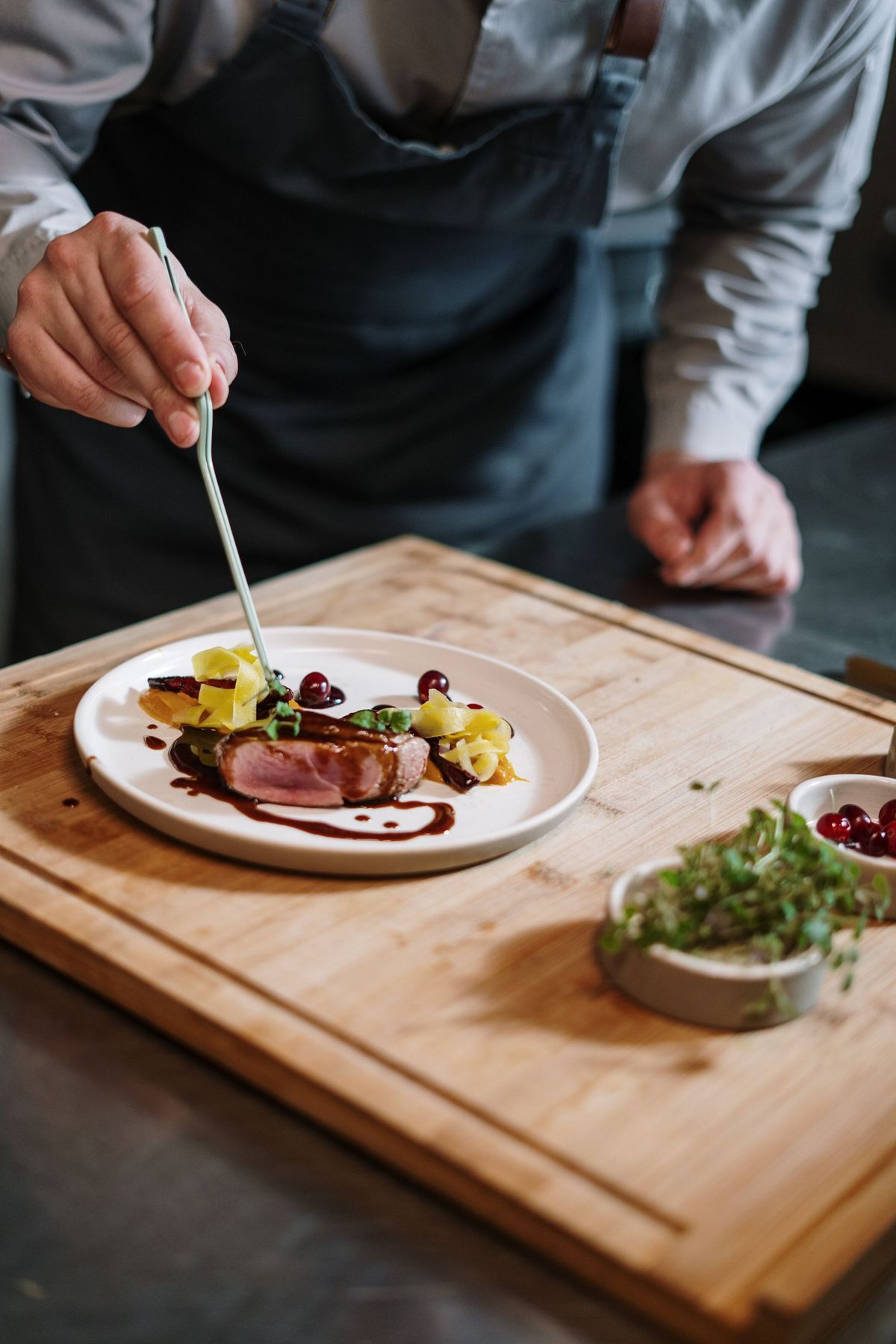
Good food photos win catering enquiries, and Photoroom cleans up phone photos by removing backgrounds and improving presentation. That is genuinely useful for a menu card, a catalogue item or a status post. But its free plan needs careful reading: earlier checks found it limited, with lower export limits and marked for personal, non-commercial use only, with Pro at US$7.50 a month billed yearly. That means a caterer who uses the free plan for commercial menu cards may be outside its terms, so check the current Photoroom pricing and terms page before relying on it for business use, and consider Canva or your phone’s own editor for commercial photos if the terms do not suit you.
Whatever editor you use, follow one rule: edit light, colour and background, never the food itself. Do not add garnish that was not there, do not change the portion, and do not use an AI-generated dish photo as if it were your cooking. Clients compare the photo with the plate in front of them, and in catering that comparison happens in front of hundreds of guests.
Caterease: the paid, catering-specific option
Caterease is different from every tool above because it is built for caterers, not adapted from a general tool. Its own site describes it as an all-in-one solution for leads, event prints, staffing and payments, with wizard-driven event and client management. Its published pricing lists Express at $99 a month billed annually with no modules included and $28 a month per additional user, and Professional at $199 a month billed annually. That is a serious monthly cost in rupees, and it is priced in dollars, so a small Indian caterer should treat it as a business decision, not a casual signup.
Caterease makes sense when free tools start breaking: more than a few events a month, a team that needs one shared system, repeat corporate clients who need consistent quotations, and a owner who spends more time chasing paperwork than meeting clients. It does not make sense for a caterer doing one or two events a month, because Trello, Sheets and WhatsApp already cover that volume for free. Before paying, confirm three things on the official site: whether the service and payment work smoothly from India without a VPN, whether the trial covers your real event workflow rather than a demo, and what happens to your data if you cancel. Where sources disagree about a catering platform’s features or pricing, trust the official pricing page on the day you pay, not a review article from last year.
Using AI in India: menus, language, money and staff
India changes how every tool above should be used. Menus are regional first: a Delhi wedding menu, a Chennai corporate lunch and a Lucknow family function share almost nothing except rice and a sweet dish. Build menu templates per region and per occasion, and use AI to adapt a template, not to invent a regional menu from scratch. Language matters too: many clients discuss food in Hindi, Hinglish or a regional language and confirm in English. Draft in the language the client uses, confirm prices and dates in writing in both languages if needed, and never let a translated dish name change the dish itself. A “paneer butter masala” that becomes something else in translation is a complaint waiting to happen.
Money needs the same discipline. Quote per plate clearly, state what is included and what is extra: transport, service staff, crockery, live counters, GST and overtime. Take advance in writing, record it in your booking sheet the same day, and send a receipt on WhatsApp. AI can draft the quotation, but only you know your margin, and a quotation that wins the event but loses money is worse than a quotation that loses the event. For staff, use AI to write clear briefs: reporting time, venue address with a map link, dress code, duties and the contact person. A helper who knows exactly where to go and what to do is worth more than any scheduling software.
Staffing is also where AI should stay in its lane. Use it to draft rosters, checklists and training notes, but do not use it to decide pay, handle a dispute or judge a worker’s performance. Those are human decisions, and in a small team they are also trust decisions. The same applies to food safety: AI can draft a hygiene checklist, but FSSAI licensing, trained supervisors and safe handling at the venue are legal and professional matters. Secondary sources checked for this article note that caterers fall under a State Licence regime rather than the smallest registration route, with fees and turnover bands that change by amendment, so check the current FSSAI position or a qualified professional before relying on any single article, including this one, for licensing.
What to avoid
Avoid the free-tool trap of signing up for ten tools and using none of them properly. Pick four tools, use them for a month, and only add a fifth when a real event exposes a gap. Avoid putting client phone numbers, addresses and payment details into every AI chat without thinking, because a chat history is not a secure customer database; keep sensitive details in your own booking sheet with limited sharing. Avoid AI-generated menus that list dishes your kitchen has never cooked, because a tasting will expose them. Avoid promising a deadline, a dish or a price that an AI tool suggested but you have not verified, because the client holds you to the promise, not the tool. Avoid copying another caterer’s menu card, photos or brand name with an AI rewrite, because that is still copying. And avoid believing any single price or limit in this article without re-checking it: tools change their plans often, and the official pricing or help page on the day you pay is the only version that matters.
Frequently asked questions
Which free AI tool should a caterer in India start with? Start with ChatGPT free for menus, quotations and client messages, because it covers the most catering jobs in one place. Add Canva free for menu cards and WhatsApp Business for enquiries in the same week, so writing, design and client conversation are all covered without paying anything.
Can AI plan a full menu for a 300-guest Indian wedding? AI can draft the menu, scale recipes and list ingredients, but it cannot finalise a 300-guest menu on its own. You must check every dish against what your kitchen can cook at scale, adjust spices, salt and quantities from experience, confirm dietary restrictions with the client, and run a tasting for the main dishes before the event.
Is Caterease available and worth it in India? Caterease is a catering-specific system with published pricing from $99 a month billed annually, but this article could not confirm India-specific pricing, payment or support terms from the sources checked. Check the official Caterease pricing and support pages and run a trial on a real event before paying, and only pay when your event volume makes free tools genuinely insufficient.
How do I take catering bookings on WhatsApp without losing them? Use WhatsApp Business labels and quick replies for enquiries, then move every confirmed booking into a sheet or Trello board with date, venue, guest count, menu, advance and balance. WhatsApp is for conversation; the sheet or board is the record, because a chat can be deleted and a phone can be lost.
Can I use AI food photos in my menu card? Use AI only to clean up photos of your own food, not to invent dishes you do not serve. A photo that shows a different dish, portion or garnish from what guests receive will damage your reputation at the event itself, which is the worst possible moment for a complaint.
Do I need an FSSAI licence for a small catering business? Catering is a food business and secondary sources checked for this article indicate caterers fall under a State Licence regime rather than the smallest registration route, but fees, turnover bands and training requirements change by amendment. This article is general information only, not professional or legal advice, so check the current official FSSAI position or a qualified professional for your exact situation before operating.
How much should a small caterer spend on AI tools each month? Start at zero, with ChatGPT free, Canva free, WhatsApp Business and Trello free, and spend only when a paid plan removes a real bottleneck, such as Canva Pro for brand kits or Caterease for high event volume. Re-check official pricing before paying, because free limits and prices change often.
Can AI manage my catering staff roster? AI can draft rosters, shift messages and checklists, and Trello can track who is assigned to each task, but final staffing decisions, pay and dispute handling should stay with you. Confirm every roster directly with staff before event day, because an AI draft that nobody confirmed is not a roster.
Final verdict
Start free with ChatGPT, Canva, WhatsApp Business and Trello. Pay for Caterease only when events are frequent enough to need one catering system.
If you also run a restaurant or plan events, the companion guides on AI tools for restaurants in India and AI tools for event planning in India cover the overlapping jobs of menus, bookings and guest management. For the wider small-business picture, see AI tools for small business in India.
Image credits: